
Members
94The best WordPress membership and user role editor plugin. User Roles & Capabilities editor helps you rest...
Free
300k+ installs 4.9★ (1,274)
The best order export import plugin for WooCommerce. Easily import and export WooCommerce orders and WooCommerce coupons using CSV.
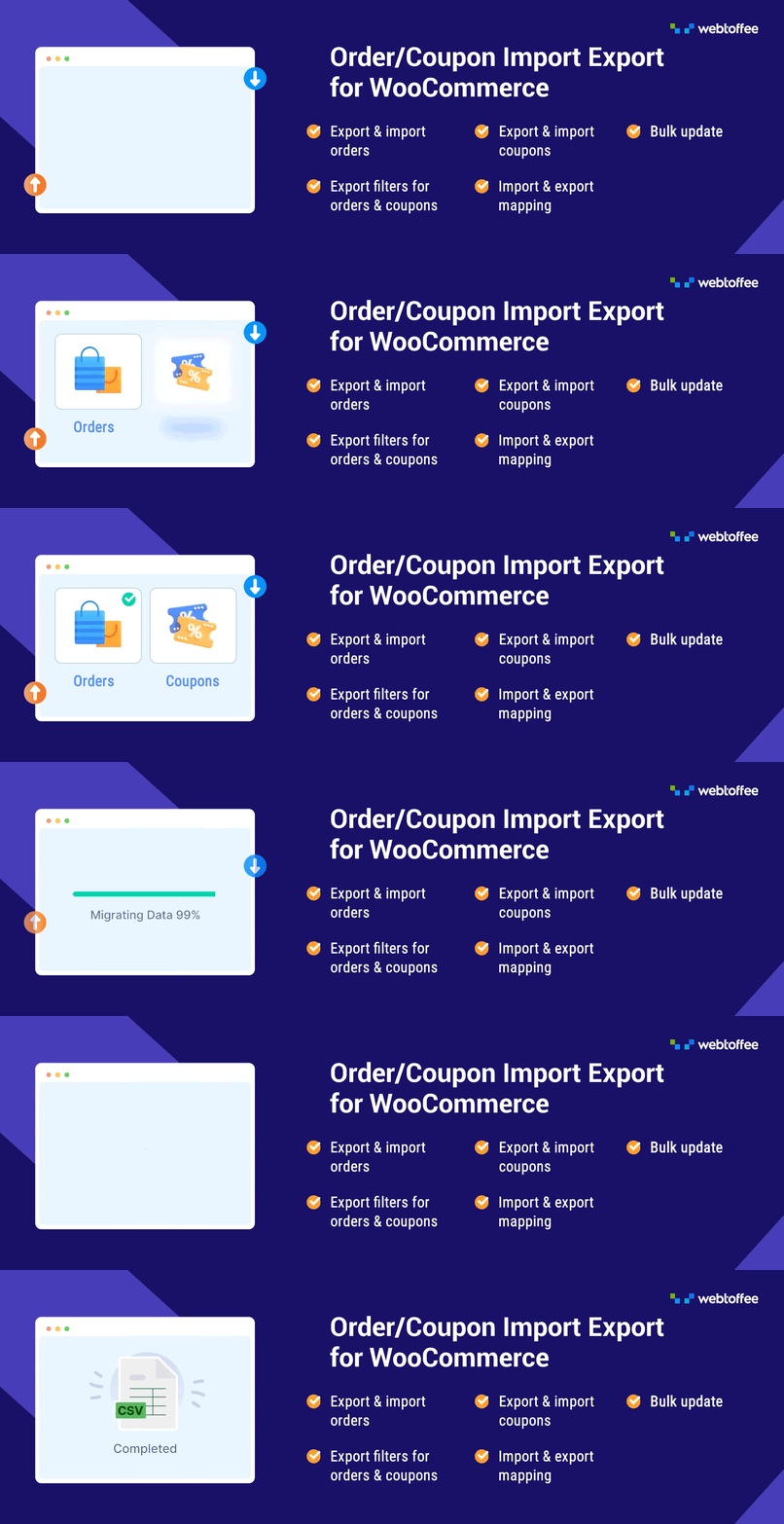
Order Export & Order Import for WooCommerce is a WordPress plugin designed to facilitate the transfer of order and coupon data between WooCommerce stores or from other platforms. It allows you to export and import orders and coupons in bulk using CSV files, which can save time and reduce errors during data migration.
This plugin is suitable for WooCommerce store owners who need to manage large volumes of orders and coupons efficiently. It offers features such as selective column import, bulk updates, and various export filters to streamline the process of managing order and coupon data.
Best for: WooCommerce store owners looking to efficiently manage order and coupon data.
What it does well
Where it falls short
This plugin provides essential tools for exporting and importing order and coupon data, making it a practical choice for those needing to handle large datasets in WooCommerce.
WebToffee's own description of Order Export & Order Import for WooCommerce, lightly tidied.
The Order Export Import Plugin for WooCommerce makes it easy to move order data between stores or from another platform to WooCommerce. Instead of manually transferring orders, you can quickly export and import orders in bulk, saving time and avoiding errors. The plugin safely handles thousands of orders including subscription orders (in the premium version), so you can keep your order history and customer details intact during migrations or store updates.
The plugin also works as a coupon export and import tool, making it easy to move all your coupons from another store or marketing campaign. If you manage a large number of coupons, this feature helps you bulk import coupon CSV files or export coupon data. It’s a simple way to keep your discount codes organized and consistent across different platforms.
The following are functionalities offered by the basic version of the WooCommerce order import and order export plugin.
🔸 Export Orders: WooCommerce export orders to CSV.
🔸 Import Orders: Import orders from CSV to WooCommerce.
🔸 Export Coupons: Export coupons to CSV.
🔸 Import Coupon CSV: Import coupons from CSV to WooCommerce.
🔸 Selective Column Import: Supports importing selected columns from the order import CSV file.
🔸 Bulk Updates: Bulk update WooCommerce orders and coupons.
🔸 YITH Compatibility: Compatible with YITH WooCommerce Order Tracking plugin.
🔸 Export Filters: Supports various export orders filters (order status, product, coupon, customer, date range) for order export to CSV.
✅ Tested OK with WordPress 7.0
✅ Tested OK with WooCommerce 11.0.1
✅ Tested OK with PHP 8.3
Additional features of the order import and WooCommerce order export plugin that will help you in the CSV export and import process:
🔸 Import and export WooCommerce orders in batches.
🔸 Import coupons from CSV and export coupons to CSV.
🔸 Create a pre-saved template for quick and easy export of orders and coupons.
🔸 Mapping and re-ordering of export columns.
🔸 Export orders starting after an offset value.
🔸 Skip or update existing orders/coupons while importing.
🔸 Create and maintain import and export history with options to re-run, view logs, and delete an entry.
🔸 Log of the import and export will help in identifying what went wrong for debugging purposes.
🔸 Auto-suggestion of coupon codes making coupon-based filtering easier.
🔸 Export Subscription orders to a CSV file.
🔸 Import Subscription orders from a CSV file.
More information about the setup of the plugin and a sample CSV that is taken as input by the plugin are given in the free order export import plugin setup guide.
✅ Flexible Export Formats: Export WooCommerce orders, subscriptions and coupons to CSV/XML/Excel (XLS/XLSX) file formats.
✅ Versatile Import Formats: Import WooCommerce orders, subscriptions and coupons using CSV/XML/Excel (XLS/XLSX) file formats.
✅ Subscription Order Management: Import and export subscription orders to streamline recurring order handling and save time.
✅ Custom Field Support: Import and export custom fields, including data from third-party plugins, for complete and flexible order management.
✅ Third-Party Plugin Compatibility: Works with popular third-party plugins to ensure smooth import and export across your store setup.
✅ Column Mapping: Map columns to WooCommerce order or coupon fields, allowing imports from any CSV format.
✅ FTP Integration: Import and export orders directly via FTP for easy remote file transfers and automated workflows.
✅ Automated Imports & Exports: Use Cron Jobs to automatically import and export on a set schedule, without manual work.
✅ Dedicated Support: Get expert assistance to help you set up and manage imports and exports with ease.
For complete list of features and details, please visit Order Export Import Plugin for WooCommerce.
Note: Please note that the below section applies to our free version and premium version. While the flow is the same, some of the features are only available in the premium version.
Other plugins for moving data.
The best WordPress membership and user role editor plugin. User Roles & Capabilities editor helps you rest...

Manage all your WordPress updates, including individual updates, automatic updates, logs, and loads more. This...

Redux is a simple, truly extensible, and fully responsive options framework for WordPress themes and plugins....

🌠 Shorten, brand, and track any URL on your own domain. Keep your links — and your data — where they belong....

Export WooCommerce orders to Excel, CSV, XML, JSON, PDF and HTML. Best free order export plugin for WooCommerc...

Easily export or import your WordPress customizer settings!