
Join millions who empower their websites with ElementsKit Elementor Addons. Get templates, & 100+ widgets...
Free
1M+ installs 4.9★ (2,036)
The Widget Area Block allows for multiple custom Widget Areas to be created on any page or post using the Gutenberg block editor.
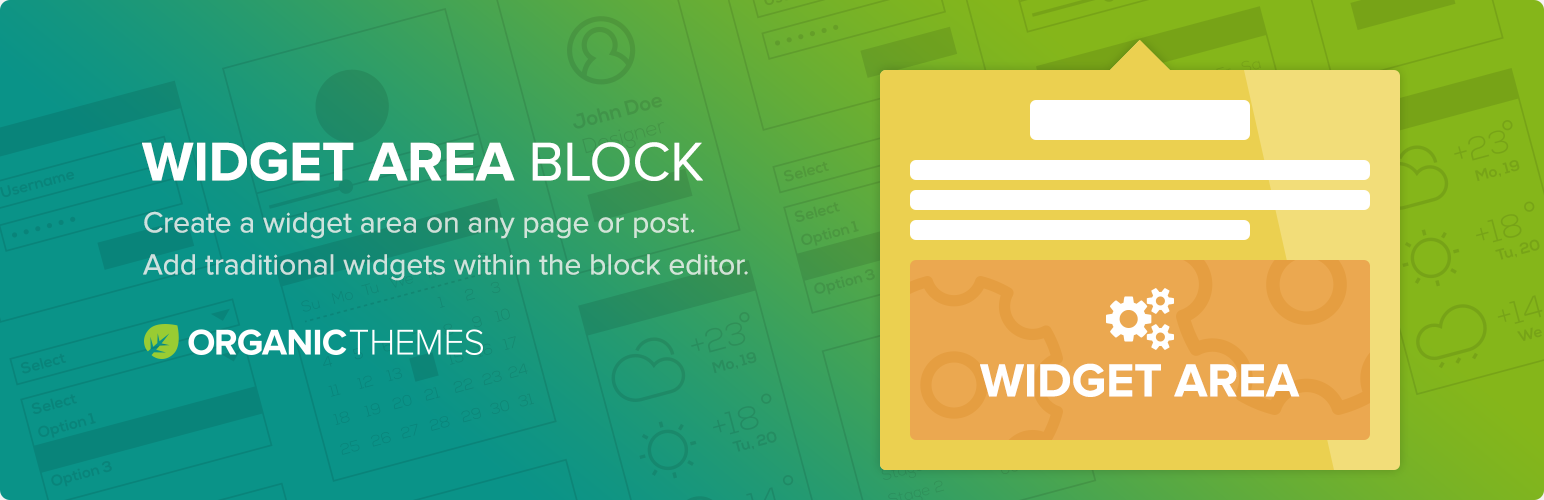
The Organic Widget Area Block is a WordPress plugin that enables you to create multiple custom widget areas on any page or post using the Gutenberg block editor. It allows traditional widgets to be used alongside blocks, addressing the limitation of the WordPress 5 block editor where certain widgets are not compatible.
To use the plugin, you simply add the Widget Area Block to your content, name your custom Widget Area, and then use the WordPress Customizer to add widgets to that section. This plugin is particularly useful for users who want to enhance their pages with dynamic content by combining widgets and blocks.
Best for: This plugin suits users looking to enhance their WordPress site with custom widget areas and dynamic content.
What it does well
Where it falls short
The Organic Widget Area Block offers a solution for integrating traditional widgets into the Gutenberg editor, though its directory score suggests users should proceed with caution.
Organic Themes's own description of Organic Widget Area Block, lightly tidied.
The Widget Area Block allows for multiple custom Widget Areas to be created on any page or post using the Gutenberg block editor. As a result, traditional widgets can be used along side blocks within your content. The plugin can be used to create new sidebars within layout blocks, or add widgets directly within your content.
There are many useful widgets that cannot be used with the WordPress 5 block editor. This custom block is designed to remedy that problem.
Simply add the Widget Area Block anywhere within your content. Then, name your custom Widget Area. Then, click the Customizer View button to add widgets to that section within the WordPress Customizer.
This block work perfectly with the Organic Builder Widgets Pro builder plugin. So, widgets and blocks can be used side-by-side to create dynamic page content.
Video Demo:
The Organic Blocks Bundle includes several premium blocks for the Gutenberg editor. The collection of blocks are designed to work with any WordPress theme.
Follow the simple steps below to use the Widget Area Block:
Other plugins for widgets and sidebars.
Join millions who empower their websites with ElementsKit Elementor Addons. Get templates, & 100+ widgets...

Elementor templates, Header footer builder, Elementor Post Grid, Woocommerce Grid builder, Slider, Forms, Gall...

Flexible sidebars for custom classic widget configurations on any page or post. Create custom sidebars with ea...
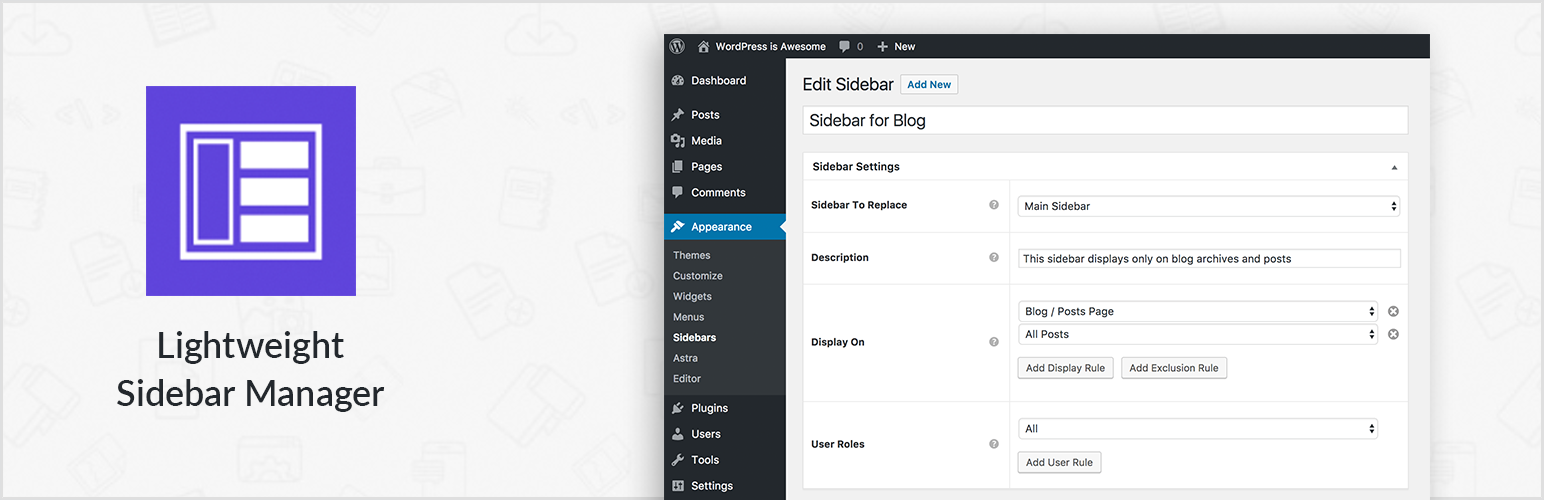
Create new sidebar areas and display them conditionally on certain pages. Works with all themes.
3000+ Elementor & Gutenberg Templates, AI Widget Builder, AI Code Snippets, MCP Workflow, Cloud Workspace...
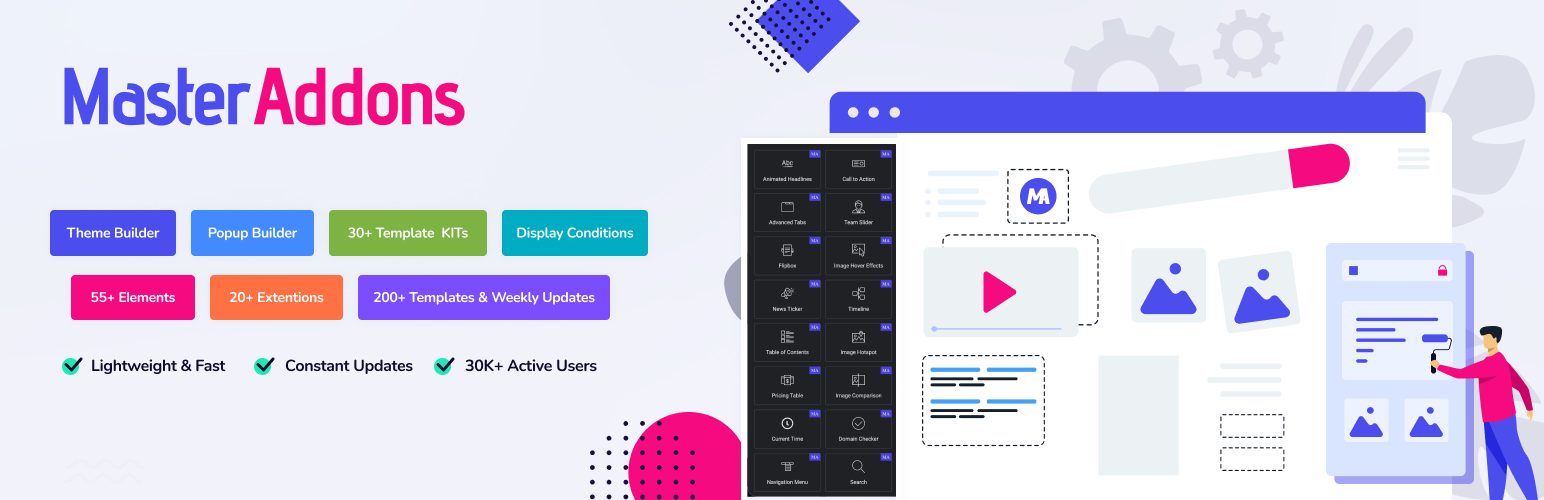
The complete Elementor addons plugin: 55+ widgets for Elementor, Mega Menu Builder, Popup Builder, Widget Buil...