
Join millions who empower their websites with ElementsKit Elementor Addons. Get templates, & 100+ widgets...
Free
1M+ installs 4.9★ (2,036)
Curate, build, and manage your block patterns, registered patterns, synced patterns, and pattern categories efficiently with Pattern Wrangler.

Pattern Wrangler is a WordPress plugin designed to help manage and organise block patterns and their categories. It is particularly useful for users handling extensive pattern libraries, allowing for easy control over what clients see in the block editor. The plugin supports both classic and modern themes and is compatible with various page builders through shortcode and PHP snippets.
Key features include a comprehensive pattern grid view, the ability to hide or disable patterns individually or in bulk, and tools for managing pattern categories. Additionally, it offers version control for patterns, real-time previews, and cross-site pattern copying, making it suitable for developers and site managers who require efficient pattern management.
Best for: This plugin suits developers and site managers who need to manage complex block pattern libraries.
What it does well
Where it falls short
Pattern Wrangler provides a robust solution for managing block patterns in WordPress. It is particularly beneficial for those who work with extensive pattern libraries and require detailed control over their visibility and organisation.
Ronald Huereca's own description of Pattern Wrangler, lightly tidied.
Pattern Wrangler, a pattern manager, helps curate a bloated pattern library, and makes managing a complicated WordPress block pattern library a breeze. If you manage dozens of layouts, are in love with reusable blocks (or synced patterns), you will love this plugin.
This handy plugin is designed for both classic and modern themes, block themes (including FSE – Full-site editing), and is compatible with page builders through its shortcode support and PHP code snippets. Pattern Wrangler allows you to manage a complicated and heavy library for your clients, controlling down to the block pattern and category what the client sees in the block editor when building layouts.
The plugin features several pattern builder helpers, such as duplicating a pattern, deleting reusable blocks, copying theme templates to a synced pattern, version control snapshots (similar to pattern revisions), and much more. This not only helps you manage patterns, but build them as well.
Here are the major features:
Available features include:
Available features on the Pattern Categories screen include:
All Features and Documentation | Sponsor Us | Pattern Wrangler Home
Source code is available on GitHub. Code contributions and sponsorships appreciated.
Requires WordPress 6.8 or higher. 6.9 is recommended.
This plugin is fully compatible with most themes, including block themes and the Full-Site Editor. It is ideal for hybrid setups (blocks + classic) and/or page builders. A common use-case is if you need to use a block plugin in a non-block layout. You can create a new pattern, configure the block, and use the built-in shortcode to display it. If you need to use the pattern in a template, you can use the built-in PHP function, which is available for all unsynced and synced patterns. If you’re on a network, the built-in shortcodes and PHP functions work network-wide, so you can have a synced pattern from Site A show up on Site B.
This plugin has been tested almost exclusively with the Ollie theme, which is a phenomenal block theme. All the 202x themes have also been tested, as well as Blocksy, Astra, and GeneratePress.
Other plugins for building pages visually.
Join millions who empower their websites with ElementsKit Elementor Addons. Get templates, & 100+ widgets...
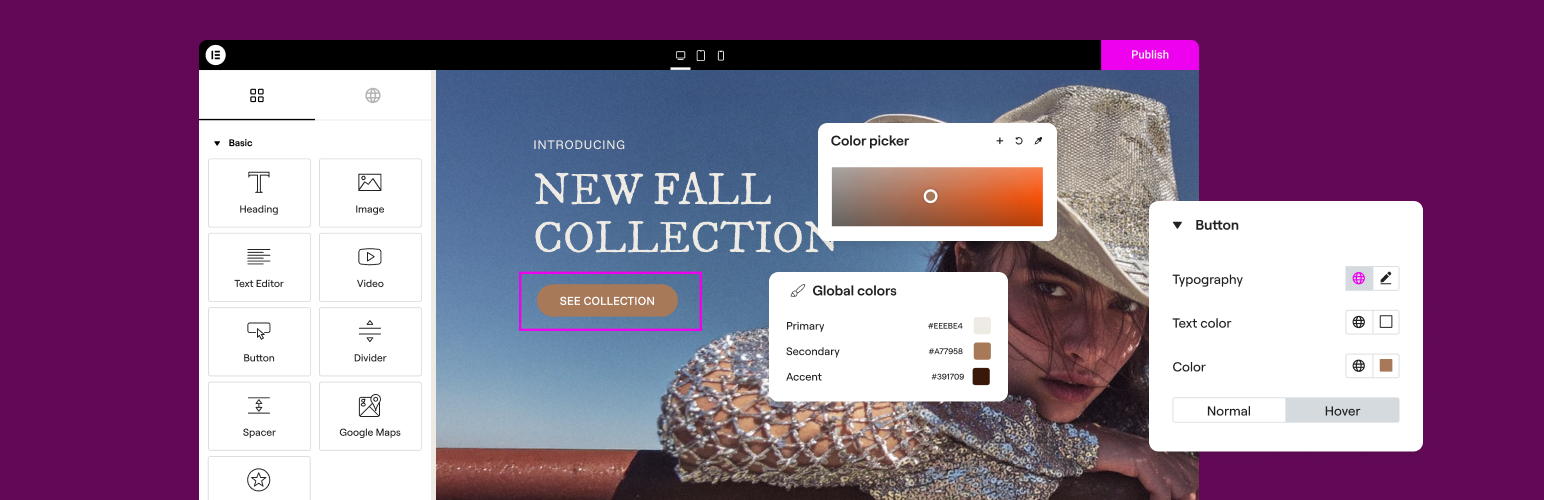
The Elementor Website Builder has it all: drag and drop page builder, Atomic Editor, pixel perfect design, glo...

The growing library of 300+ ready-to-use templates that work with all WordPress themes including Astra, Hello,...

Easy Drag & Drop Page Builder. A complete solution to create a WordPress Website, Custom Themes, Landing P...

Build responsive page layouts using the widgets you know and love using this simple drag and drop page builder...
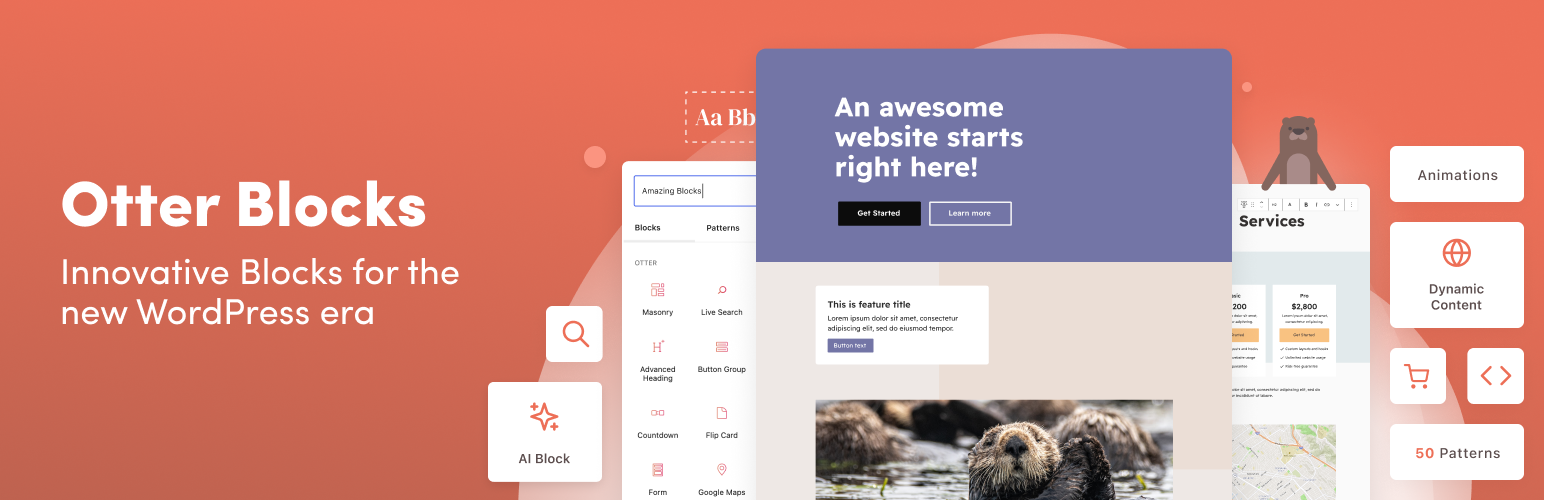
Quickly create WordPress pages with 20+ blocks, 100+ ready-to-import designs, and advanced editor extensions....