
Join millions who empower their websites with ElementsKit Elementor Addons. Get templates, & 100+ widgets...
Free
1M+ installs 4.9★ (2,036)
A simple page grid composer that splits your pages into ordered grids, a builder for rows and columns

PixGridder is a WordPress plugin designed to create grid layouts for your pages and posts. It allows you to split your content into rows and columns using the existing TinyMCE editor, without generating additional shortcodes. The plugin is aimed at users who want a simple way to organise their content while maintaining compatibility with other plugins and shortcodes they may prefer to use.
The plugin adds HTML comments to your content for layout purposes, which are not visible to users or search engines. There is an option to remove these comments if desired. PixGridder is suitable for those who need a straightforward grid builder without the complexities of a full page builder.
Best for: This plugin suits users looking to create simple grid layouts without extensive page building features.
What it does well
Where it falls short
PixGridder provides a basic solution for grid layout creation, but its age and limited updates may be a concern for some users.
manuelmasia's own description of PixGridder, lightly tidied.
Here is the demo page: PixGridder where a link to Pro version is available (pixgridder-pro)
I prefer to define this plugin as a “grid builder” instead of a page builder, because a page builder is commonly intended as a tool that allows to create sections and, usually, comes with shortcodes such as tabs, accordions, particular sections, galleries etc… And, in many cases, all these shortcodes are not compatible with other similar plugins you could prefer to use.
PixGridder is instead very simple, because it only allows to split your page into rows and columns by moving the functions available on your tinyMCE editor from the whole page to each column you decide to split your page into. In this way you can use the plugins you prefer with the shortcodes you prefer (and also the buttons available on your tinyMCE editor) since the editor is exactly the same one you would have without using PixGridder.
PixGridder doesn’t generate shortcodes, it only puts into your posts and pages some html comments like this: <!--pixgridder:row[cols=3]-->
They’re invisible except through the source code. So if you want to disable the plugin you don’t have to worry about a lot of strange and unuseful shortcodes across your content because everything will be hidden for both the users and the search engine robots.
However, if you want to remove any trace of the plugin from the source code of a page, you can do it by enabling the “no trace” option: you’ll get rid of all the HTML comments, but you’ll keep unaltered your content.
Take a look to the 2nd screenshot
Other plugins for building pages visually.
Join millions who empower their websites with ElementsKit Elementor Addons. Get templates, & 100+ widgets...
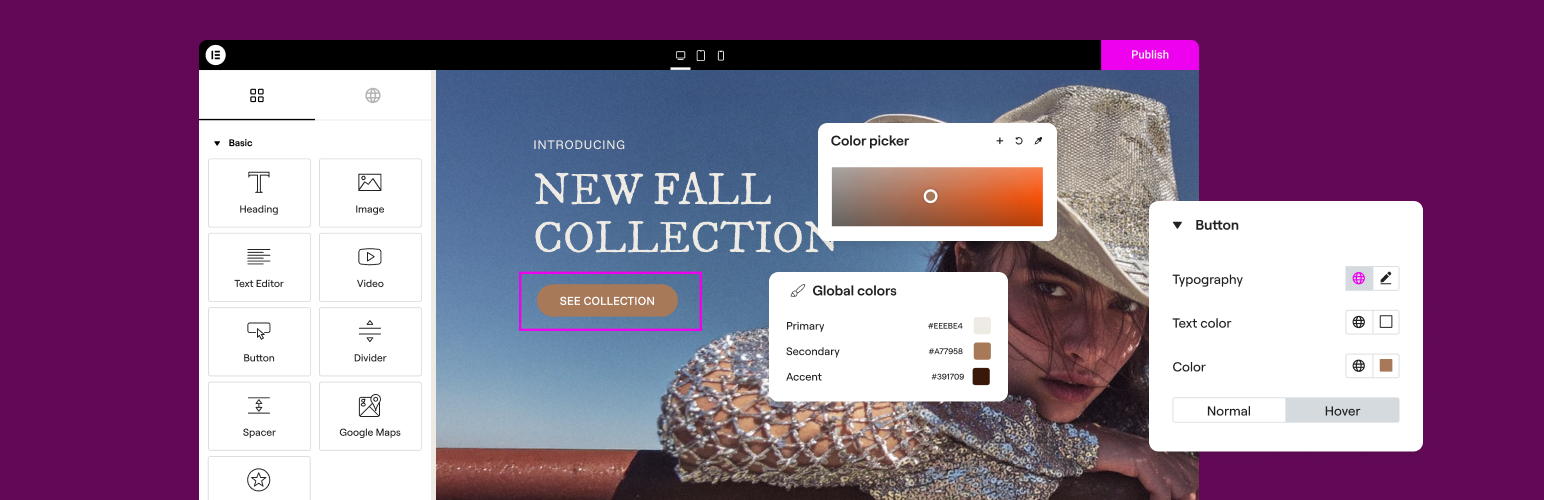
The Elementor Website Builder has it all: drag and drop page builder, Atomic Editor, pixel perfect design, glo...

The growing library of 300+ ready-to-use templates that work with all WordPress themes including Astra, Hello,...

Easy Drag & Drop Page Builder. A complete solution to create a WordPress Website, Custom Themes, Landing P...

Build responsive page layouts using the widgets you know and love using this simple drag and drop page builder...

Quickly create WordPress pages with 20+ blocks, 100+ ready-to-import designs, and advanced editor extensions....