
WPThumbs
Themes Plugins By purpose By industry Best-of lists Fix it guides
Free Plugin by Miguel Angel Terrón v2.9.0

Podcast Analytics for OP3

Integrate OP3 open podcast analytics with WordPress: prefix your feed automatically and view download stats in your dashboard.

Podcast Analytics for OP3

The facts

Rating
5★ from 6
Active installs
10+
Price
Free
Last updated
30 Jul 2026
Added
Apr 2026
Requires WP
6.3
Tested up to
WP 7.0.4
Requires PHP
8.0
Downloads
840

Our analysis

AI-assisted

Podcast Analytics for OP3 is a WordPress plugin that integrates the OP3 analytics service with your podcast site. It provides various statistics on podcast downloads, including a dashboard widget and a dedicated statistics page. The plugin is designed for podcasters who value listener privacy and want to track their podcast's performance without requiring a subscription or signup.

The plugin automatically adds a prefix to audio enclosure URLs in your RSS feed, allowing for anonymous download tracking. It supports both public and private podcasts, offering features like audience overlap analysis and download alerts. This tool is suitable for podcasters looking to gain insights into their audience and improve their content strategy.

Best for: Podcasters who want to track their podcast performance while maintaining listener privacy.

What it does well

  • Integrates OP3 analytics with WordPress podcast sites
  • Provides detailed statistics on downloads and listener behaviour
  • Supports both public and private podcasts
  • No signup required to start tracking
  • 100% free and open-source

Where it falls short

  • Limited information on user experience or support
  • Requires PHP 8.0 and WordPress 7.0.4 or higher

Verdict

Podcast Analytics for OP3 offers a comprehensive solution for tracking podcast downloads and listener engagement. It is a suitable choice for those prioritising privacy and open data.

From the developer

Miguel Angel Terrón's own description of Podcast Analytics for OP3, lightly tidied.

OP3 (Open Podcast Prefix Project) is a free, open-source podcast analytics service committed to open data and listener privacy. This plugin integrates OP3 with any WordPress podcast site in minutes.

What it does

  • Automatic feed prefix — Adds https://op3.dev/e/ before every audio enclosure URL in your RSS feed. Works with PowerPress (Blubrry), Seriously Simple Podcasting, Podlove, and any plugin that generates a standard RSS2 podcast feed.
  • Dashboard widget — Shows your podcast’s downloads for the last 7 days directly on the WordPress dashboard.
  • Statistics page — A dedicated admin page with download counts per episode, switchable between last 24 hours, 7 days, and 30 days.
  • Private podcast support — Podcasts behind a restricted/password-protected feed (e.g. with Restrict Content Pro) get their own self-hosted download-tracking endpoint instead of the OP3 prefix, since OP3 cannot access authenticated feeds by design. Statistics for private podcasts are calculated from your own database and shown alongside your public podcasts. Download counting for private podcasts follows the same methodology OP3 documents for its own public counting (startup-probe handling, one-download-per-listener-per-day deduplication, bot filtering), so numbers are comparable in kind, not just in table layout.
  • Apps & devices breakdown — See which podcast apps (Spotify, Apple Podcasts, Overcast…) your listeners use, for both public and private podcasts.
  • Country map — A world map colored by download volume, plus a ranked country list, for both public and private podcasts (private podcasts require a free MaxMind GeoLite2 license key).
  • Custom date range — Pick any “from/to” range for your stats, in addition to the quick 24h/7d/30d tabs.
  • Best time to publish — Charts showing downloads by hour of day and by weekday, in your site’s own timezone.
  • Unique listeners — A deduplicated listener count, for both public and private podcasts.
  • Audience overlap — When two or more podcasts are shown together, see how many listeners they share, as a matrix and a ranked list. Public podcasts are compared against public podcasts, and private against private — see the FAQ below for why they’re never mixed.
  • Download alerts — Get an email when an episode (published more than 14 days ago) has an unusual spike or drop in downloads compared to the previous week. Configured in a dedicated OP3 Analytics → Alerts page, with its own history log.
  • Growth ranking — See which episodes are climbing or falling fastest, comparing the selected period against the equal-length period right before it.
  • App comparison — When two or more podcasts are shown together, compare their apps/devices breakdown side by side.
  • Printable report — The “Print / PDF” button now includes a short plain-language explanation under each section, so a printed or exported report is understandable without the interactive dashboard.

How the OP3 prefix works

OP3 is a transparent redirect service. When a listener downloads an episode:

  1. Their app requests https://op3.dev/e/yoursite.com/episode.mp3
  2. OP3 logs the download anonymously and immediately redirects to https://yoursite.com/episode.mp3
  3. The audio file is served normally from your server

Your audio files are not modified or hosted anywhere else. Only the URL in the RSS feed changes. Listener privacy is protected — OP3 never stores raw IP addresses.

Why OP3?

  • 100% free and open source — no subscription, no lock-in
  • No signup required to start measuring — just add the prefix
  • Open data — your stats are publicly accessible to anyone, including app developers
  • Privacy-first — no raw IPs stored, no tracking pixels
  • Every show automatically gets a free public stats page at op3.dev/show/{uuid}

Requirements

  • A WordPress site with a podcast RSS feed
  • A bearer token from op3.dev/api/keys for statistics (the feed prefix works without one)

External Services

This plugin connects to two external services. Both are optional in the sense that the plugin’s core feature (the feed prefix) works without any account, but statistics require them.

OP3 (op3.dev)

Used for public podcasts: the feed prefix and the statistics API.

  • What it’s for: Adds an anonymous download-tracking prefix to your public podcast feed enclosures, and retrieves the resulting download counts, per-episode data, apps/devices, and country/region breakdown for the Statistics page and Dashboard widget.
  • What is sent and when: When a listener downloads a podcast episode, their request passes through op3.dev before reaching your audio file — OP3 logs anonymised request data (no raw IP addresses are stored by OP3). Separately, when you view the Statistics page or Dashboard widget, the plugin makes an authenticated request to the OP3 API (op3.dev/api/1/) using your bearer token to retrieve this data. No personal data from your WordPress site (user accounts, post content, etc.) is sent to OP3.
  • Service URL: https://op3.dev
  • Terms of Service: https://op3.dev/terms
  • Privacy Policy: https://op3.dev/privacy

Read the full description on the official page →

Tagged as

Alternatives

Other plugins for audio and podcasts.

Presto Player

A modern video and audio player for courses, landing pages, marketing, and testimonials — with captions, brand...
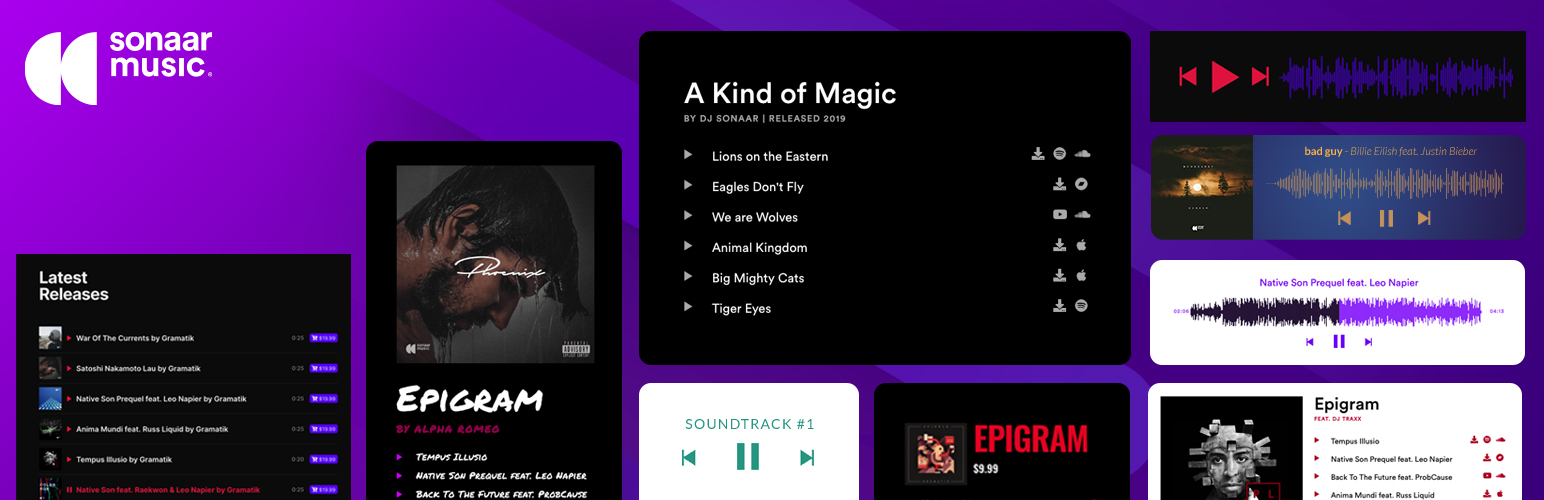
Free 100k+ installs 4.8★ (339)
MP3 Audio Player

The most advanced Audio Player for Music & Podcast. For Elementor, Gutenberg, WooCommerce and more. Add un...

Free 20k+ installs 4.8★ (302)
Music Player for Elementor

Audio Player for Elementor – the go-to plugin for adding MP3s, podcasts & playlists. Fully customizable, W...
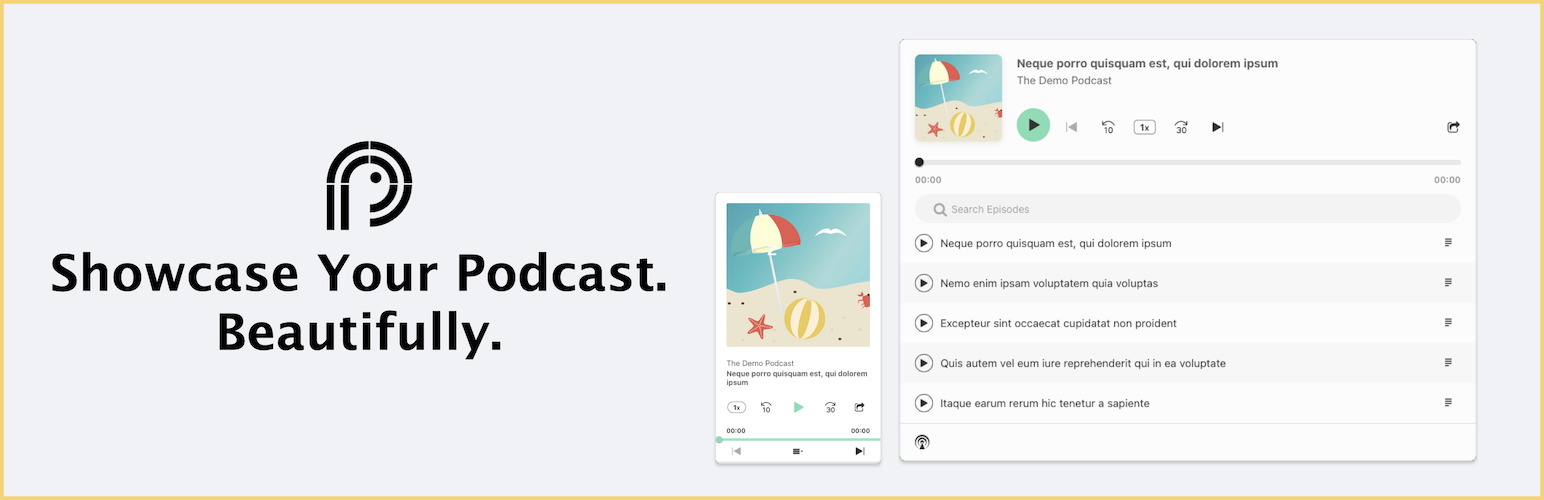
Free 10k+ installs 4.7★ (120)
Podcast Player

Showcase your podcast only using podcasting feed url. Use widget, shortcode or editor block to display podcast...

Free 10k+ installs 4.8★ (113)
HTML5 Audio Player

Maximize your WordPress site's potential with our versatile HTML5 Audio Player plugin. Seamlessly play .m...

Free 10k+ installs 4.6★ (167)