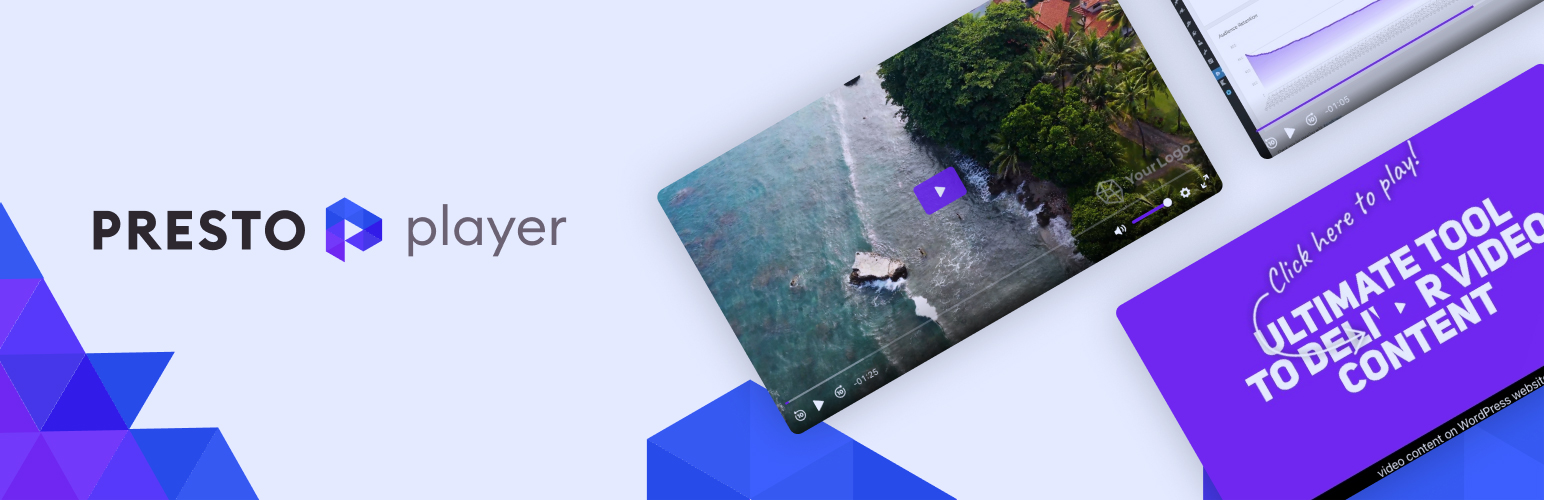
A modern video and audio player for courses, landing pages, marketing, and testimonials — with captions, brand...
Free
100k+ installs 4.8★ (339)
Add beautiful podcast subscribe buttons anywhere.
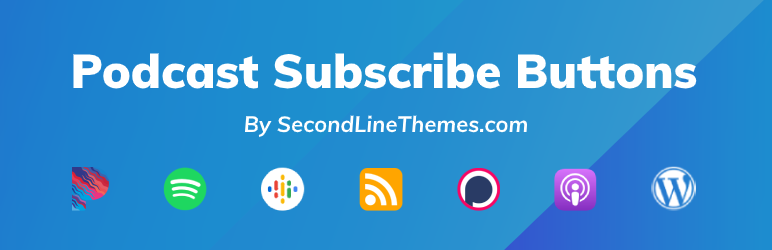
Podcast Subscribe Buttons is a free WordPress plugin designed for podcasters to add custom subscribe and follow buttons to their sites. It allows you to include over 90 buttons for various podcast platforms, such as Spotify and Apple Podcasts, using the WordPress editor or shortcodes.
You can create and manage subscribe button sets from your WordPress dashboard, adjusting display settings and adding links as needed. The plugin is suitable for anyone looking to enhance their podcast site with easy access to subscription options across multiple platforms.
Best for: Podcasters seeking to improve their website's subscription options.
What it does well
Where it falls short
Podcast Subscribe Buttons offers a straightforward solution for podcasters to integrate subscription links on their sites. It is a useful tool for enhancing audience engagement through easy access to various podcast platforms.
SecondLineThemes's own description of Podcast Subscribe Buttons, lightly tidied.
This free plugin helps to easily include 90+ custom and Podcast-specific Subscribe/Follow Buttons anywhere within your site directly via the editor or with a simple shortcode.
The plugin supports all the major platforms like Spotify, Apple Podcasts, Castbox, YouTube, TuneIn, Beamly and dozens of others.
The Podcast Subscribe Buttons are intended for podcasters and therefore the list of companies/icons only include podcast-related companies. (Need a new icon? Let us know!)
With the Podcast Subscribe Buttons plugin, you could display links to subscribe to your podcast across various external podcast platforms, those links may include regular links to your pages on external podcast platforms, direct links to RSS feeds, or URI links to open directly in an external application.
There are a few ways to add subscribe buttons with the plugin.
First, you can use the custom block in any page/post that uses the new (“Gutenberg”) WordPress editor.
Also, you can create new “Subscribe Button” sets via the menu that appears in your WordPress dashboard (under “Tools -> Podcast Subscribe Buttons”). Simply adjust the default display settings, add links, and display the button via a shortcode anywhere within your site. See example below:
[podcast_subscribe id=”1789″]
Lastly, you can add the buttons directly via your theme or via a custom Elementor widget in case you use one of our Podcast Themes
SecondLineThemes is creating WordPress themes and plugins for podcasts. We are dedicated to help podcasters with their WordPress sites. To read more about us please check our website:
https://secondlinethemes.com
Other plugins for audio and podcasts.
A modern video and audio player for courses, landing pages, marketing, and testimonials — with captions, brand...
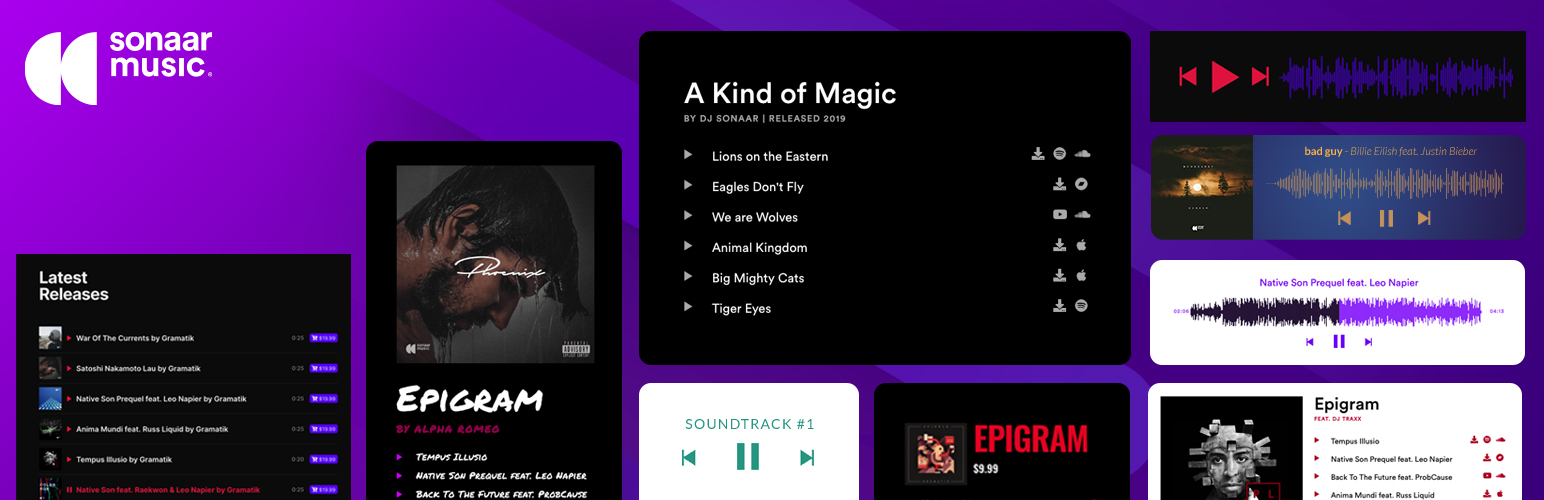
The most advanced Audio Player for Music & Podcast. For Elementor, Gutenberg, WooCommerce and more. Add un...
No. 1 Podcasting plugin for WordPress.
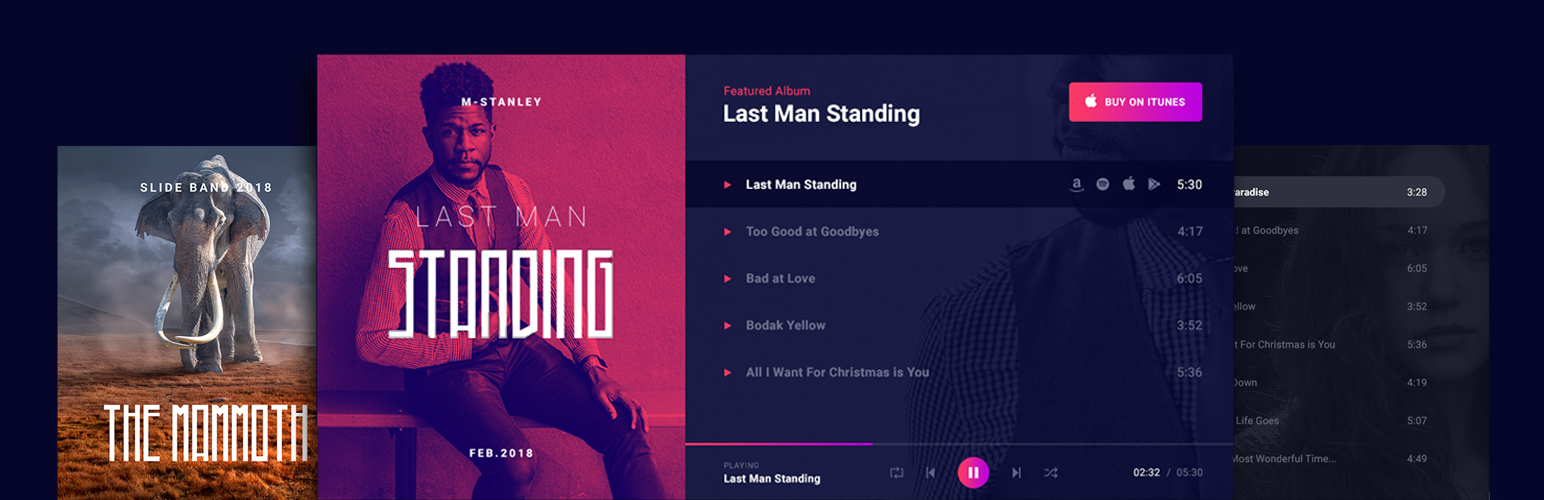
Audio Player for Elementor – the go-to plugin for adding MP3s, podcasts & playlists. Fully customizable, W...
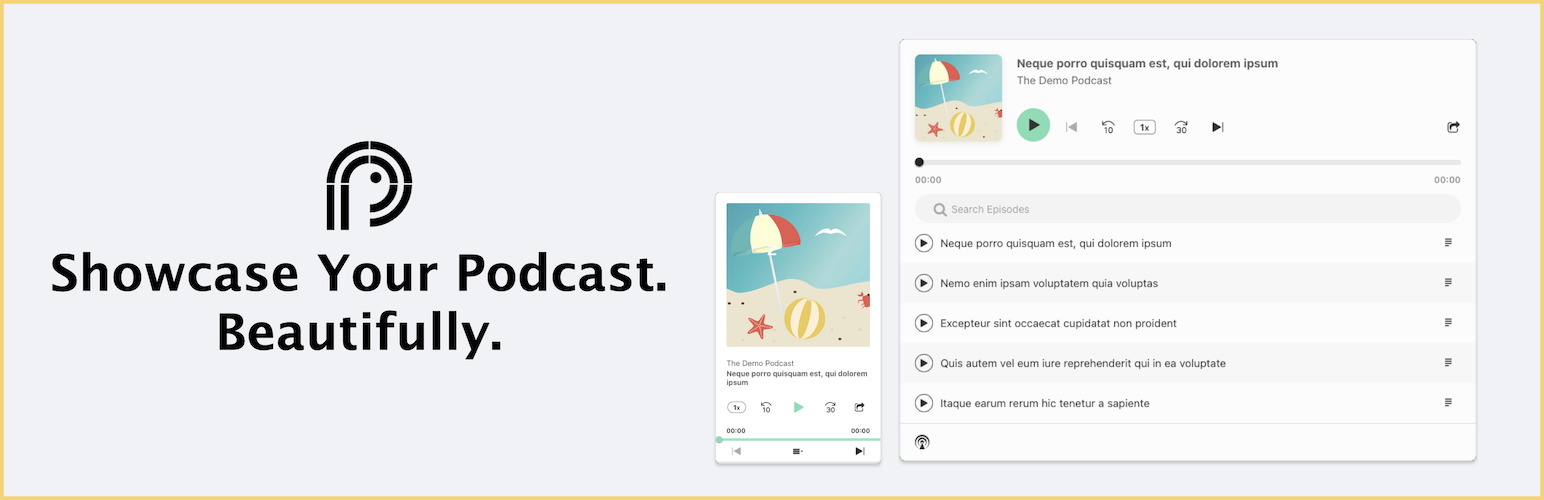
Showcase your podcast only using podcasting feed url. Use widget, shortcode or editor block to display podcast...
Maximize your WordPress site's potential with our versatile HTML5 Audio Player plugin. Seamlessly play .m...