
Ad Inserter
94Manage Google AdSense ads, banners, ad rotation, sticky widgets, AMP ads, ads.txt, tracking, header and footer...
Free
300k+ installs 4.9★ (2,428)
WordPress feature plugin to bring Progressive Web App (PWA) capabilities to Core

The PWA plugin for WordPress allows you to implement Progressive Web App features on your site. It provides the necessary building blocks, such as service workers and web app manifests, to create reliable and fast user experiences that feel like native apps. This plugin is designed for developers looking to enhance their themes or plugins with PWA capabilities without conflict.
This plugin is not a standalone solution but rather a coordination mechanism for other plugins and themes that wish to incorporate PWA features. It includes functionality for offline browsing and improved HTTPS detection, making it suitable for developers who want to ensure their sites perform well under various network conditions.
Best for: Developers seeking to add Progressive Web App features to their WordPress sites.
What it does well
Where it falls short
The PWA plugin provides a useful framework for implementing PWA capabilities in WordPress, although it requires additional themes or plugins for full functionality.
Weston Ruter's own description of PWA, lightly tidied.
Progressive Web Apps are user experiences that have the reach of the web, and are:
- Reliable – Load instantly and never show the downasaur, even in uncertain network conditions.
- Fast – Respond quickly to user interactions with silky smooth animations and no janky scrolling.
- Engaging – Feel like a natural app on the device, with an immersive user experience.
This new level of quality allows Progressive Web Apps to earn a place on the user’s home screen.
Continue reading more about Progressive Web Apps (PWA) from Google.
In general a PWA depends on the following technologies to be available:
This plugin serves as a place to implement support for these in WordPress with the intention of being proposed for core merge, piece by piece. Case in point, the HTTPS functionality from this plugin has largely been made part of Core: Improved HTTPS detection and migration in WordPress 5.7.
This feature plugin is not intended to obsolete the other plugins and themes which turn WordPress sites into PWAs. Rather, this plugin is intended to provide the PWA building blocks and coordination mechanism for these themes and plugins to not reinvent the wheel and also to not conflict with each other. For example, a theme that implements the app shell model should be able to extend the core service worker while a plugin that provides push notifications should be able to do the same. Themes and plugins no longer should have to each create a service worker on their own, something which is inherently problematic because only one service worker can be active at a time: only one service worker can win. If you are developing a plugin or theme that includes a service worker, consider relying on this PWA plugin, or at least only use the built-in implementation as a fallback for when the PWA plugin is not available.
In versions prior to 0.6, no caching strategies were added by default. The only service worker behavior was to serve an offline template when the client’s connection is down or the site is down, and also to serve an error page when the server returns with 500 Internal Server Error. As of 0.6, there is a new “Offline browsing” toggle on the Reading Settings screen in the admin. It is disabled by default, but when enabled a network-first caching strategy is registered for navigations so that the offline page won’t be shown when accessing previously-accessed pages. The network-first strategy is also used for assets from themes, plugins, and WordPress core. In addition, uploaded images get served with a stale-while-revalidate strategy. For all the details on these changes, see the pull request.
Documentation for the plugin can be found on the GitHub project Wiki.
Development of this plugin is done on GitHub. Pull requests welcome. Please see issues reported there before going to the plugin forum.
Other plugins for mobile experience.
Manage Google AdSense ads, banners, ad rotation, sticky widgets, AMP ads, ads.txt, tracking, header and footer...
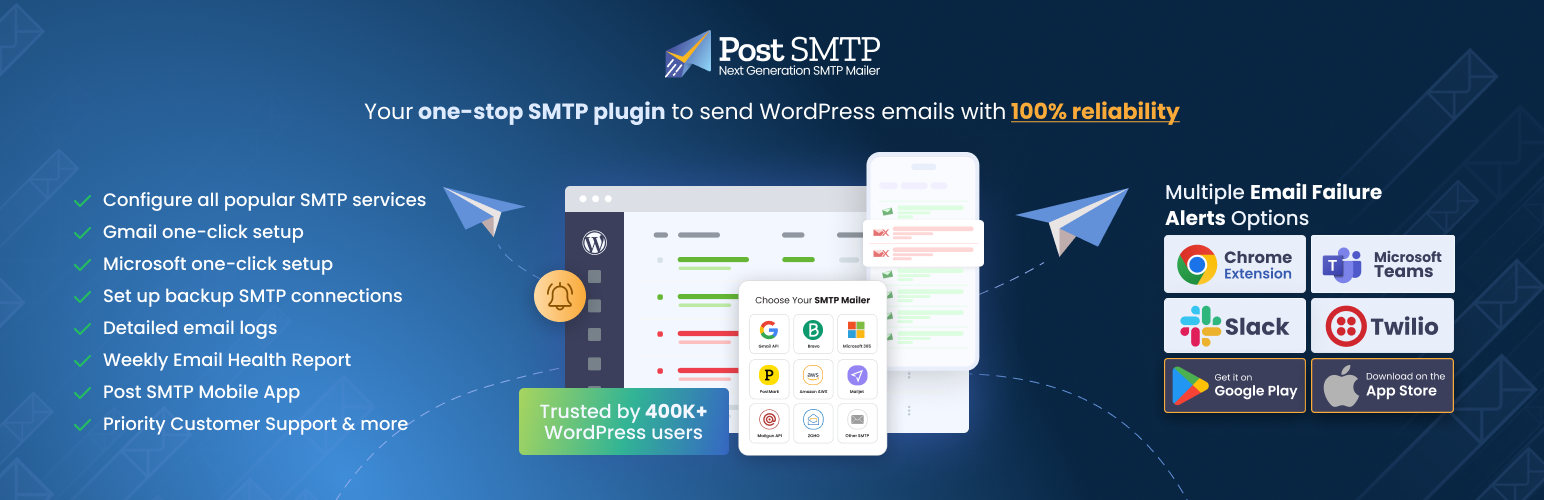
Improve WordPress email deliverability. Connect Gmail SMTP, Microsoft 365, Brevo, SendGrid, Mailgun, Zoho, Ama...

Seven free modules for Elementor: dark mode, container layouts, mobile menu, editorial text, style presets, JS...
AMP for WP is the most recommended AMP plugin by the community. Automatically add Accelerated Mobile Pages (Go...

Mobile menu & hamburger menu builder for WordPress. Create a responsive, customisable menu with 150+ optio...

SuperPWA helps you convert your WordPress website into a Progressive Web App instantly.