
Ad Inserter
94Manage Google AdSense ads, banners, ad rotation, sticky widgets, AMP ads, ads.txt, tracking, header and footer...
Free
300k+ installs 4.9★ (2,428)
PWA for WordPress makes your WordPress site to PWA (Progressive Web App) and makes control of PWA data caches easy.

PWA for WordPress is a plugin that enables you to convert your WordPress website into a Progressive Web App (PWA). It creates two essential files, a Manifest and a ServiceWorker, which are necessary for PWA functionality. You can configure these files through a dedicated configuration screen to manage caching and other settings.
This plugin is suitable for users looking to enhance their website's performance on mobile devices by implementing PWA features. It supports multi-site installations and allows for customisation of the installation prompt for users.
Best for: This plugin is best for WordPress site owners who want to implement PWA functionality.
What it does well
Where it falls short
PWA for WordPress provides basic tools for converting a site into a PWA, but its age and limited updates may affect its compatibility with newer WordPress versions.
Ryunosuke Shindo's own description of PWA for WordPress, lightly tidied.
To make your WordPress website to PWA, this plugin make two files, “Manifest” and “ServiceWorker” in your website.
Manifest file is a json file that has configurations of web applications.
ServiceWorker is a JavaScript file that controls PWA’s functions.
To start PWA, configure two files from configuration screen.
You can fine-tune the cache, such as expiration date, time and URL exclusion.
By excluding the URLs, like a new arrival information, data acquisition destination in Ajax, this plugin can keep PWA data fresh.
You can set expire time of caches, then old cache will purged after specified time.
After version 1.1.2,
Multi sites are supported.
You can defer the PWA installation popup shown in browser default and add your own installation button on your sites.
Prepare icon image file, image file must be png format.
Make offline page, this page will cached with PWA installation and shown when PWA is offline.
Setup manifest file from Manifest Configuration page.
Image file will be resized to fit icon sizes automatically.
Setup ServiceWorker file from ServiceWorker Configuration page.
Other plugins for mobile experience.
Manage Google AdSense ads, banners, ad rotation, sticky widgets, AMP ads, ads.txt, tracking, header and footer...
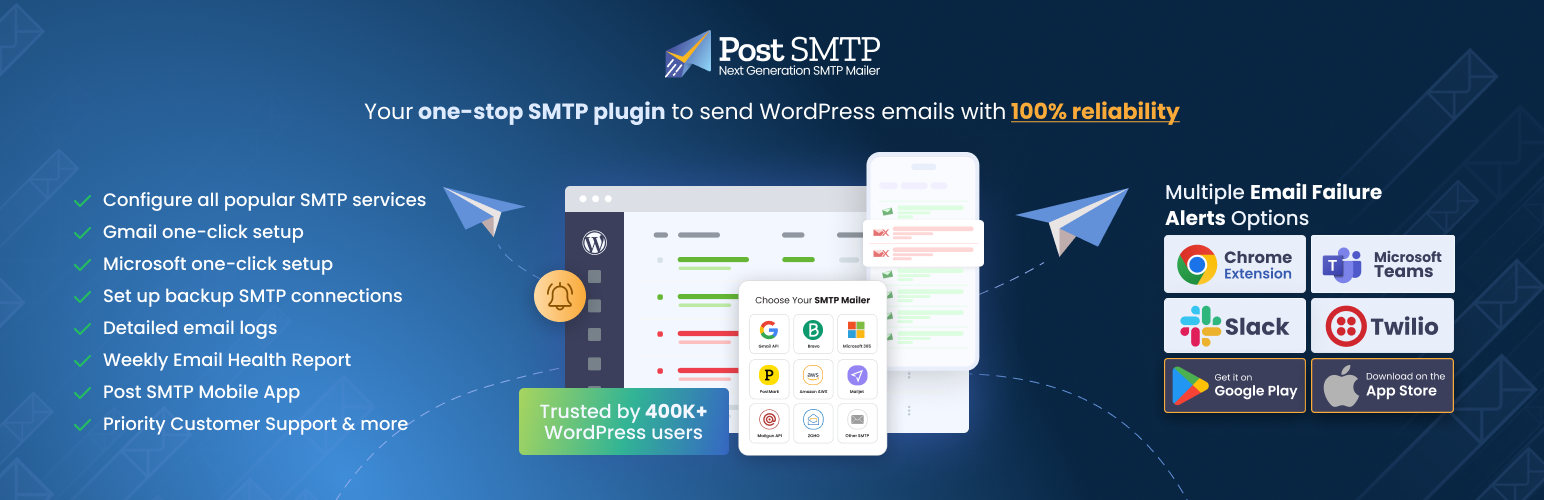
Improve WordPress email deliverability. Connect Gmail SMTP, Microsoft 365, Brevo, SendGrid, Mailgun, Zoho, Ama...

Seven free modules for Elementor: dark mode, container layouts, mobile menu, editorial text, style presets, JS...
AMP for WP is the most recommended AMP plugin by the community. Automatically add Accelerated Mobile Pages (Go...

Mobile menu & hamburger menu builder for WordPress. Create a responsive, customisable menu with 150+ optio...

SuperPWA helps you convert your WordPress website into a Progressive Web App instantly.