
Make email delivery easy for WordPress. Connect with SMTP, Gmail, Outlook, SendGrid, Mailgun, SES, Zoho, + mor...
Free
4M+ installs 4.8★ (5,185)
Configure different "Reply-To" addresses by email context with validation, modern tabbed UI, and automatic migration.

The Reply-To for WP_Mail plugin allows you to manage the 'Reply-To' header for emails sent from your WordPress site. You can set a custom email address for replies, ensuring that responses are directed to the appropriate inbox. The plugin supports different Reply-To addresses for various email types, including password resets and WooCommerce orders.
This plugin is suitable for WordPress users who need to control email responses for different scenarios. It includes developer filters for advanced customization, making it a flexible option for developers looking to tailor email functionality.
Best for: This plugin is best for WordPress site owners who want to manage email responses effectively.
What it does well
Where it falls short
The Reply-To for WP_Mail plugin provides a straightforward solution for managing email replies, suitable for both general users and developers. However, the lack of extensive user feedback may limit insights into its practical application.
ROBOTSTXT.es's own description of Reply-To for WP_Mail, lightly tidied.
The Reply-To for WP_Mail plugin allows you to easily manage the “Reply-To” header for all emails sent from your WordPress site. With this plugin, you can specify a custom email address that recipients will use when replying to your site’s emails, ensuring that responses go to the correct inbox.
Configure a different Reply-To address for each type of email: password resets, comment notifications, user registrations, system updates, and WooCommerce orders.
Two developer filters are available for advanced customization:
wp_mail_replyto_context — override the detected email context.wp_mail_replyto_header — override or suppress the Reply-To header for a specific email.This plugin adheres to the following security measures and review protocols for each version:
Other plugins for email deliverability.
Make email delivery easy for WordPress. Connect with SMTP, Gmail, Outlook, SendGrid, Mailgun, SES, Zoho, + mor...

Free WP Mail SMTP plugin - fix WordPress email deliverability with Gmail, Amazon SES, SendGrid, Mailgun, Cloud...

Make SMTP email sending and delivery easy. Configure Gmail SMTP, Outlook, Brevo, SendGrid, Mailgun, SendLayer...

Send emails from your WordPress site using your preferred SMTP provider like Gmail, Outlook, AWS, Zoho, SMTP.c...
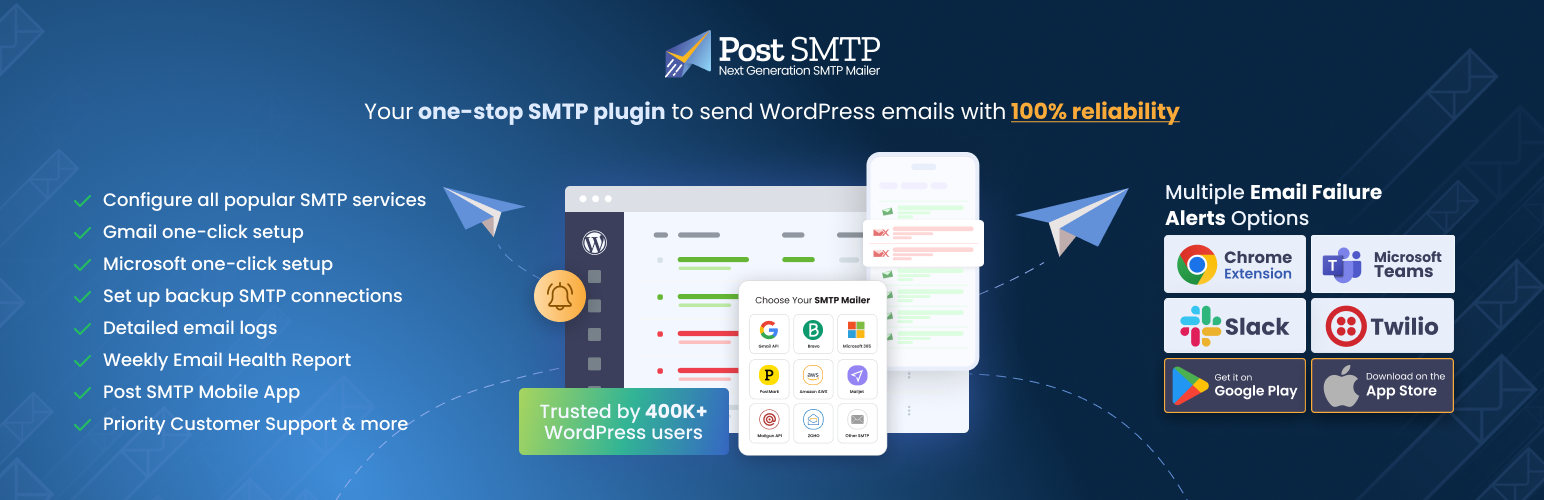
Improve WordPress email deliverability. Connect Gmail SMTP, Microsoft 365, Brevo, SendGrid, Mailgun, Zoho, Ama...

Check & Log email allows you to test if your website is correctly sending emails . Overriding of email hea...