
MetForm
93Elementor forms builder to create WordPress forms like contact form, booking form, feedback form, survey form,...
Free
600k+ installs 4.7★ (504)
Resmio provides you with an online reservation system software for your restaurant that allows you to manage all reservations received in your restaur …

The Resmio Button & Widget is a WordPress plugin designed for restaurants to manage online reservations. It allows you to integrate a reservation system into your website using shortcodes, which can be easily inserted into posts or pages without the need for manual code snippets.
To use the plugin, you need to enter your resmio ID in the settings and can optionally adjust button colours. It is suitable for restaurant owners who want a straightforward way to handle reservations directly from their website.
Best for: This plugin is best for restaurant owners looking to simplify their online reservation process.
What it does well
Where it falls short
The Resmio Button & Widget offers a simple solution for managing restaurant reservations, but potential users should consider the limited support and lower directory score.
Philipp-resmio's own description of resmio button & widget, lightly tidied.
Resmio provides you with an online reservation system software for your restaurant that allows you to manage all reservations received in your restaurant quickly and easily. In order to recieve reservations from your website you have to integrate the codesnippet provided by resmio either for the widget itself or for a reservation button (which then loads the widget).
With this plugin you do not have to manually add these codesnippets to your site. Instead you can type shortcodes directly into the wysiwyg-editor and or insert the shortcodes through a menu button in the toolbar of the TinyMCE editor (only in visual mode).
The shortcodes are:
[resmio-button] -> for the resmio button
[resmio-widget] -> for the resmio widget
Instead of adding whole codesnippets for your resmio button/widget to your website you can use shortcodes.
1) Go to settings -> resmio button and widget and insert your resmio ID
1.1) If you want to alter the colors of the button (and so on) activate extended settings
2) Save the settings
3) Go to your page/post and insert the shortcode you want to use.
There are two ways to insert the shortcodes:
3.1) Type the shortcodes ‘[resmio-button]’ and/or ‘[resmio-widget]’ directly into the wysiwyg editor
3.2) Use the menu button ‘resmio’ in the toolbar of your wysiwyg-editor (only in visual mode)
Tested on 4.0, 4.1, 4.4.2, 4.5.4, 4.6, 5.3, 5.4, 5.6.1 and 5.8.2
If you encounter any problem with this plugin please contact resmio GmbH via email -> support@resmio.com
This plugin is released under the GPL licence. I do not accept any responsibility for any damages or losses, direct or indirect, that may arise from using the plugin or these instructions. This software is provided as is, with absolutely no warranty. Please refer to the full version of the GPL license for more information.
Other plugins for taking bookings.
Elementor forms builder to create WordPress forms like contact form, booking form, feedback form, survey form,...

Calculated Fields Form: complete WordPress form builder for contact,booking,quote,payment forms & more,wit...

Appointment booking plugin for WordPress. Let clients self-schedule 24/7, accept payments at booking, and redu...
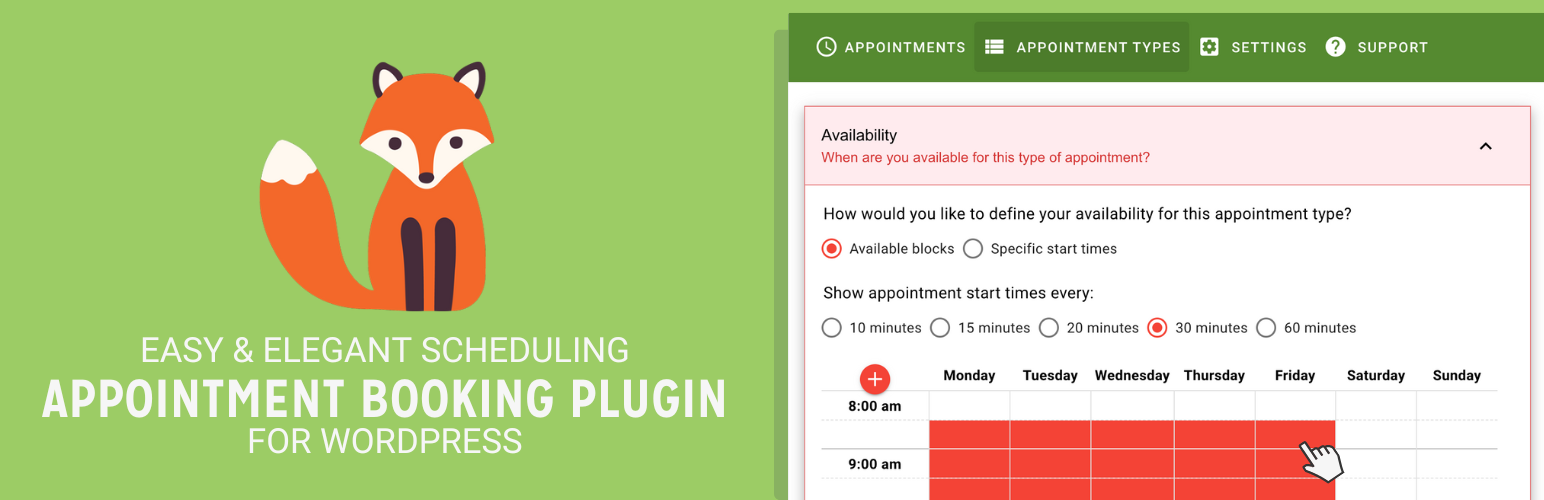
Unlimited appointments, booking calendars, and notifications. Powerful appointment booking plugin and booking...
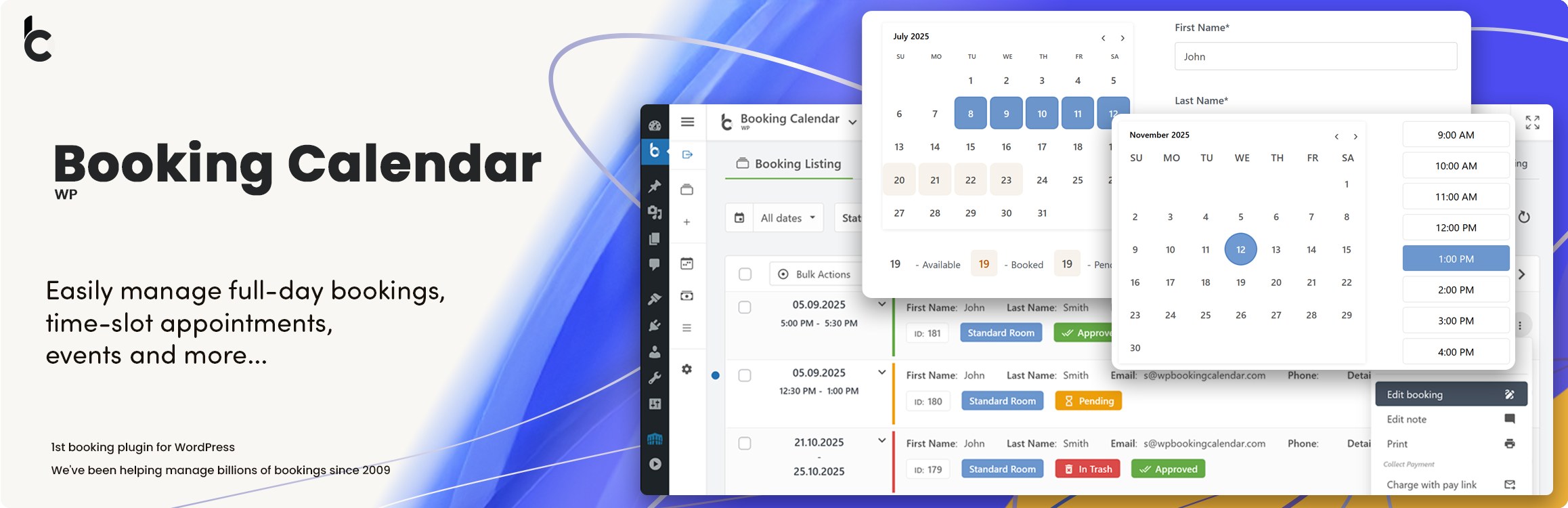
WP Booking Calendar plugin for full-day bookings, time-slot appointments, rentals & events. Accept booking...

Amelia is a powerful booking plugin for appointments and events. Manage scheduling, calendars, and availabilit...