
MetForm
93Elementor forms builder to create WordPress forms like contact form, booking form, feedback form, survey form,...
Free
600k+ installs 4.7★ (504)
Restrict Dates is a Elementor Forms add-on that restricts users from selecting specific dates in your Elementor Forms date picker field.
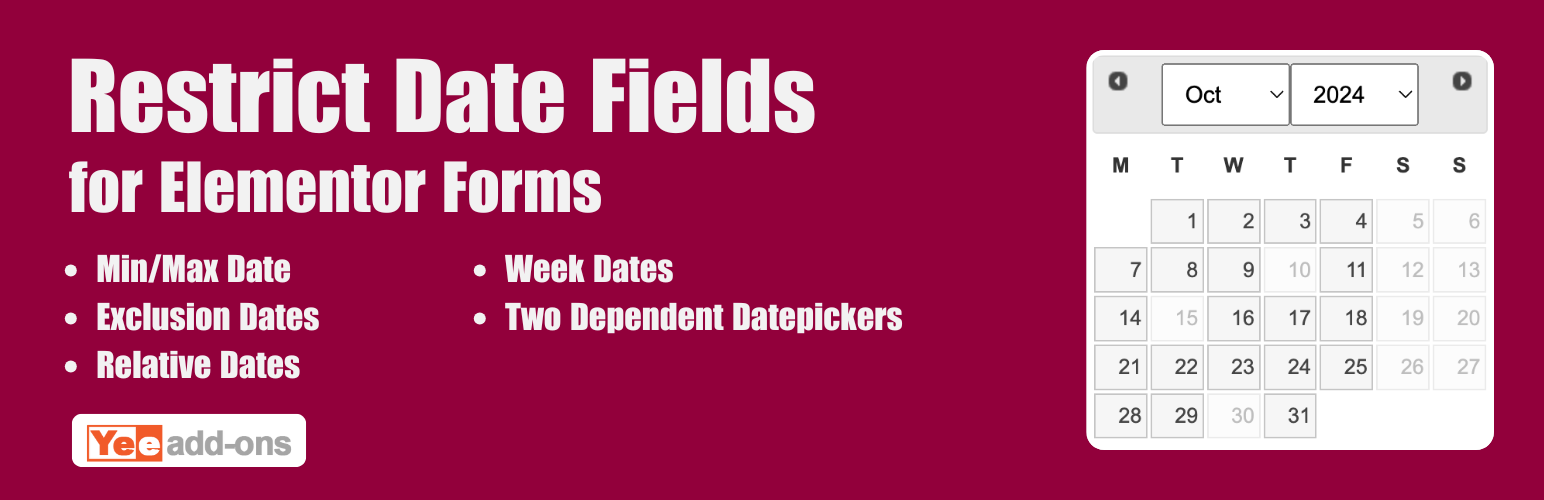
Advanced Datepicker – Restrict Date for Elementor Forms is a WordPress plugin designed to enhance scheduling and booking functionalities within Elementor Forms. It allows you to restrict the dates users can select, helping to prevent scheduling conflicts and invalid entries. This is particularly useful for businesses like hotels, clinics, or event organisers that need to manage bookings effectively.
The plugin provides features such as dynamic minimum and maximum date settings, exclusion of specific weekdays, server-side validation for security, and the option to display an inline calendar. This helps improve user experience by guiding users towards valid date selections and reducing administrative issues related to incorrect bookings.
Best for: This plugin is suitable for businesses that require date restrictions in their booking or appointment forms.
What it does well
Where it falls short
Advanced Datepicker – Restrict Date for Elementor Forms offers useful features for managing date selections in Elementor Forms. It is a practical tool for businesses needing to streamline their booking processes.
add-ons.org's own description of Advanced Datepicker, lightly tidied.
DEMO: https://demo.add-ons.org/demo-restrict-date-fields/
Pro version: https://add-ons.org/plugin/elementor-form-restrict-dates-fields/
Document: https://add-ons.org/document-elementor-form-restrict-dates-fields/
Advanced Datepicker – Restrict Date for Elementor Forms is the ultimate scheduling and booking enhancement for your website. It provides unparalleled control over the native Elementor Forms date picker, allowing you to restrict the exact dates your users can select, preventing scheduling conflicts and invalid entries.
Whether you are building a hotel booking system, an appointment scheduling form for a doctor’s clinic, or managing event registrations, this add-on gives you the power to set dynamic minimum and maximum date boundaries, block out weekends, and effortlessly exclude specific dates or holidays.
Take full control of your calendars with seamless integration, robust server-side validation, and beautiful inline datepicker support.
Without date restrictions, users can accidentally select past dates, fully-booked days, or corporate holidays, causing administrative headaches and lost conversions. By implementing proactive restrictions right inside your Elementor Forms, you dramatically improve user experience (UX) by guiding them seamlessly toward valid scheduling options.
Other plugins for taking bookings.
Elementor forms builder to create WordPress forms like contact form, booking form, feedback form, survey form,...

Calculated Fields Form: complete WordPress form builder for contact,booking,quote,payment forms & more,wit...

Appointment booking plugin for WordPress. Let clients self-schedule 24/7, accept payments at booking, and redu...
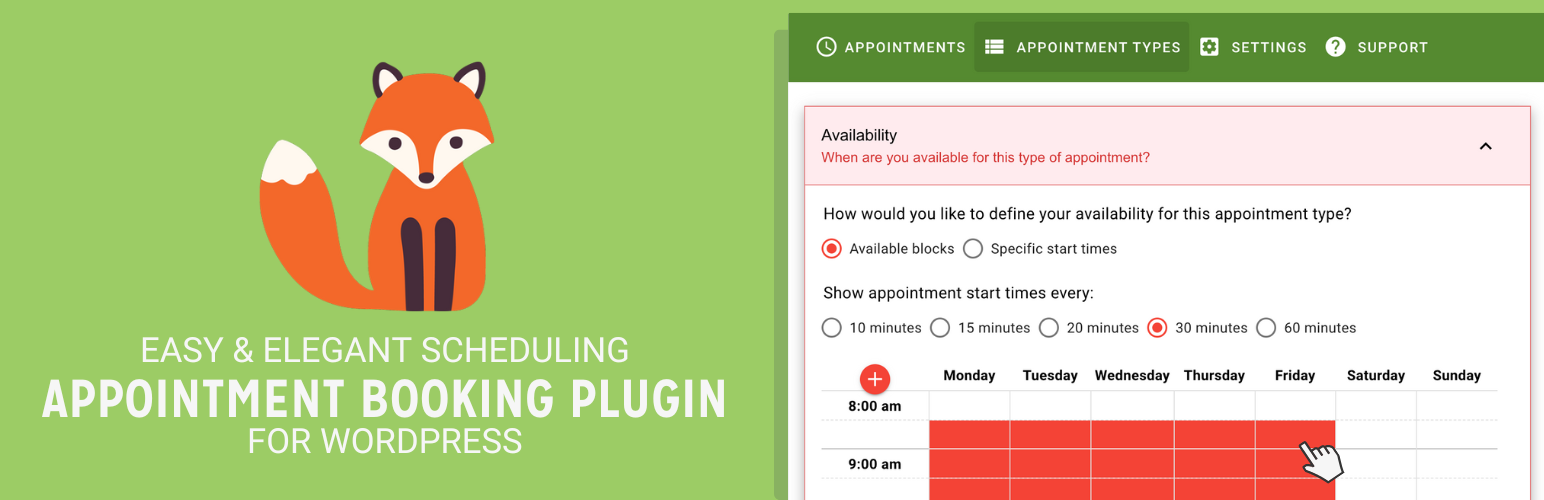
Unlimited appointments, booking calendars, and notifications. Powerful appointment booking plugin and booking...
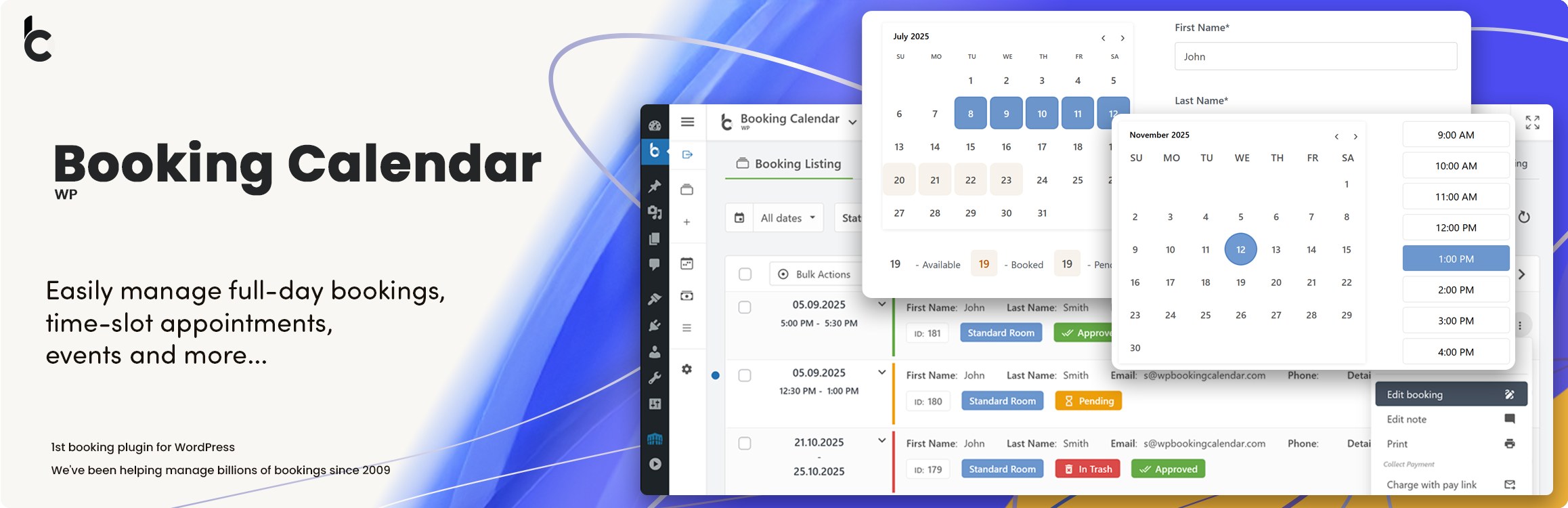
WP Booking Calendar plugin for full-day bookings, time-slot appointments, rentals & events. Accept booking...

Amelia is a powerful booking plugin for appointments and events. Manage scheduling, calendars, and availabilit...