
MetForm
93Elementor forms builder to create WordPress forms like contact form, booking form, feedback form, survey form,...
Free
600k+ installs 4.7★ (504)
Restrict Dates is a WPForms add-on that restricts users from selecting specific dates in your WPForms date picker field.

Advanced Datepicker – Restricts Date for WPForms is a WordPress plugin that allows you to set specific date restrictions on date fields within WPForms. It offers various settings to define minimum and maximum selectable dates, specify date ranges, and exclude certain days of the week.
This plugin is suitable for anyone needing to manage date selections for bookings or events, providing flexibility in defining which dates users can choose based on specific requirements.
Best for: This plugin is best for businesses or individuals using WPForms who need to manage date selections for bookings or events.
What it does well
Where it falls short
Advanced Datepicker – Restricts Date for WPForms provides useful date restriction functionalities for WPForms users. It may be beneficial for those looking to streamline date selection in their forms.
add-ons.org's own description of Advanced Datepicker, lightly tidied.
DEMO: https://demo.add-ons.org/demo-restrict-date-fields/
Pro version: https://add-ons.org/plugin/restrict-date-field-for-wpforms-pro/
Document: https://add-ons.org/restrict-dates-field/
WPForms – Restrict Dates allows you to set specific date restrictions on date fields within your WPForms. It allows you with various settings to restrict the selected dates easily
You can set minimum and maximum dates, specify date ranges, and customize additional options to control the available choices for users.
Provides flexibility in defining date restrictions. You can set both the minimum and maximum dates, allowing you to create a specific range of selectable dates. This is beneficial for scenarios where you want to limit the date options based on specific requirements, such as event start and end dates or booking availability.
Set the earliest date that users can select. For example, you can restrict the selection to dates starting from today or today +1 days or any specific date.
Set the earliest date that users can select. For example, you can restrict the selection to dates starting from today or today +1 days or any specific date.
You can exclude specific days of the week from being selectable. For example, if your business is closed on Sundays, you can exclude that day from the available choices.
You can utilize relative dates to set dynamic restrictions. For instance, you can specify a minimum date as “+2 weeks” from the current date, ensuring that users can only select dates at least two weeks in the future.
Other plugins for taking bookings.
Elementor forms builder to create WordPress forms like contact form, booking form, feedback form, survey form,...

Calculated Fields Form: complete WordPress form builder for contact,booking,quote,payment forms & more,wit...

Appointment booking plugin for WordPress. Let clients self-schedule 24/7, accept payments at booking, and redu...
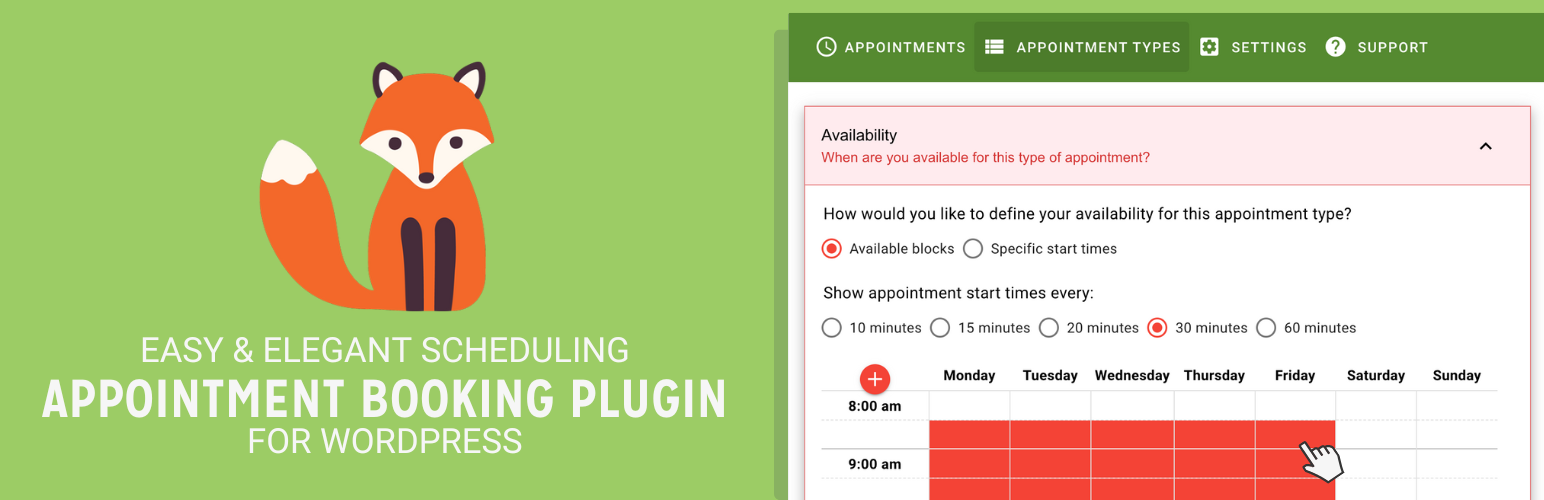
Unlimited appointments, booking calendars, and notifications. Powerful appointment booking plugin and booking...
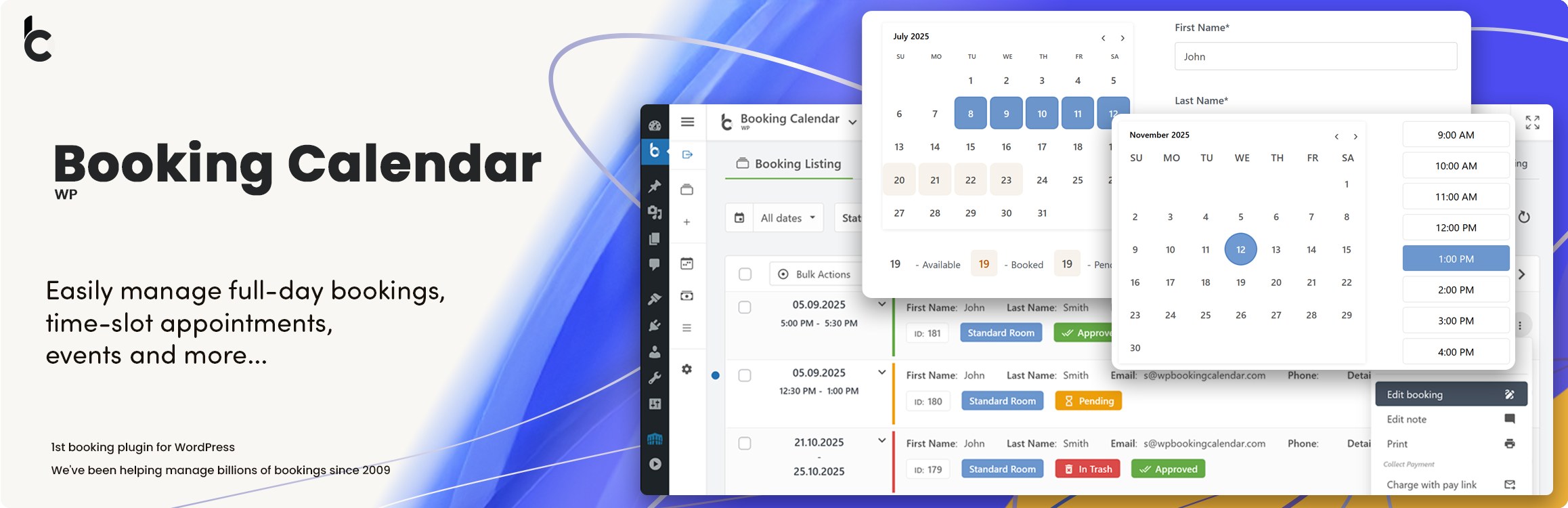
WP Booking Calendar plugin for full-day bookings, time-slot appointments, rentals & events. Accept booking...

Amelia is a powerful booking plugin for appointments and events. Manage scheduling, calendars, and availabilit...