
Members
94The best WordPress membership and user role editor plugin. User Roles & Capabilities editor helps you rest...
Free
300k+ installs 4.9★ (1,274)
Restrict content easily to logged in users, members with a specific role or user capability, to it's author, Tickera, Venuera, Easy Digital Downl …

The Restrict plugin allows you to manage access to your WordPress site's content, including posts, pages, and custom post types. You can set restrictions based on various criteria, such as user roles, capabilities, or specific purchase history from integrated e-commerce platforms. This makes it suitable for sites that need to control content visibility for different user groups or visitors based on their interactions with your site.
With integrations for platforms like WooCommerce, Easy Digital Downloads, and event ticketing systems, Restrict helps you tailor content access to enhance user experience and engagement. It is particularly useful for membership sites, online stores, and event management websites that require specific content to be shown or hidden based on user actions or roles.
Best for: This plugin is best for membership sites and e-commerce platforms that need to restrict content access based on user actions.
What it does well
Where it falls short
Restrict offers a straightforward solution for managing content visibility in WordPress. It is a practical choice for those needing to control access based on user criteria.
Tickera's own description of Restrict, lightly tidied.
The Restrict plugin makes it easy for you to control and protect access to the content of posts, pages and custom post types.
You can restrict, show and hide content to:
Restrict has seamless integrations with Tickera Event Ticketing System for WordPress, Venuera, Easy Digital Downloads, WooCommerce allowing you to restrict the sensitive content of pages or posts based on criteria specific for these plugins (i.e. show content to users who purchased a specific ticket or WooCommerce product). Also, Restrict has integration with Simple URLs. With this integration, you can create a redirection in SimpleURLs plugin and then restrict access to that redirect so that if the customer attempts to access redirect URL without fulfilling the required criteria, you can set in Restrict whether to display them a specific page or redirect them to some other, specific URL.
Stuck? Check out the plugin documentation
Other plugins for membership sites.
The best WordPress membership and user role editor plugin. User Roles & Capabilities editor helps you rest...

Build membership sites with tiered plans, content restriction, drag-&-drop custom registration & login...

Membership & community plugin with user profiles, registration & login, member directories, content re...
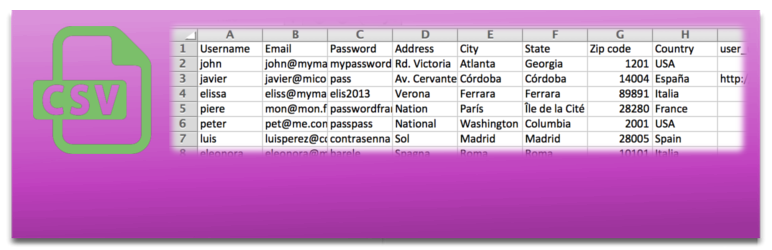
Bulk import and export WordPress users and WooCommerce customers from CSV, including roles, passwords and any...

Simple membership plugin adds membership functionality to your site. Protect members only content using conten...

Number one WordPress forum plugin with AI features. Full-fledged forum solution with modern forum design. Comm...