
A modern video and audio player for courses, landing pages, marketing, and testimonials — with captions, brand...
Free
100k+ installs 4.8★ (339)
A Winamp-styled audio block for all your retro music player needs.
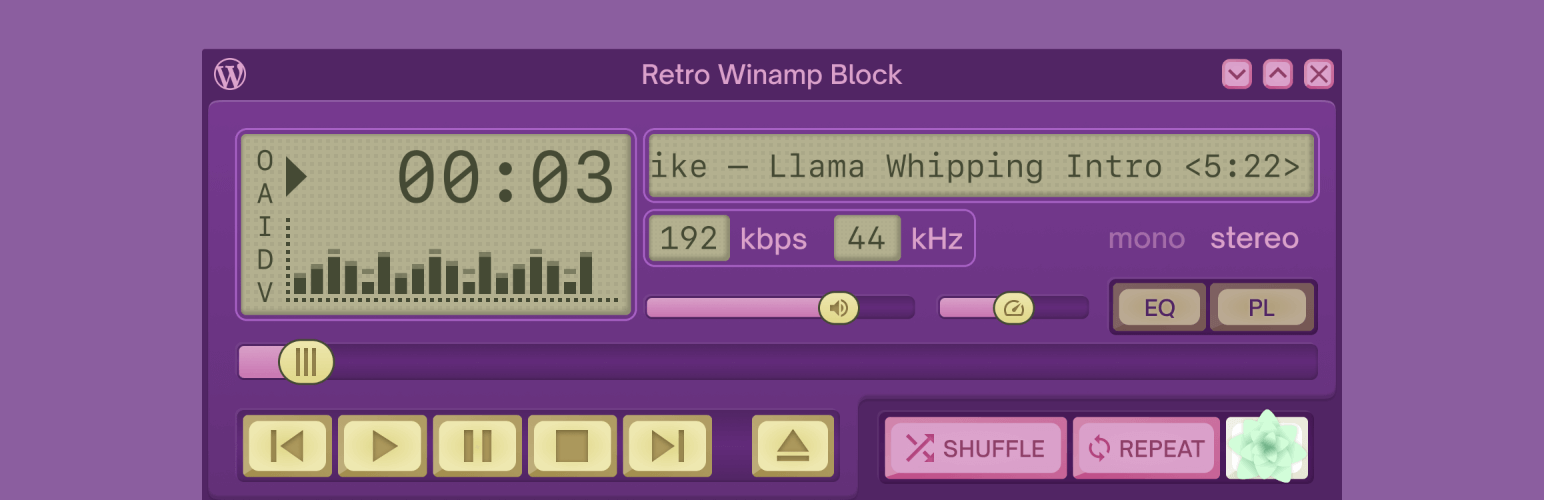
Retro Winamp Block is a WordPress plugin that transforms the standard audio block into a styled audio player reminiscent of the 90s Winamp interface. It allows you to customise the player by selecting different skins from the Winamp Skin Museum, adding a nostalgic touch to your audio content.
This plugin is suitable for users who want to enhance their music or podcast sections on their WordPress sites with a retro aesthetic. It is particularly appealing to those who have a fondness for the 90s culture and want to bring that vibe to their website's audio features.
Best for: This plugin suits WordPress users looking to add a nostalgic audio player to their music or podcast sections.
What it does well
Where it falls short
Retro Winamp Block offers a unique way to enhance audio presentation on WordPress sites, particularly for those who appreciate retro aesthetics. However, the lack of detailed feature information may limit its appeal to some users.
10up's own description of Retro Winamp Block, lightly tidied.
Do you miss the days of filling up your computer’s harddrive with MP3 files, burning CDs with your favorite party mixes, the glam and grunge fashion styles, waiting every week for the latest episodes of Friends and Sex and the City (sorry, no binging on streaming episodes), and all that came with the 90s? Do you wish the WordPress core blocks offered you more styles to match your interests? Then look no further, because this plugin transforms a bland audio block into a llama-riffic Winamp-stlyed audio block!
Disclaimer: Winamp and the Winamp logo are property of Nullsoft Inc. and its owner Radionomy Group (now defunct). This project also leverages the MIT-licensed Webamp player, many thanks to Jordan Eldredge for his efforts there.
In order to select alternate player skins, browse the Winamp Skin Museum and find a preferred skin, copy the URL of the specific skin (e.g., https://skins.webamp.org/skin/bb0bf8064d108271afea419308dcb6ea/NES_Duck_Hunt.wsz/), and paste that URL in the Skin URL field in the Winamp Block Skin settings.
Other plugins for audio and podcasts.
A modern video and audio player for courses, landing pages, marketing, and testimonials — with captions, brand...
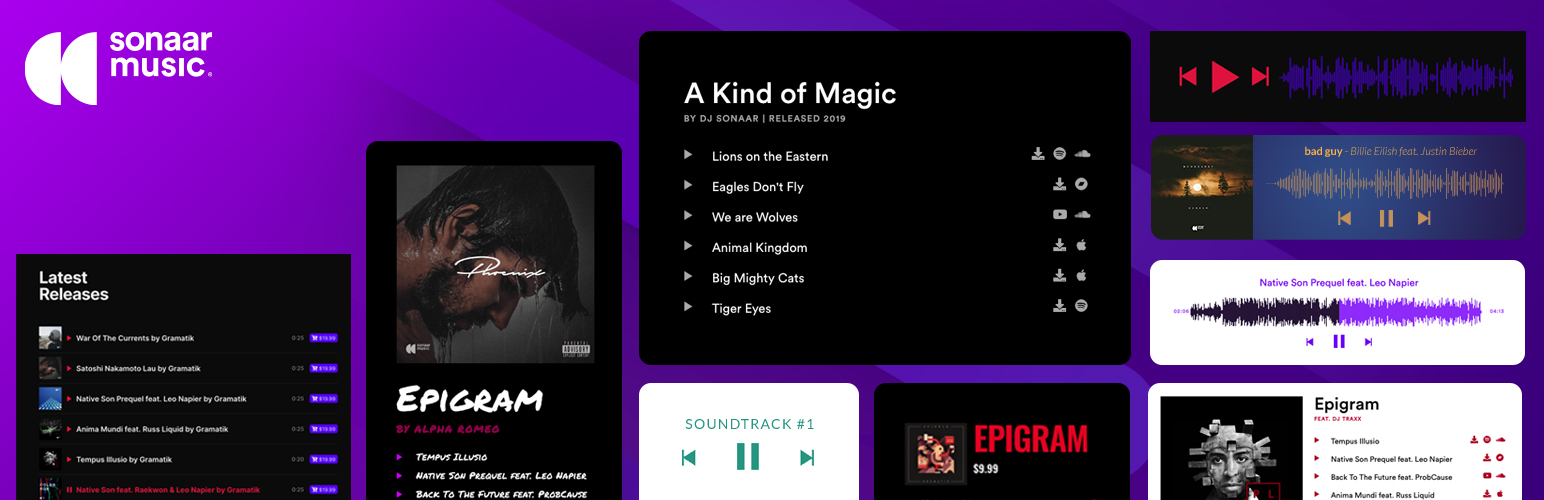
The most advanced Audio Player for Music & Podcast. For Elementor, Gutenberg, WooCommerce and more. Add un...

No. 1 Podcasting plugin for WordPress.

Audio Player for Elementor – the go-to plugin for adding MP3s, podcasts & playlists. Fully customizable, W...
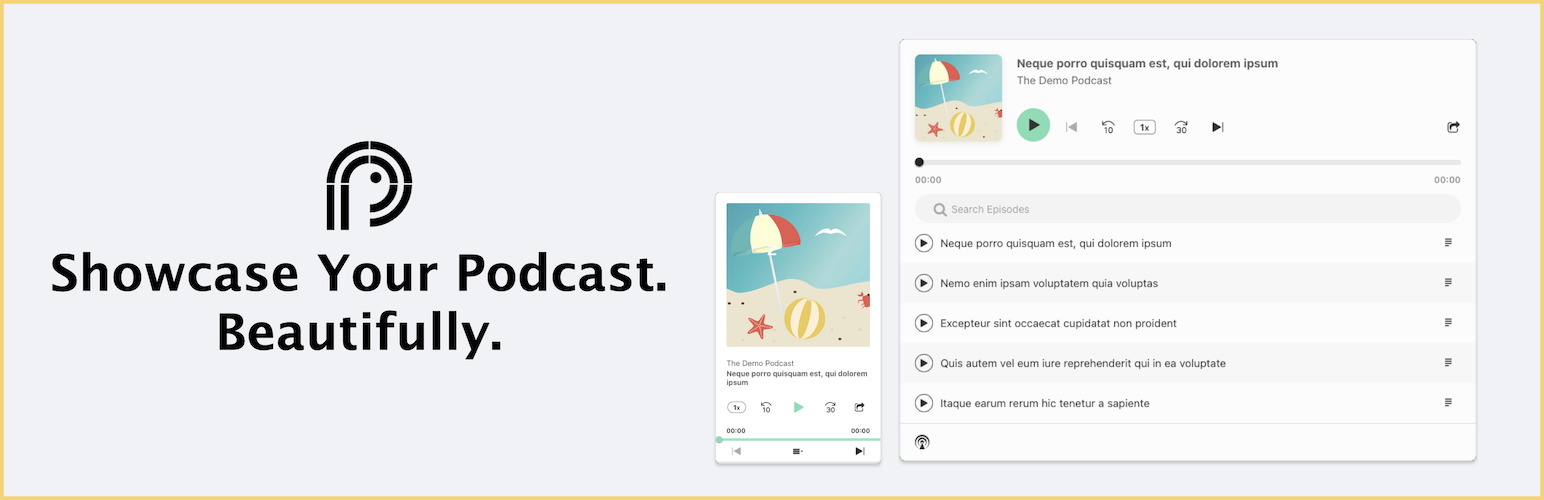
Showcase your podcast only using podcasting feed url. Use widget, shortcode or editor block to display podcast...

Maximize your WordPress site's potential with our versatile HTML5 Audio Player plugin. Seamlessly play .m...