
Join millions who empower their websites with ElementsKit Elementor Addons. Get templates, & 100+ widgets...
Free
1M+ installs 4.9★ (2,036)
Build your email list! Manage Subscribers from a Dashboard. Custom settings. Notify users of new posts. All without having users create accounts.

RUA Blog Subscriber Lite is a WordPress plugin that enables users to subscribe to your blog through a customised form. It allows subscribers to verify their subscriptions and unsubscribe if they choose. You can manage subscribers from the admin dashboard, viewing their subscription status and deleting them if necessary.
When you publish a new post, all subscribers receive an email notification with a link to the post. The plugin includes limited custom settings for the subscription form and email content, and it requires the Shortcode Widget Plugin to place the subscription form in a widget area.
Best for: This plugin suits bloggers who want to manage email subscriptions for their audience.
What it does well
Where it falls short
RUA Blog Subscriber Lite provides essential subscription management features for WordPress blogs, though its customisation options are limited in the free version.
dxladner's own description of RUA Blog Subscriber Lite, lightly tidied.
This multisite compatible plugin allows users to subscribe to your blog using a customized form. Users will have the ability to subscribe to your blog, verify their subscription and unsubscribe.
Your subscribers can be viewed from a dashboard in the admin section. You can see their subscription status, the data they unsubscribed and delete any subscribers. When a user
subscribes to your blog using the form a verification email is sent to their email address. In the email there is a Verify button that the subscriber will click that then
changes the subscribers status from Unverified to Subscribed. When you Publish a new post, all of your subscribers will receive an email announcing a new Post was Published with
a link in the email back to that post for their reading. Also inside all Published Posts emails, there is an Unsubscribed link. So if a subscriber wishes to Unsubscribe from
your blog, they can click the Unsubscribe link and their status will change from Subscribed to Unsubscribed and will no longer receive emails when you Publish a new Post.
There are some limited custom settings in the Lite version for the form and the email content.
Using the following shortcode [ruasubscriber], you can place the Subscription Form on a page or post. If you would like to place the shortcode in a widget
you will need to use the Shortcode Widget Plugin. The Shortcode Widget plugin is a Free plugin from the WordPress Directory which allows you to place
shortcodes in a widget. Out of the box, WordPress Widgets cannot handle shortcodes.
Get the Shortcode Widget Plugin here.
Other plugins for widgets and sidebars.
Join millions who empower their websites with ElementsKit Elementor Addons. Get templates, & 100+ widgets...

Elementor templates, Header footer builder, Elementor Post Grid, Woocommerce Grid builder, Slider, Forms, Gall...

Flexible sidebars for custom classic widget configurations on any page or post. Create custom sidebars with ea...
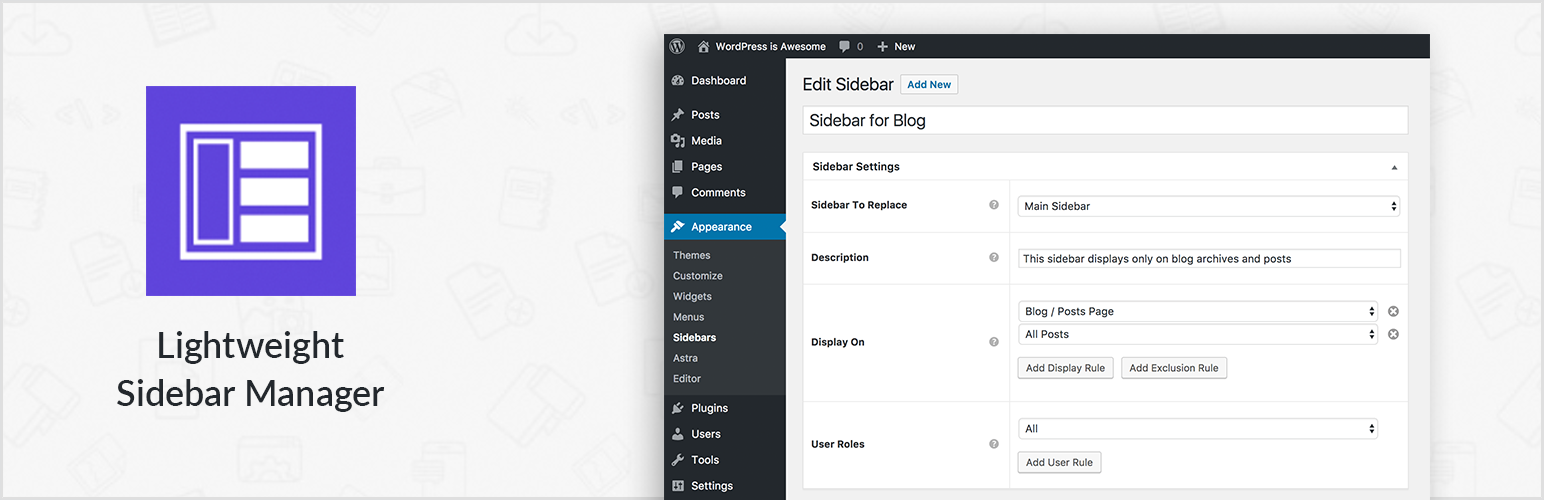
Create new sidebar areas and display them conditionally on certain pages. Works with all themes.
3000+ Elementor & Gutenberg Templates, AI Widget Builder, AI Code Snippets, MCP Workflow, Cloud Workspace...
The complete Elementor addons plugin: 55+ widgets for Elementor, Mega Menu Builder, Popup Builder, Widget Buil...