
Create WordPress websites with free forms, Gutenberg blocks, popups, sliders, countdowns, animations, pre-buil...
Free
80k+ installs 4.9★ (22)
Create versatile countdown timers for your WordPress site and WooCommerce products, including progress bars and upcoming sale countdowns.
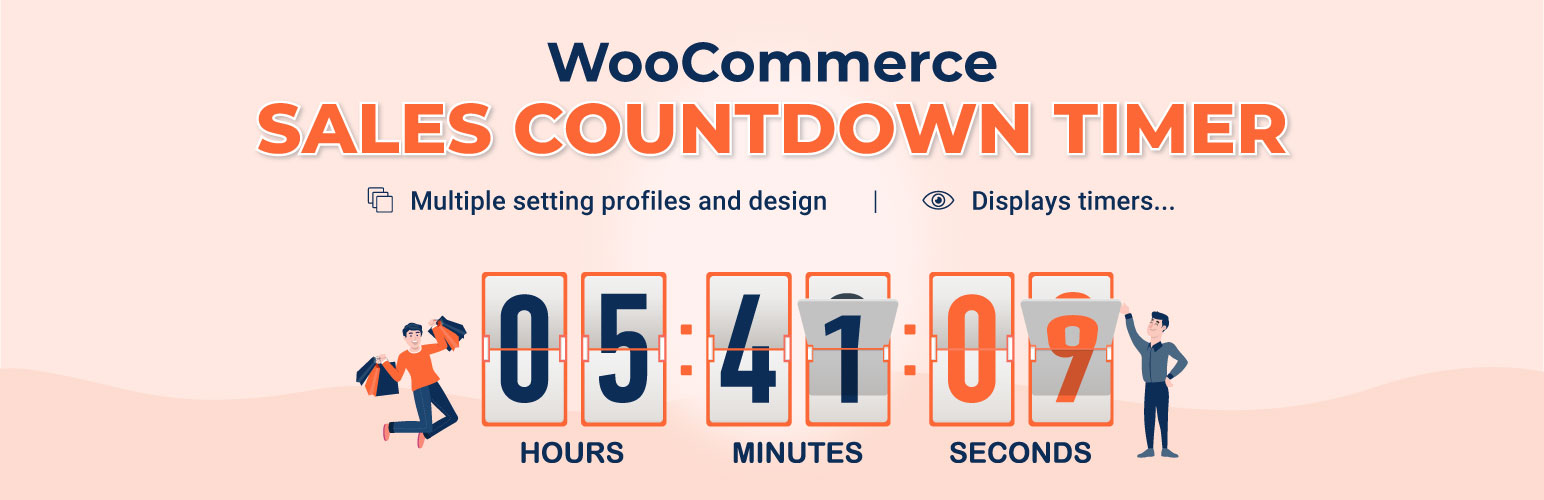
Countix Sales Countdown Timer is a WordPress plugin designed for WooCommerce shop owners to enhance sales during promotional events. It allows you to display countdown timers on product pages and shop pages, creating a sense of urgency for customers. The plugin also includes features for scheduling sales, showing stock progress, and customizing timer positions using shortcodes.
This plugin is suitable for eCommerce sites looking to boost sales through countdown timers and progress bars. It is particularly useful for those who want to manage sale campaigns efficiently and motivate customers to make purchases.
Best for: This plugin is best for WooCommerce store owners aiming to increase urgency in their sales campaigns.
What it does well
Where it falls short
Countix Sales Countdown Timer provides essential tools for WooCommerce users to enhance their sales strategies. It is a straightforward solution for those looking to implement countdown timers and progress indicators on their sites.
VillaTheme's own description of Countix Sales Countdown Timer, lightly tidied.
WooCommerce countdown timer helps to motivate customers purchasing. Many shop owners use WooCommerce countdown timer in sale events, promotions to boost sale, improve sales and revenue. Has your site have WooCommerce countdown timer plugin yet, let’s find out the WooCommerce countdown timer plugin from VillaTheme.
Countix Sales Countdown Timer is a plugin that allows shop owners to boost the Sales in the Sale Campaigns. The plugin can display WooCommerce countdown timer any pages by shortcodes. It is a must-have plugin for encouraging customers to purchase by creating urgency psychology.
► WooCommerce Countdown Timer: The plugin displays sales countdown timers in single product pages and the shop page of WooCommerce. The clocks will notify customers when the sales end or how many sale product quantities left. In WooCommerce single product, you can select Countix Sales Countdown Timer settings and schedule sale campaigns.
Select Countix Sales Countdown Timer profile in WooCommerce single product page, variation products, and select Countix Sales Countdown Timer for bulk products.
Display countdown clock base on WooCommerce sale scheduled time
Select specific sale time: WooCommerce allows you to schedule sale time by date. With Sale Countdown Timer you are able to select specific sale time by hours and minutes.
Position in single product pages: select where the countdown clock will be displayed in single product pages. There are many options for you to select: before product price, after product price, before sale flash badges, after sale flash badges, before “add to cart” button, after “add to cart” button, in the product picture.
Position in archive pages: select where will the countdown click appear in archive pages like shop page, categories pages. There are many options for you to select: before product price, after product price, before sale flash badges, after sale flash badges, before “add to cart” button, after “add to cart” button, in the product picture.
Display in shop page, categories page, related products: you have options to choose display or hide the countdown clock on these pages.
Upcoming sale message: When you schedule a sale campaign in future, you can choose to display an upcoming sale message in the single product page. The messages can be customized with a shortcode display how many time left until the sale time.
Sale ends message: display when will the sale finish message with the shortcode {countdown_timer}.
Shortcode: the shortcode {countdown_timer} will display the countdown clock.
► Sale Progress bar – Stock quantity bar: The plugin displays a progress bar display how many products are available for the sale campaign, how many products are sold and how many left.
Progress bar message: Configure the sale progress bar message as you want with shortcodes.
Shortcodes:
-{quantity_left} – Number of products left
-{quantity_sold} – Number of products sold
-{percentage_left} – Percentage of products left
-{percentage_sold} – Percentage of products sold
-{goal} – The goal that you set on the single product page
Progress bar type: select to display the sale progress as increase or dicrease.
Order status: select what order status that will be counted in the progress bar.
Position: there are 2 positions for the sale progress bar above the countdown clock and below the countdown clock.
Design: configure the frontend of the progress bar with options for width, height, background color, text color and border-radius.
► Shortcodes Countdown Timer:The plugin does not require WooCommerce to work. You can display countdown clocks anywhere by using shortcodes. Settings for Countdown Timer shortcode are similar with the WooCommerce Countdown Timer, the difference is that WooCommerce Countdown Timer displays WooCommerce sale time and the Countdown Timer shortcode display your chosen time.
Display countdown timer by shortcodes.
Select countdown time in the plugin backend.
Other plugins for urgency and countdowns.
Create WordPress websites with free forms, Gutenberg blocks, popups, sliders, countdowns, animations, pre-buil...
ShopLentor – More than a WooCommerce builder. A complete growth plugin to boost conversions, UX, and sales for...
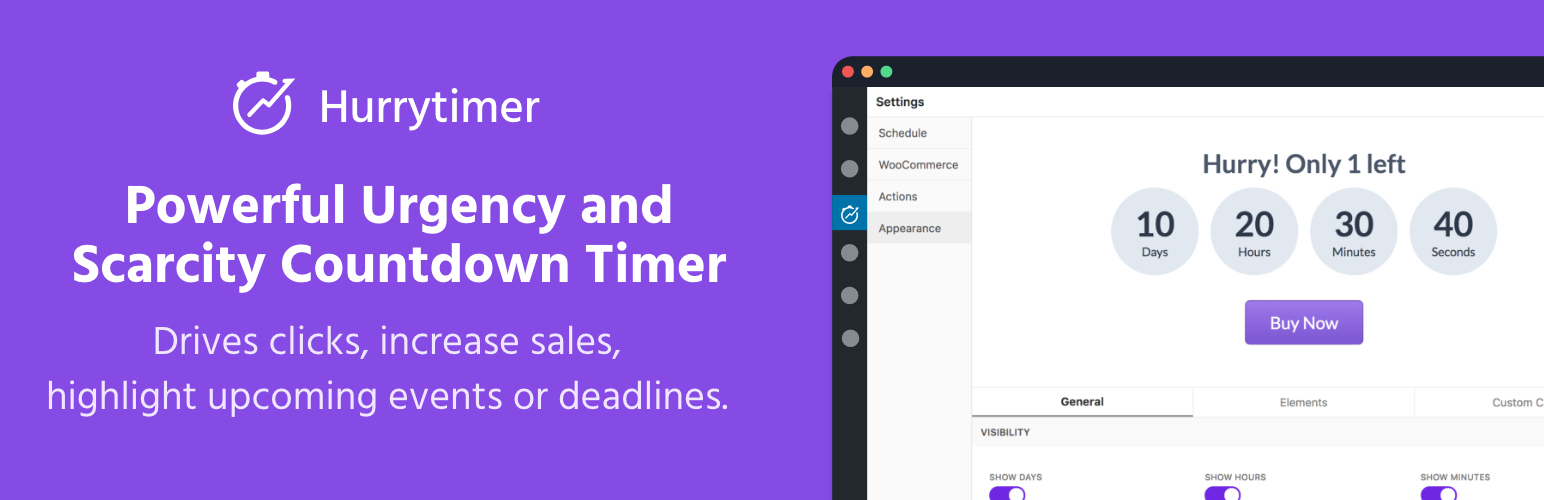
Create unlimited urgency and scarcity countdown timers for WordPress and WooCommerce to boost conversions and...

Free memory & server IP display, PHP EOL countdown, live CPU/RAM sparklines, server location, environment...
Automate SEO and content with dynamic shortcodes for dates, years, months, age calculations, seasons and count...
Create a coming soon page or maintenance mode screen with 15 responsive templates, countdown timer, MailChimp...