
Yoast SEO
98Real-time SEO guidance, schema, and AI built in. Help search engines and AI systems understand your content. A...
Free
10M+ installs 4.8★ (27,819)
Seamlessly insert schema.org and Open Graph microdata into WordPress.

Seamless Schema is a WordPress plugin that automatically inserts Schema.org and Open Graph metadata into the page header to enhance SEO and improve how content is displayed on social networks. It extracts metadata from blog content, such as titles and excerpts, and allows users to manually configure additional metadata for individual posts, pages, and attachments.
The plugin includes a metadata editor for setting default values and custom properties, and it supports multilingual settings if Polylang is installed. It is suitable for users who want to optimise their site's metadata for search engines and social media without extensive technical knowledge.
Best for: This plugin is best for WordPress users looking to improve their site's SEO and social media presence.
What it does well
Where it falls short
Seamless Schema provides a straightforward way to manage metadata for SEO and social sharing, but its age and limitations may affect its usability on modern WordPress sites.
Nicolas Bernier's own description of Seamless Schema, lightly tidied.
Seamless schema automatically inserts Schema.org and Open Graph metadata inside the page header to improve SEO and social network display. The metadata is extracted by default from the blog content data such as the page title, the post excerpt, the thumbnail image but it can be completed for each blog post, page and attachment using the provided metadata editor for simple properties and even within the page’s HTML code for the more complex ones.
Configure the default page type and metadata and for the homepage. By clicking Settings / Seamless Schema in the admin page. This is optional since WordPress’ values (page title, description and header image) are used by default. You can also set the Twitter username of your website for the Twitter site cards from here.
If you have Polylang installed, you can set per-language settings.
Authors can fill their Twitter username in their profile for the Twitter site cards.
When editing a blog post, a page or an attachment, you can set its Schema.org content type and metadata. In most cases, the content-type will be Article or Web Page but you can set a more accurate type such as Organization or Product Review.
You can add extra metadata and override the default ones such as the name, description (post excerpt) and image by selecting the property you want in the select box then click the + button. The properties that already have a default value show up in italic in the list. If you set an invalid property for the selected content type, the row will show up in red and won’t be used on the website.
The metadata is added in meta tags in the page header so it’s totally invisible. However, only canonical properties can be added. For more complex types such as home address and product review, you have to add manually the metadata in the HTML code of your post. Have a look at the Schema.org website for more information about the structure.
Additional OpenGraph and Twitter tags can be added in posts, pages and attachments as custom fields prefixed by og_ or twitter_. For example, to add the tag og:my_tag, add a custom field named og_og:my_tag with the value you want.
Other plugins for structured data.
Real-time SEO guidance, schema, and AI built in. Help search engines and AI systems understand your content. A...

Grow your organic traffic and AI visibility with powerful SEO tools, XML sitemaps, Schema automation, and buil...

AIOSEO is the WordPress SEO plugin. Boost SEO rankings with AI SEO tools, schema, meta descriptions, XML sitem...

WordPress SEO plugin with AI SEO metadata, schema, XML sitemap, redirections & Search Console. Privacy-fir...

Lightweight SEO assistant for meta tags, schema and structured data, XML sitemaps, Open Graph previews, robots...
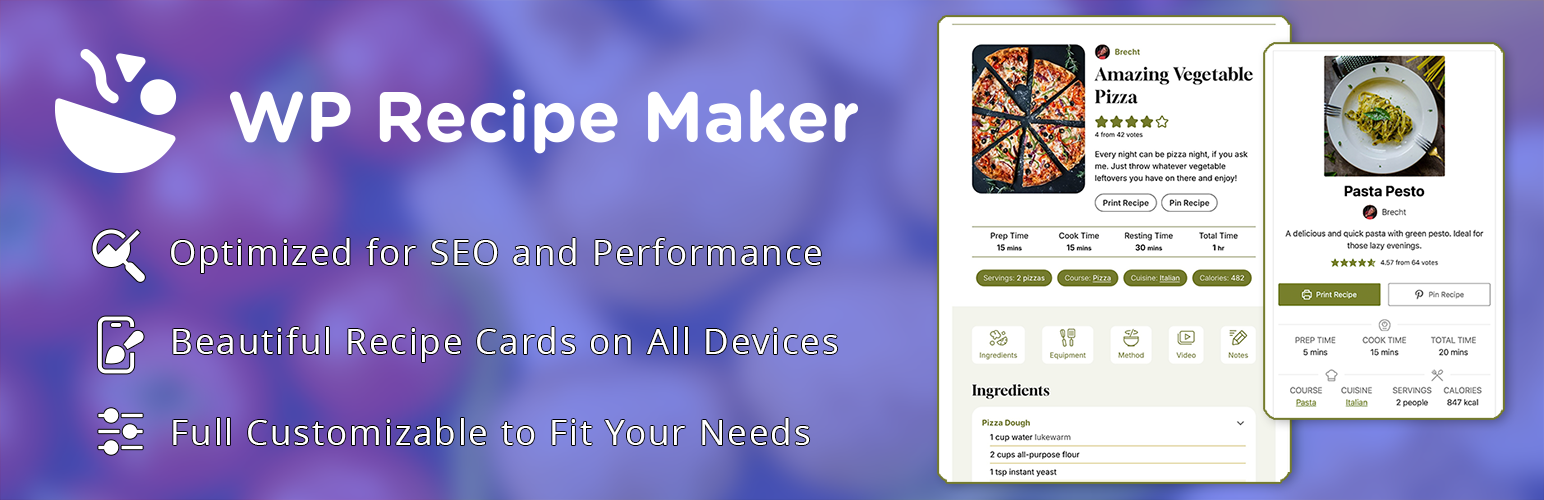
The easy and user-friendly recipe plugin for everyone. Automatic JSON-LD metadata for food AND how-to recipes...