
Yoast SEO
98Real-time SEO guidance, schema, and AI built in. Help search engines and AI systems understand your content. A...
Free
10M+ installs 4.8★ (27,819)
The Semrush SEO Writing Assistant provides instant recommendations for content optimization based on the best-performing articles in Google's top 10.
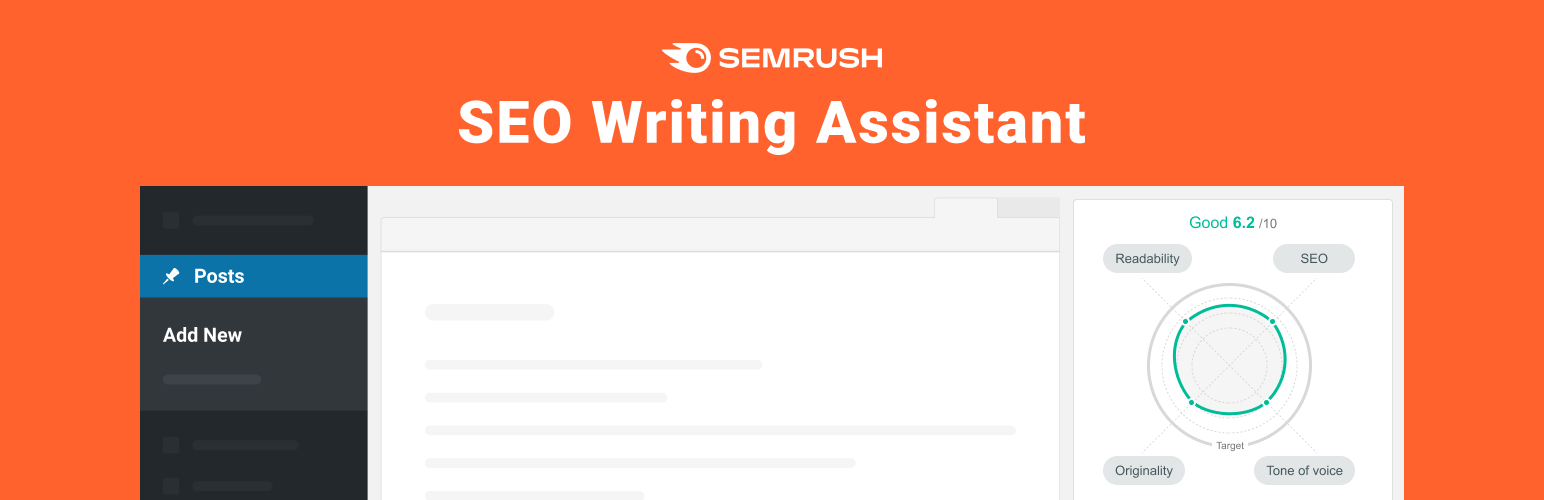
The Semrush SEO Writing Assistant is a WordPress plugin designed to enhance the visibility and engagement of your content. It provides real-time recommendations on readability, SEO, and tone of voice, helping you to create impactful text for both readers and search engines.
To use the plugin, you need a Semrush account to specify target keywords. The plugin integrates with your WordPress site and allows you to assess and edit content directly, offering features like keyword suggestions, plagiarism checks, and an overall SEO score based on your text.
Best for: Content creators and marketers looking to optimise their writing for SEO.
What it does well
Where it falls short
The Semrush SEO Writing Assistant offers useful tools for improving content quality, but its reliance on a Semrush account may limit accessibility for some users.
SEMrush CY LTD's own description of Semrush SEO Writing Assistant, lightly tidied.
For your content to be successful, it needs to be visible and engaging. SEO Writing Assistant—our smart editor tool—ensures that your text ticks both of these boxes by providing recommendations and improvements in real time.
The tool integrates seamlessly with WordPress and offers key readability and SEO suggestions based on the best-performing content in Google’s SERPs. Whether you’re writing your own copy or editing someone else’s, SEO Writing Assistant makes the end product as impactful and effective as possible—for readers and search engines.
The SEO Writing Assistant plugin allows you to write, assess, and edit your content in WordPress.
To set it up, follow these steps:
Once the plugin has been installed, it should be activated in your “Installed Plugins” list (if it isn’t, ensure that you do so). Go to the page or post you want to optimize and click on “Connect SEO Content Template” (you will need to be logged in to your Semrush account).
To use SEO Writing Assistant, you need to first specify your target keywords. This requires a Semrush account.
With a Free or Pro Semrush account, you can create one recommendation set (tied to a document) for a lifetime. Higher tier accounts have different keyword budgets depending on the subscription plan, as well as full access to the powerful Semrush Content Marketing Platform.
Please be aware that the plugin uses a third-party code provided by the Semrush SEO Writing Assistant tool that is not reviewed by the WordPress team. To analyze your text, the plugin will send it to Semrush API where texts can also be stored for statistical analysis. To improve user experience, telemetry data is collected by Google Analytics.
See also
Other plugins for search engine optimisation.
Real-time SEO guidance, schema, and AI built in. Help search engines and AI systems understand your content. A...

Grow your organic traffic and AI visibility with powerful SEO tools, XML sitemaps, Schema automation, and buil...

Translate WordPress with Google Translate multilanguage plugin using AI translation. Complete multilingual SEO...

AIOSEO is the WordPress SEO plugin. Boost SEO rankings with AI SEO tools, schema, meta descriptions, XML sitem...

Generate multiple types of sitemaps to improve SEO and get your website indexed quickly.

WordPress SEO plugin with AI SEO metadata, schema, XML sitemap, redirections & Search Console. Privacy-fir...