
WhatsApp chat, Facebook Messenger, Telegram, TikTok, Instagram, Email, Line, WeChat Phone call, SMS, 20+ live...
Free
300k+ installs 5★ (1,240)
WhatsApp Chat Button - Display the beautiful WhatsApp Sticky Button on the WordPress frontend.
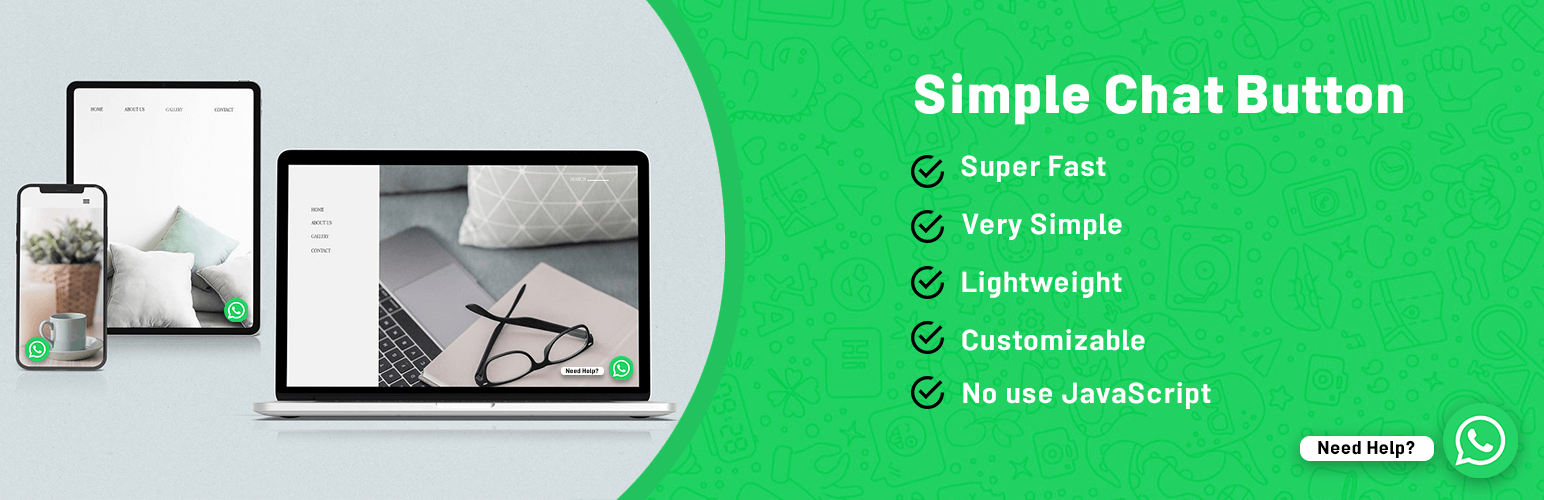
Simple Chat Button is a WordPress plugin that adds a WhatsApp Sticky Button to your site, allowing visitors to contact you easily. The button directs users to the WhatsApp application on mobile devices or WhatsApp Web on desktops. You can customise the button's position and prefill a message for users to start the conversation.
This plugin is suitable for website owners who want to provide a quick and straightforward way for visitors to reach them via WhatsApp, particularly for businesses using WhatsApp for customer communication.
Best for: Website owners looking to enhance customer communication through WhatsApp.
What it does well
Where it falls short
Simple Chat Button provides a straightforward solution for integrating WhatsApp into your site. It may be a good choice if you want a basic chat option without complex features.
seramo's own description of Simple Chat Button, lightly tidied.
WhatsApp Chat Button (Simple Chat Button) is the Fastest (No use JavaScript), Lightweight and Very Simple WordPress plugin that displays the beautiful WhatsApp Sticky Button on the WordPress frontend.
After clicking on the WhatsApp Sticky Button, It will bring you to the WhatsApp application.
Add your ‘WhatsApp’ or ‘WhatsApp Business’ Number. And let your website visitors contact you with a single click.
Mobile: Navigates to WhatsApp Mobile App.
Desktop: Navigates to WhatsApp Web.
Text that appears at the WhatsApp chat window when the user clicks on the WhatsApp Button.
Users can start the conversation easily.
Different positions for Mobile, Tablet and Desktop Devices.
Available languages:
Other plugins for messaging channels.
WhatsApp chat, Facebook Messenger, Telegram, TikTok, Instagram, Email, Line, WeChat Phone call, SMS, 20+ live...

The most installed WordPress plugin for WhatsApp: a customizable floating button that turns your visitors into...

WhatsApp Chat🔥. Let's make your Web page visitors contact you through 'WhatsApp', 'WhatsA...

WhatsApp Chat🔥 allows you to enhance customer engagement! Integrate "WhatsApp" or "WhatsApp Bu...

Customer Reviews for WooCommerce plugin helps you get more sales with social proof. Set up automated review re...

AI chatbot agent & human live chat for customer support, FAQ, chat buttons including WhatsApp with Chatway...