
Create WordPress websites with free forms, Gutenberg blocks, popups, sliders, countdowns, animations, pre-buil...
Free
80k+ installs 4.9★ (22)
Smart Countdown FX Easy Recurring Events adds recurring events support to Smart Countdown FX.

Smart Countdown FX Easy Recurring Events is a WordPress plugin designed to manage and display recurring events. It allows you to define up to four independent recurrence patterns, including hourly, daily, weekly, monthly, and yearly schedules. The plugin merges events from different patterns into a single timeline, making it suitable for various scheduling needs.
This plugin is aimed at users who need to display countdowns for recurring events on their WordPress sites. It is particularly useful for event organisers or businesses that want to keep their audience informed about upcoming events and their durations.
Best for: This plugin suits event organisers and businesses needing to manage and display recurring events on their WordPress sites.
What it does well
Where it falls short
Smart Countdown FX Easy Recurring Events offers useful features for managing recurring events, but its last update was in January 2020, which may raise concerns about ongoing support.
Alex Polonski's own description of Smart Countdown FX Easy Recurring Events, lightly tidied.
Smart Countdown FX Easy Recurring Events requires Smart Countdown FX version 1.3 or higher, please do not forget to update before proceeding.
Up to four independent recurrence patterns can be defined. Supported patterns are:
Hourly – every 10, 15, 20 or 30 minutes, 1, 2, 3, 4, 6, 8 or 12 hours starting from a given time
Daily – every day at a given time
Weekly – every week on chosen week days (more than one day can be selected) at a given time
Monthly – every month on a given date at a given time
Monthly by week day – every month on a given week and day (e.g. first monday, last saturday, second friday, etc.)
Yearly – every year on a given month and date at a given time
Other features
When configuring Smart Countdown FX or adding a shortcode to you post you can choose one of or both recirrence patterns defined in “Smart Countdown FX Easy Recurring Events” configuration. The opition to use both patterns will merge events from each recurrence into a single timeline. Of course you can merge any kind of patterns but mostly this feature serves for creating different schedules for week days and weekends in a combined “Weekly” pattern.
All events in a recurrence pattern have the same duration which can be set in “Duration” option in plugin configuration. When recurring events are imported the widget will show countdown to the next scheduled event and after event starts it will show “In progress” (or whatever title you set for “count up” mode) while event is in progress (i.e. during the interval set as “Duration”). After that the counter will automatically start countdown to the next event.
Overlapping events are also supported.
For samples and complete list of features see this page
Other plugins for urgency and countdowns.
Create WordPress websites with free forms, Gutenberg blocks, popups, sliders, countdowns, animations, pre-buil...
ShopLentor – More than a WooCommerce builder. A complete growth plugin to boost conversions, UX, and sales for...
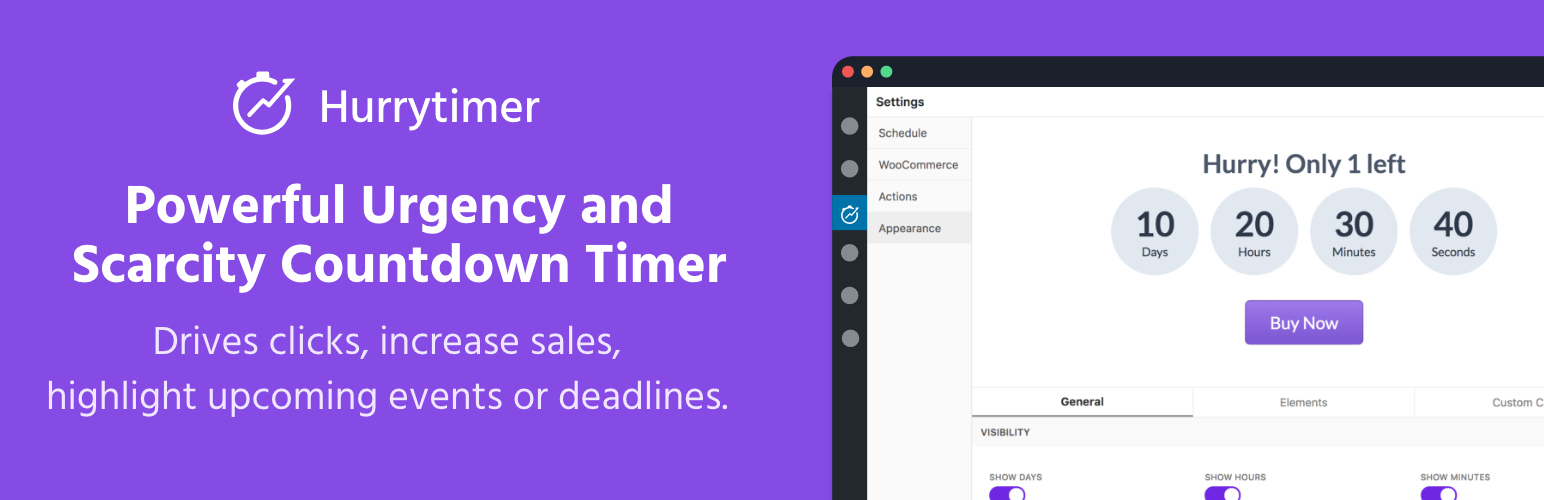
Create unlimited urgency and scarcity countdown timers for WordPress and WooCommerce to boost conversions and...

Free memory & server IP display, PHP EOL countdown, live CPU/RAM sparklines, server location, environment...
Automate SEO and content with dynamic shortcodes for dates, years, months, age calculations, seasons and count...
Create a coming soon page or maintenance mode screen with 15 responsive templates, countdown timer, MailChimp...