
Join millions who empower their websites with ElementsKit Elementor Addons. Get templates, & 100+ widgets...
Free
1M+ installs 4.9★ (2,036)
Create custom post lists based on options you choose from a form in a widget. Different types of lists, blog, portfolio, services pages. No coding.

Smart Post Lists Light is a WordPress plugin that allows you to create and manage post lists using a drag-and-drop widget. You can customize the lists by selecting categories, tags, and various display options without needing coding knowledge. The plugin generates SQL queries based on your selections to display the desired posts in your chosen sidebar or widget area.
This plugin is suitable for users looking to enhance their website with custom post lists, whether for blogs, portfolios, or product showcases. It provides a straightforward way to organise and present content visually, making it accessible for beginners and those who prefer ease of use.
Best for: This plugin suits beginners and users who want to create custom post lists on their WordPress site.
What it does well
Where it falls short
Smart Post Lists Light offers a user-friendly way to create post lists, but the limited information and lower directory score may suggest some caution for potential users.
OTWthemes's own description of Smart Post Lists Light, lightly tidied.
You can create a fully functional website using this widget. Check out the showcase.
Drag & drop the widget in as many sidebars or custom widget areas as you like and build as many independent lists as you like. It is very easy to build any type of list you’d like.
It works similar to SQL query but no coding knowledge is required!
Check out demo site
How it works
Go to your widgets section. Drag and Drop the widget in a sidebar(widget area) that you want your list to appear in. Fill in the form and click save. Here are the options you can choose from:
By filling a simple form this plugin will build an SQL SELECT query, return a result set and build html code based on it. The form controls select expression, where condition, order by expression, limit expression.
No coding is required!
Showcase
You can create a fully functional website using this widget. Get some ideas at the demo site.
Customize front-end
By default the widget looks like all other widgets from the same sidebar (widget area) you drop it in. It has its own CSS file that overrides the default styles for your list elements. You can use that file to further customize the front-end outlook.
Get more of this plugin
Most themes for WordPress will come with default sidebars and a few footer areas where you can drop widgets in. If you want to have custom widget areas for instance in content areas of your pages and post, or any other area of your site:
Other plugins for widgets and sidebars.
Join millions who empower their websites with ElementsKit Elementor Addons. Get templates, & 100+ widgets...

Elementor templates, Header footer builder, Elementor Post Grid, Woocommerce Grid builder, Slider, Forms, Gall...

Flexible sidebars for custom classic widget configurations on any page or post. Create custom sidebars with ea...
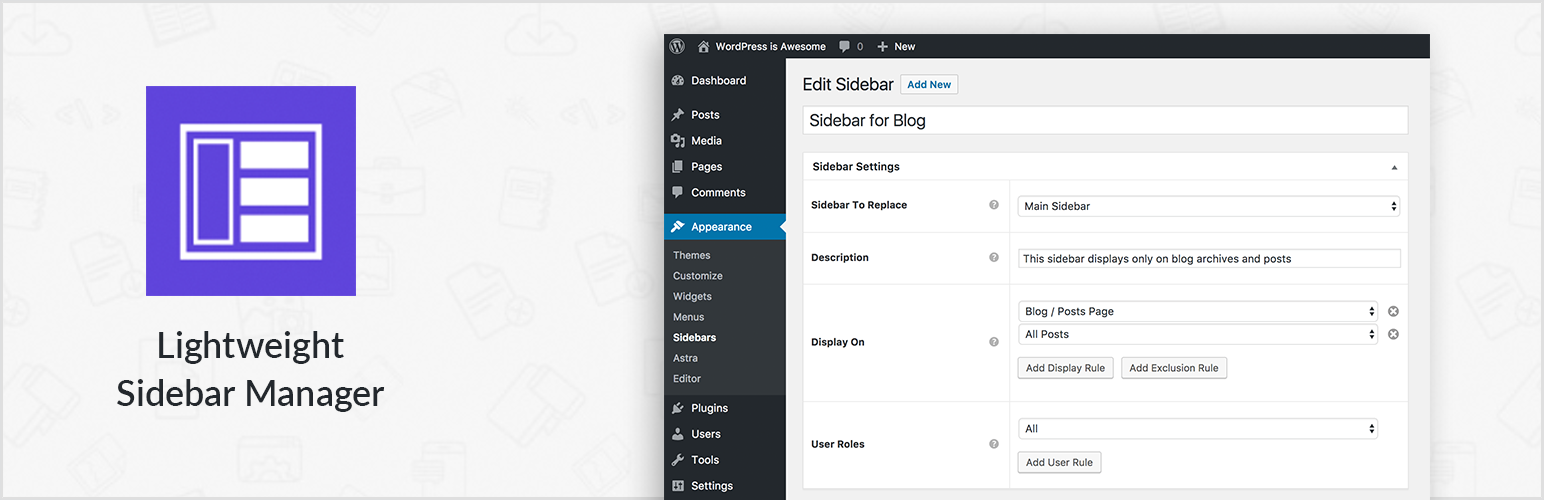
Create new sidebar areas and display them conditionally on certain pages. Works with all themes.

3000+ Elementor & Gutenberg Templates, AI Widget Builder, AI Code Snippets, MCP Workflow, Cloud Workspace...

The complete Elementor addons plugin: 55+ widgets for Elementor, Mega Menu Builder, Popup Builder, Widget Buil...