
Boost your sales with a free WooCommerce Wishlist feature. Let your customers save and share their favorite p...
Free
100k+ installs 4.7★ (499)
Free: WC Wishlist, Email automation, Elementor Widgets. Premium: Back-in-Stock Notifier, Save for Later, Multi-lists, Reports, Email Marketing.

MoreConvert Wishlist for WooCommerce is a WordPress plugin designed to enhance WooCommerce stores by allowing customers to create and manage wishlists. It offers features such as customizable wishlist buttons, integration with Elementor, and options for sharing wishlists via social media or exporting them as PDFs.
This plugin is suitable for eCommerce sites using WooCommerce that want to improve user engagement and sales through wishlist functionality. It includes various customization options for the wishlist interface and supports multiple themes and page builders.
Best for: This plugin is best for WooCommerce store owners looking to enhance customer experience with wishlist capabilities.
What it does well
Where it falls short
MoreConvert Wishlist for WooCommerce provides useful features for managing wishlists, making it a practical choice for eCommerce sites focused on customer engagement.
Moreconvert Team's own description of MoreConvert Wishlist for WooCommerce, lightly tidied.
🚀 Supercharge your WooCommerce sales with the MoreConvert WooCommerce Wishlist plugin. How? Read on to find out!
Free Version:
– WooCommerce Wishlist: Create wishlists easily.
– Beautiful icons in various positions + shortcodes
– Elementor Widgets: Customize with Elementor
– Over 100 integrations with plugins and themes.
– High customization and fast setup.
📚 DOCUMENTATION |✨ 12 Significant Update in 2025 |⚡ Swift and Attentive Support Team
Premium Version:
– Back-in-Stock Notifier: Alert when items return.
– Save Cart for later: Retain shopping carts.
– Advanced Analytics: Uncover user insights.
– Email Campaigns & Automation: Targeted emails, automated.
– And over 47 other cool and useful options.
🌟 TRY MoreConvert Wishlist for WooCommerce PREMIUM For FREE
🔒 Advanced WooCommerce Wishlist features
– Popup for sharing options.
– Selectable list layouts by users (grid or list).
– Shortcode for User Counter on Wishlist on the product page
– Move Products between Lists
– Drag and Drop items among List
– Copy Products from other shared Lists to your List
– Toast Style Management
– Open New Tab For External Product Add To Cart for affiliate shops
– Total price with three style (classic, marketing, modern) and different position and style.
🔒 WooCommerce Unlimited lists (Bookmark system/or use as Bundle builder)
All Advanced and free WooCommerce Wishlist features plus:
– Customize names and descriptions for each list.
– Add or move products between multiple lists.
– Choose whether to make lists public or private.
– Attractive display in the WooCommerce My Account section.
– Additional dedicated button to encourage user engagement and lead generation.
– Sharing feature as popup or under the lists.
– Dedicated counter with all customizable options and mini lists.
🔒 WooCommerce Waitlist options
– All WooCommerce Wishlist Features
– Dedicated Waitlist Button, Wishlist Page and Counter for WooCommerce
– Centralized Subscribe Waitlist: All subscribers are organized in one place for easier management.
– Email Notifier for Back in Stock, Limited Stock, Price Changes, and Special Sales
– Email Automation with Five Follow-ups
– Product-Specific Email Automation for Variable Products in All Modes (Back in Stock, Limited Stock, Price Change, Special Sale)
– Create Combined Conditions for Email Campaigns and Automation based on User Behavior in Wishlist, Waitlist, Shopping Cart, and Multilist, and User Status and Purchase History.
– Exclusive Out-of-Stock Product Box with Two Customizable Styles
🔒 Next purchase cart for save cart for later
– Secret Next Purchase Cart Button
– Add Next Purchase Cart under cart table or in Separate Tab
– Pop-up Prevents Removal from Cart and Invites to Add to Next Shopping Cart
– Hide Next Purchase Cart Button, Show on Removal Request
– Customizable Buttons and Texts and Well-designed icons with Full Details
– Support for Changing and Out-of-Stock Products
– Invitation Button for Similar Products When Unavailable in Next Purchase Cart
– Email Notifier with Automatic Follow-ups and Discount Code (Similar to Waitlist)
– Attractive and Professional Styles to Reduce Cart Removal
– Define for guests, users, or both
– Three styles to choose from for the save for later button position.
– Easily add products to cart with one click using “Save for Later” or remove them from the list.
– Option to include a prominent call-to-action bar with notification on top the list.
– Convenient “Add All to Cart” button on the cart page for added convenience.
🔒 Comprehensive analytics
– Analyze Individual User Behavior
– Filter, View and export Users based on Various Conditions (List Status, List Ownership, User Status, Previous Purchases, Combined Conditions)
– Save User Segments based on Categories
– Edit guest user profiles directly in analytics for better data accuracy and targeting.
– Send Email Campaigns to Users with Category-based Filtering
– Check Users based on Lists and Previous Purchases
– Add Notes to Users for CRM Purposes
– View and Analyze List Indicators for Improved Sales
– View Lists of Individual Users with Various Condition.
– View Product Status in Each List and All Lists
– Identify Users of Specific Products
– Define Multiple Conditions for Analytics and Targeting High Sales Numbers without General Ads
🔒 Unlimited automated email sequences
– Define dozens of automated emails based on conditions from lists, purchase history, and user status.
– Create exclusive discount codes for each user with automatic deletion after purchase and customizable conditions.
– Set up five automatic follow-up emails with specific timings and various appearance templates.
– Generate automatic sales through email automation.
– View detailed click rate, open rate, and sales reports for each email automation.
– Automatically send emails using the website’s SMTP with a system to reduce server pressure.
– Personalize email content based on user characteristics and lists.
– Allow users to unsubscribe from email automation.
– Email automation stops after coupon use and user’s purchase.
🔒 One-shot Email campaign
– Define dozens of one-time emails based on detailed conditions from lists, purchase history, and user status.
– Create exclusive discount codes for each user with automatic deletion after purchase and customization options.
– Schedule and send bulk emails.
– View detailed click rate, open rate, and sales reports for each email campaign.
– Automatically send emails using the website’s SMTP with a system to reduce server pressure.
– Personalize email content based on user characteristics and lists.
– Allow users to unsubscribe from email campaigns.
More advanced features in the premium version include:
Other plugins for wishlists and comparisons.
Boost your sales with a free WooCommerce Wishlist feature. Let your customers save and share their favorite p...

WPC Smart Wishlist is a simple but powerful tool that can help your customer save products for buying later.

WooCommerce builder for Elementor & Gutenberg, offering product templates, product sliders, shopping cart,...
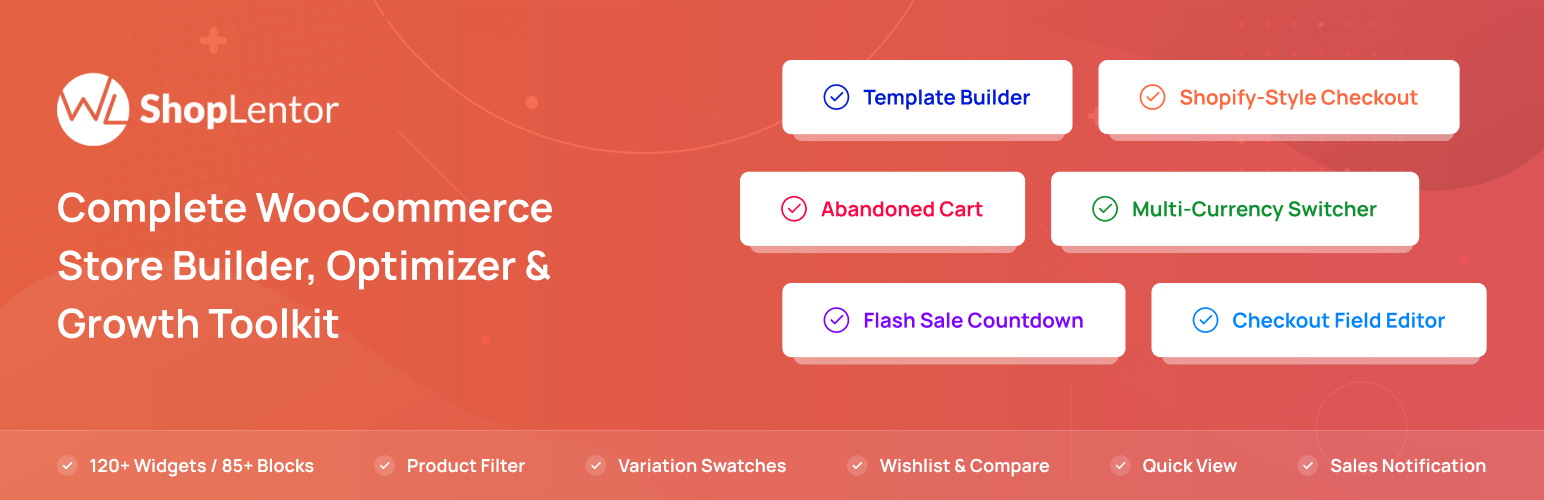
ShopLentor – More than a WooCommerce builder. A complete growth plugin to boost conversions, UX, and sales for...
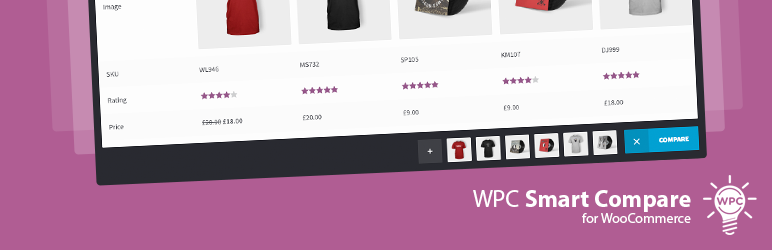
It helps customers compare products with mighty AJAX, doesn't require opening a new page or iframe, and a...
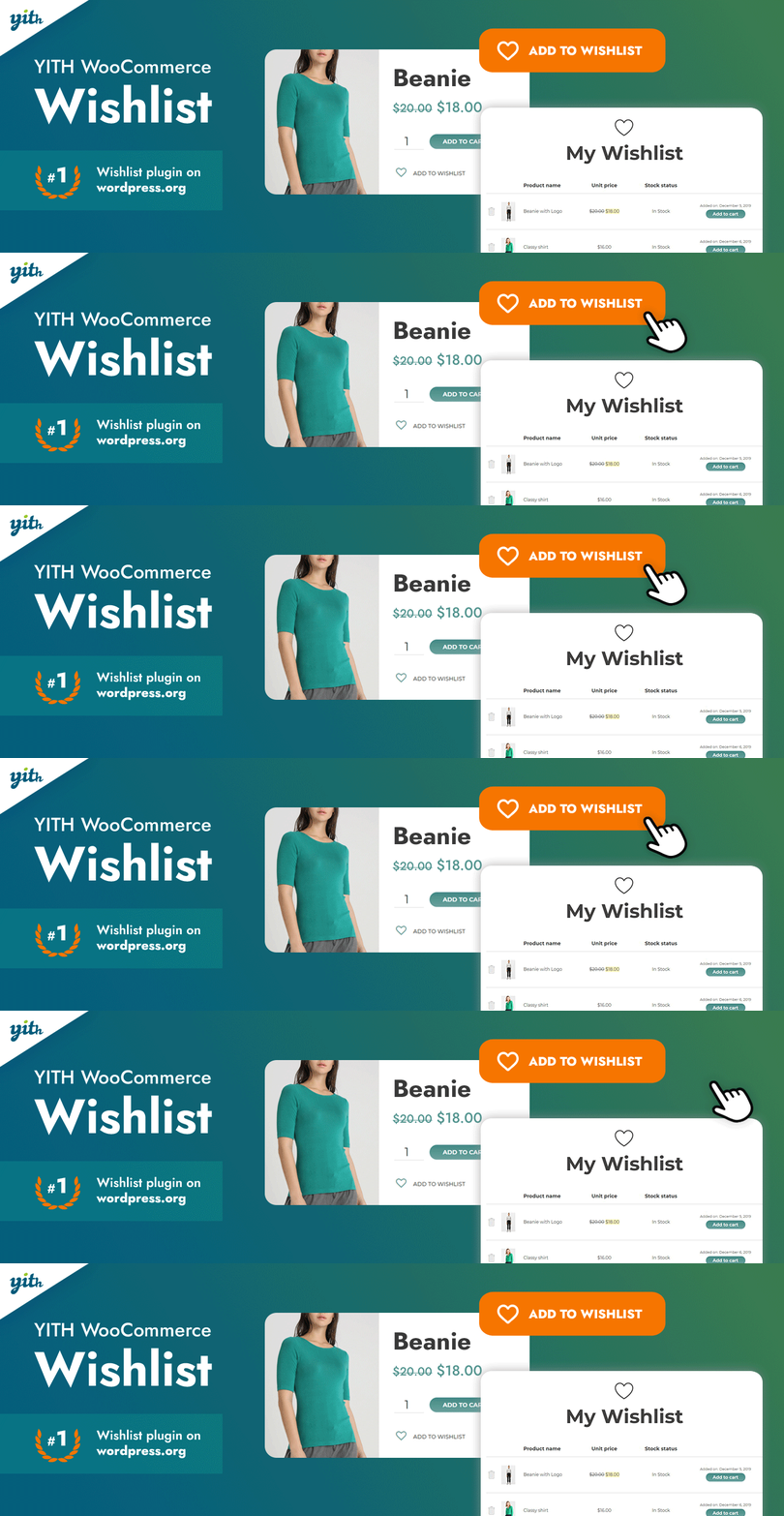
YITH WooCommerce Wishlist add all Wishlist features to your website. Needs WooCommerce to work. WooCommerce 11...