
Autoptimize
92Autoptimize speeds up your website by optimizing JS, CSS, images (incl. lazy-load), HTML and Google Fonts, asy...
Free
800k+ installs 4.7★ (1,428)
Powerful, simple CSS editing for WordPress. Visual controls & real-time previews for effortless site customization.

SiteOrigin CSS is a WordPress plugin that allows you to customize your site's design using CSS. It features real-time visual controls and a powerful inspector to help you identify CSS selectors, making it suitable for both beginners and advanced users. The plugin is free to use and works with any WordPress theme, enabling you to edit your site’s appearance easily.
With its user-friendly interface and robust editing tools, SiteOrigin CSS helps you make design changes quickly and efficiently. The CSS editor includes autocompletion and linting features, which can streamline your workflow and improve code quality. The plugin is actively developed, ensuring ongoing support and updates.
Best for: This plugin suits anyone looking to customize their WordPress site's design, from beginners to experienced developers.
What it does well
Where it falls short
SiteOrigin CSS provides a solid solution for CSS editing in WordPress, catering to various skill levels. It is a useful tool for those wanting to enhance their site's appearance without extensive coding knowledge.
Greg - SiteOrigin's own description of SiteOrigin CSS, lightly tidied.
SiteOrigin CSS is the intuitive and powerful CSS editor designed to empower your WordPress site customization. Enjoy a seamless editing experience with real-time visual controls, making it easy to tweak your site’s look and feel instantly. Whether you’re a beginner or an advanced developer, SiteOrigin CSS has you covered.
For beginners, our user-friendly visual controls and live previews eliminate the guesswork from CSS editing. See your changes as you make them, ensuring your site looks exactly as you envision. For advanced users, we offer robust code autocompletion, speeding up your workflow and making CSS writing faster and more efficient than ever before. Take full control of your site’s design with SiteOrigin CSS and bring your creative vision to life.
The hardest part of editing your site’s design using CSS is usually finding the correct selector to use. The powerful inspector that comes with SiteOrigin CSS makes this easy. While viewing a full preview of your site, just click on an element, and it’ll help you identify the best selector to use to target that element.
The inspector will help you even if you have no idea what a CSS selector is.
Don’t like playing around with code? No problem. SiteOrigin CSS has a set of simple controls that make it easy to choose colors, styles, and measurements. Combined with the inspector, you’ll be able to make changes in just a few clicks.
SiteOrigin CSS has a powerful CSS editor, the likes of which you’d usually only expect from high-end IDEs. It has autocompletion for both CSS selectors and attributes. It also features very useful CSS linting to help you identify issues in your code before you publish your changes.
We’re committed to keeping SiteOrigin CSS free. You can install it on as many sites as you like without ever worrying about licensing. All future updates and upgrades will be free, and we even offer free support over on our friendly support forums.
There’s an ever-growing collection of awesome WordPress themes, and now with SiteOrigin CSS, you can edit every single one of them to your heart’s content. No matter what theme you’re using, SiteOrigin CSS will work perfectly.
We’re actively developing SiteOrigin CSS. Keep track of what’s happening over on GitHub.
Other plugins for typography control.
Autoptimize speeds up your website by optimizing JS, CSS, images (incl. lazy-load), HTML and Google Fonts, asy...
The #1 fonts plugin for WordPress. 1,400+ Google Fonts, Adobe Fonts and your own font files. Live preview, no...

Redux is a simple, truly extensible, and fully responsive options framework for WordPress themes and plugins....

The original Google Fonts self-hosting plugin. Automagically caches your fonts locally — no configuration (or...

SpeedyCache is a WordPress cache plugin that helps you improve performance of your WordPress site by caching,...
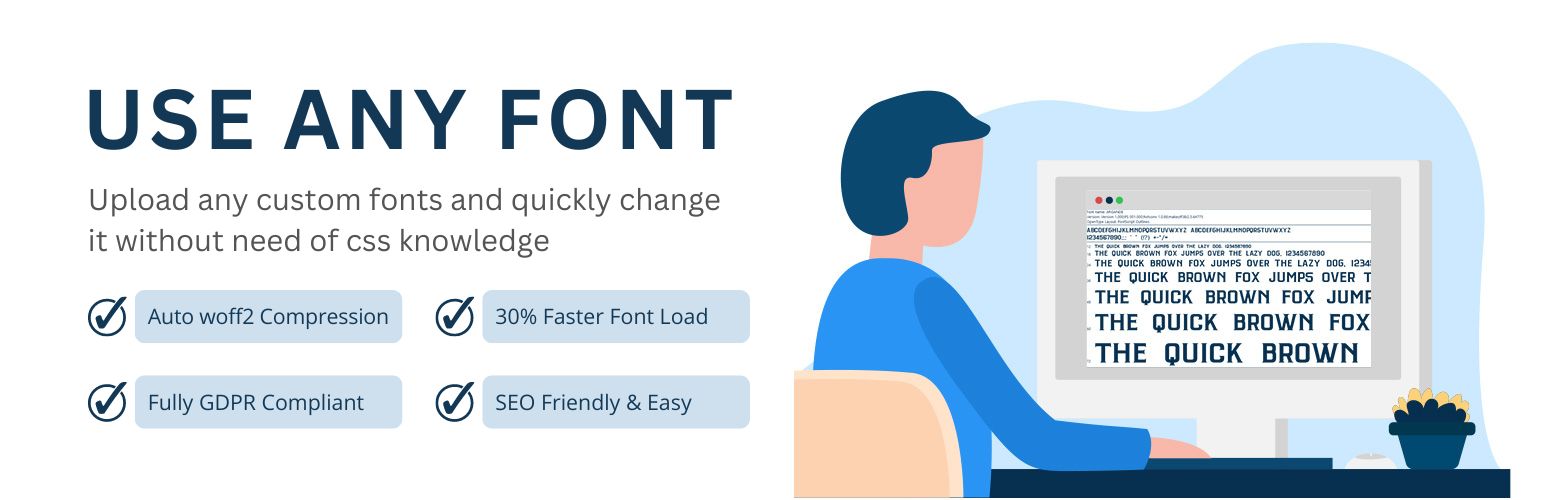
Upload custom fonts with custom font uploader. Auto converts to woff2 for better performance. Self-hosted, GDP...