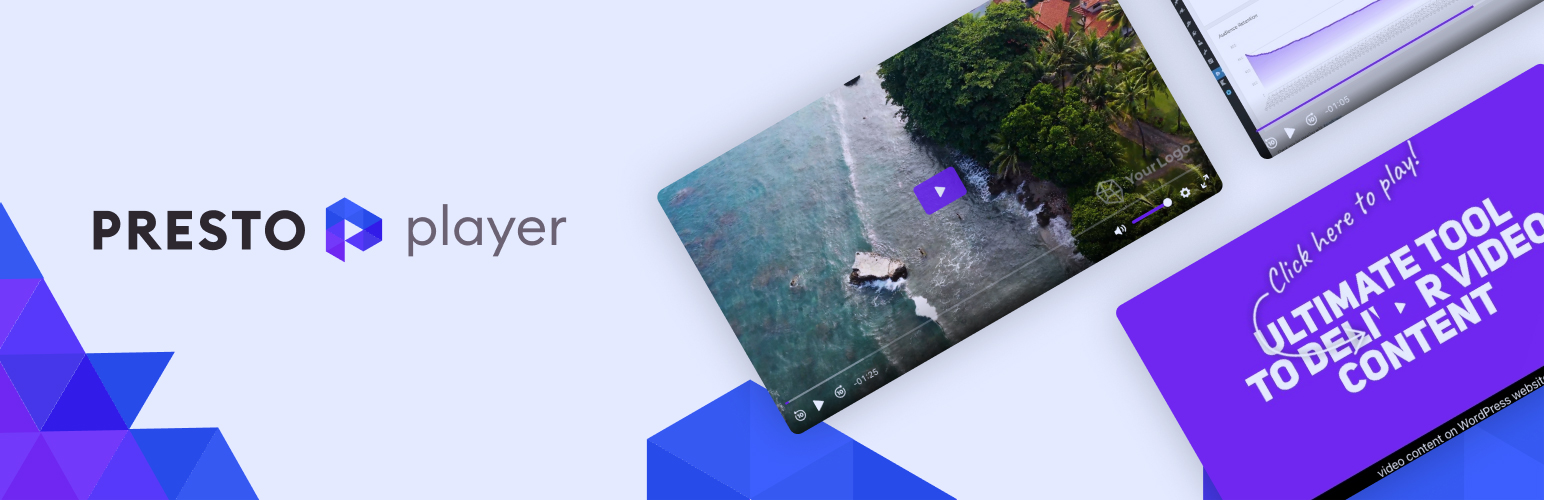
A modern video and audio player for courses, landing pages, marketing, and testimonials — with captions, brand...
Free
100k+ installs 4.8★ (339)
A simple and easy way to embed Spreaker player into your WordPress blog.

Spreaker Shortcode is a WordPress plugin that allows you to embed Spreaker audio players into your blog. It supports embedding any Spreaker episode, show, or user by using a simple shortcode format. Once installed, it functions across all your blog posts.
The plugin offers various options for customisation, including player dimensions, themes, and colours. You can also configure playlists and control visibility of various player elements. This plugin is suitable for bloggers and podcasters looking to integrate Spreaker audio content into their WordPress sites.
Best for: This plugin suits bloggers and podcasters who want to embed Spreaker audio into their WordPress sites.
What it does well
Where it falls short
Spreaker Shortcode provides a straightforward way to add audio content to your blog, though some advanced features may require a paid plan.
Spreaker's own description of Spreaker Shortcode, lightly tidied.
The Spreaker shortcode plugin is an easy way to embed Spreaker audio player into your WordPress blog. It works for any Spreaker episode, show, or user. Once you install this plugin, it will work on all of your blog posts.
A simple example:
[spreaker type=player resource="episode_id=3331356"]
More Options
Spreaker shortcode requires the resource play. It can be only of the following:
resource="episode_id=X": id of the episode to embed.resource="show_id=X": id of the show, whose latest episode should be displayed.resource="show_key=X": private key of the show to embed.The plugin also supports the following optional parameters:
width: player’s width – can be in % or px (ie. 100% or 400px).height: player’s height – can be in % or px (ie. 100% or 400px).theme: player’s UI theme. Supported themes are: light (default) and dark.color: player’s main color. Supported fromats are short and long hex values (ie: F00 or FF0000). This feature requires the podcast author to subscribe to Station plan or above.cover: HTTPS url of an image to display as player’s background.playlist: configures how the playlist should be built. It can be playlist="false" to disable the playlist or playlist="show" to display all show’s episodes in the playlist. The default behavious depends on resource. The playlist is visible only if the player height is greater than 200px.playlist-continuous: enables or disables the playlist continuous playback. When true it continuously plays all episodes in the playlist until the end.playlist-loop: enables or disables loop playlist playback when continuous playback is enabled. When true and playlist continuous playback is enabled as well, it will loop the playlist continuously (defaults to false).playlist-autoupdate: enables or disables the playlist autoupdate, when a new episode is published. This feature is enabled by default.chapters-image: enables or disables the display of chapters images in the player (defaults to true).episode-image-position: when right or left shows the episode image on the right or left (defaults to right)hide-likes: when true the likes button is not displayed in the player (defaults to false)hide-comments: when true the comments button is not displayed in the player (defaults to false)hide-sharing: when true the share button is not displayed in the player (defaults to false)hide-logo: when true the Spreaker logo is not displayed in the player (defaults to false). This feature requires the podcast author to subscribe to Broadcaster plan or above.hide-episode-description: when true the button to open the description of the current episode is not displayed in the player (defaults to false)hide-playlist-descriptions: when true the button to open the description of episodes in the playlist is not displayed in the player (defaults to false)hide-playlist-images: when true the images of episodes in the playlist are not displayed in the player (defaults to false)hide-download: When true, it hides the episode download button (defaults to true)How to get the shortcode
Play any track on www.spreaker.com and then click on the share button in the player (bottom-right corner): you can customize the appearance of the player and get the shortcode to copy and paste to your WordPress blog.
Help
If you need further help, please contact us at help.spreaker.com.
Other plugins for audio and podcasts.
A modern video and audio player for courses, landing pages, marketing, and testimonials — with captions, brand...
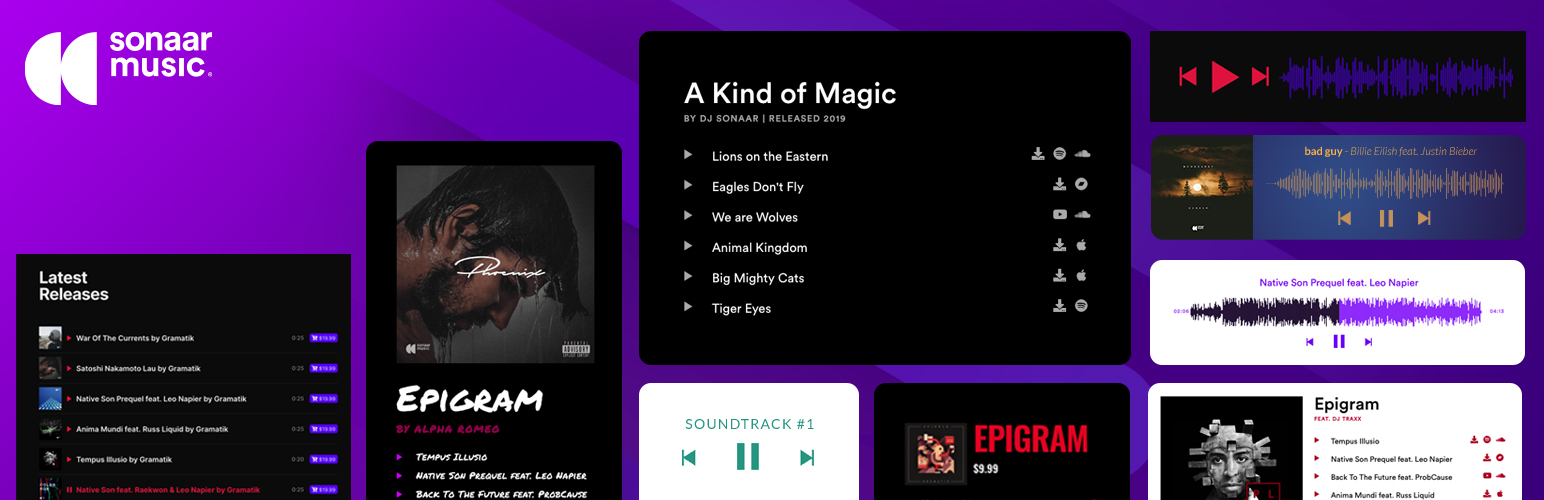
The most advanced Audio Player for Music & Podcast. For Elementor, Gutenberg, WooCommerce and more. Add un...
No. 1 Podcasting plugin for WordPress.
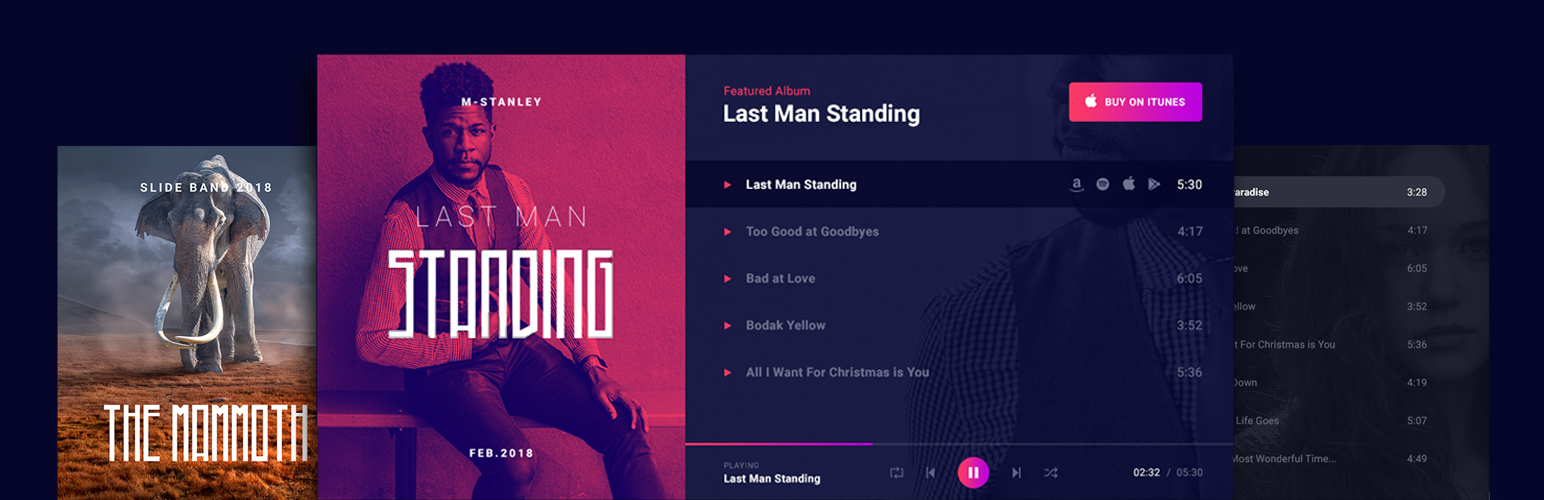
Audio Player for Elementor – the go-to plugin for adding MP3s, podcasts & playlists. Fully customizable, W...
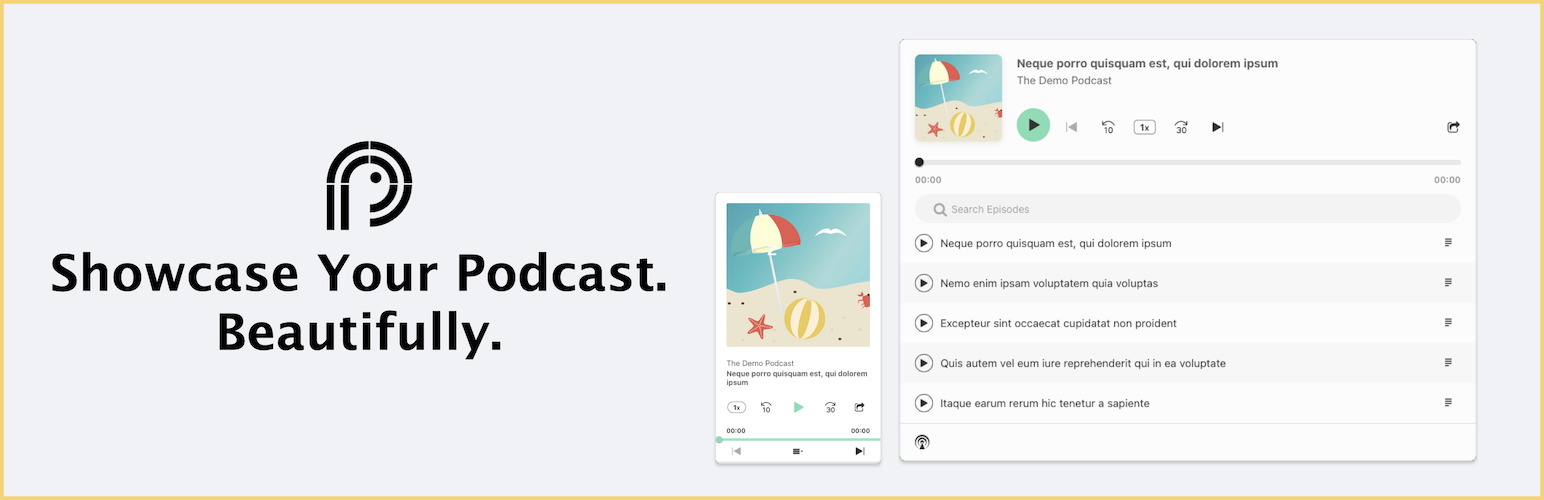
Showcase your podcast only using podcasting feed url. Use widget, shortcode or editor block to display podcast...

Maximize your WordPress site's potential with our versatile HTML5 Audio Player plugin. Seamlessly play .m...