
Yoast SEO
98Real-time SEO guidance, schema, and AI built in. Help search engines and AI systems understand your content. A...
Free
10M+ installs 4.8★ (27,819)
Add flexible content boxes with JSON-LD microdata output according to schema.org e.g. FAQPage, ProfilePage, Event, Course, LocalBusiness, JobPosting a …

Structured Content (JSON-LD) is a WordPress plugin designed to help you add structured data elements to your posts and pages. It supports various schema types, such as FAQPage, ProfilePage, Event, Course, LocalBusiness, JobPosting, and Recipe, allowing search engines to better understand your content.
The plugin integrates with both the Gutenberg editor and TinyMCE, providing a user-friendly interface for inserting structured data. You can choose to display the JSON-LD in the source code only or render it as visible content. This plugin is suitable for anyone looking to enhance their site's SEO through structured data.
Best for: This plugin is best for website owners who want to improve their SEO with structured data.
What it does well
Where it falls short
Structured Content (JSON-LD) offers a straightforward way to enhance your site's visibility in search engines through structured data. It is a practical tool for those focused on SEO improvements.
Gordon Böhme's own description of Structured Content (JSON-LD) #wpsc, lightly tidied.
Add flexible content boxes with JSON-LD microdata output according to schema.org e.g. FAQPage, ProfilePage, Event, Course, LocalBusiness, JobPosting and Recipe.
With this plugin you can insert structured data elements multiple times in any post or page.
In simple dialogs, for example FAQ can be inserted. Because the the plugin renders the given information as JSON-LD according to schema.org, the bots of the search engines, like google, recognize this schema.
Nice option: you can decide if only the JSON-LD should be displayed in the source code or if the content should be preformatted and visible. Check or uncheck the “Render HTML” box to do this.
You can test whether the information has been labeled correctly with the Markup Validator Tool, for example.
The basic goal is that your content can be better understood by the algorithms of different search engines.
A special goal is, among other things, that your answers to questions from Google can be displayed as featured snippets in the SERPs (position 0) or extend your existing snippet in the SERPs.
The plugin is optimized for the Gutenberg editor and future new structural elements will only be published as Gutenberg blocks. Actually most of the structured content elements also work with the TinyMCE!
Currently the plugin offers seven structured data elements:
– FAQPage
– ProfilePage
– JobPosting
– LocalBusiness
– Event
– Course
– Recipe
– Person (deprecated; use ProfilePage insted)
Structure your content now and MAKE CONTENT GREAT AGAIN! #wpsc
Once the the plugin is installed and activated, you’ll find a new icon in the titlebar of the WYSIWYG editor. Just click it, select your preferred structured content element you want to insert and a modal will open. Fill out the form, click the save button and your done.
If you use Gutenberg you’ll find the new content blocks. Choose your preferred structured content element and fill out the form. If you want to answer more than one question, then simply add them by clicking on “Add one” within this Gutenberg block.
Alternatively use these shortcodes in your TinyMCE:
FAQPage
Single FAQ
[sc_fs_faq sc_id=”fs_faqUniqueID” html=”true/false” headline=”p or h2-h6″ img=”img-id-231″ question=”your question” img_alt=”img-alt text” css_class=”your-class”]Your answer – you can format it as you want[/sc_fs_faq]
Multi FAQ
Other plugins for structured data.
Real-time SEO guidance, schema, and AI built in. Help search engines and AI systems understand your content. A...

Grow your organic traffic and AI visibility with powerful SEO tools, XML sitemaps, Schema automation, and buil...

AIOSEO is the WordPress SEO plugin. Boost SEO rankings with AI SEO tools, schema, meta descriptions, XML sitem...

WordPress SEO plugin with AI SEO metadata, schema, XML sitemap, redirections & Search Console. Privacy-fir...

Lightweight SEO assistant for meta tags, schema and structured data, XML sitemaps, Open Graph previews, robots...
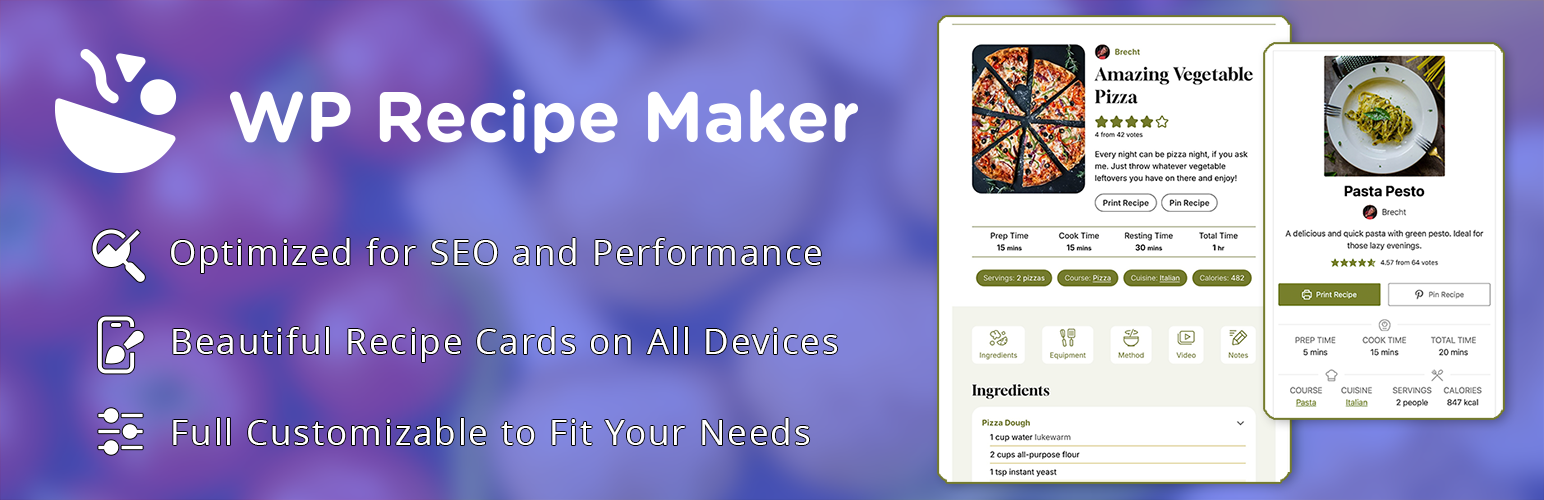
The easy and user-friendly recipe plugin for everyone. Automatic JSON-LD metadata for food AND how-to recipes...