
Autoptimize
92Autoptimize speeds up your website by optimizing JS, CSS, images (incl. lazy-load), HTML and Google Fonts, asy...
Free
800k+ installs 4.7★ (1,428)
Generate and coordinate colors, typography, and spacing across compatible WordPress themes and blocks.

Style Manager is a WordPress plugin that helps you manage colors, typography, and spacing for compatible themes and blocks. It allows you to create a cohesive design across your site without manually adjusting each element. The plugin is particularly useful for users of themes and blocks that support its features, enabling a connected design experience throughout the editor and front end.
You can use Style Manager with the free Pixelgrade stack, which includes the Anima theme and Nova Blocks. These components work together to apply a unified design system, making it easier to maintain consistent styling across your site.
Best for: This plugin suits users of compatible WordPress themes looking for streamlined design management.
What it does well
Where it falls short
Style Manager offers a structured approach to design for compatible themes, but its effectiveness relies heavily on theme support and user feedback is limited.
pixelgrade's own description of Style Manager, lightly tidied.
Style Manager generates and coordinates colors, typography, and spacing for compatible WordPress themes and blocks.
Instead of tuning isolated colors, font sizes, and spacing values by hand, you work with connected design decisions that can flow through the editor, the active theme, compatible blocks, and the front end.
Themes that support Style Manager apply the system across site templates and theme details. Compatible blocks can adapt to the same design decisions in context, so sections and blocks feel like part of one site rather than separate styling work.
In Style Manager 2.4, the main styling flow is available in the Site Editor, with visual preview boards, editor-canvas previews, a searchable font picker, and a Live Site preview for reviewing unsaved changes before publishing.
You can try Style Manager with this free Pixelgrade stack:
Style Manager also integrates with Pixelgrade LT themes, but premium themes are not required to try the free Anima and Nova Blocks path.
Style Manager is not a universal page builder and does not make every theme or block support every control.
The full experience depends on your active theme and blocks being built to read Style Manager’s design decisions. If a theme or block does not support a specific Style Manager feature, the related controls may be hidden or may not affect that theme or block’s output.
If you identify any errors or have an idea for improving the plugin, please open an issue. We’re more than excited to see what the community thinks of this project, and we welcome your input!
If GitHub is not your thing, but you are passionate about Style Manager and want to help us make it better, don’t hesitate to reach us.
Other plugins for typography control.
Autoptimize speeds up your website by optimizing JS, CSS, images (incl. lazy-load), HTML and Google Fonts, asy...

The #1 fonts plugin for WordPress. 1,400+ Google Fonts, Adobe Fonts and your own font files. Live preview, no...

Redux is a simple, truly extensible, and fully responsive options framework for WordPress themes and plugins....

The original Google Fonts self-hosting plugin. Automagically caches your fonts locally — no configuration (or...

SpeedyCache is a WordPress cache plugin that helps you improve performance of your WordPress site by caching,...
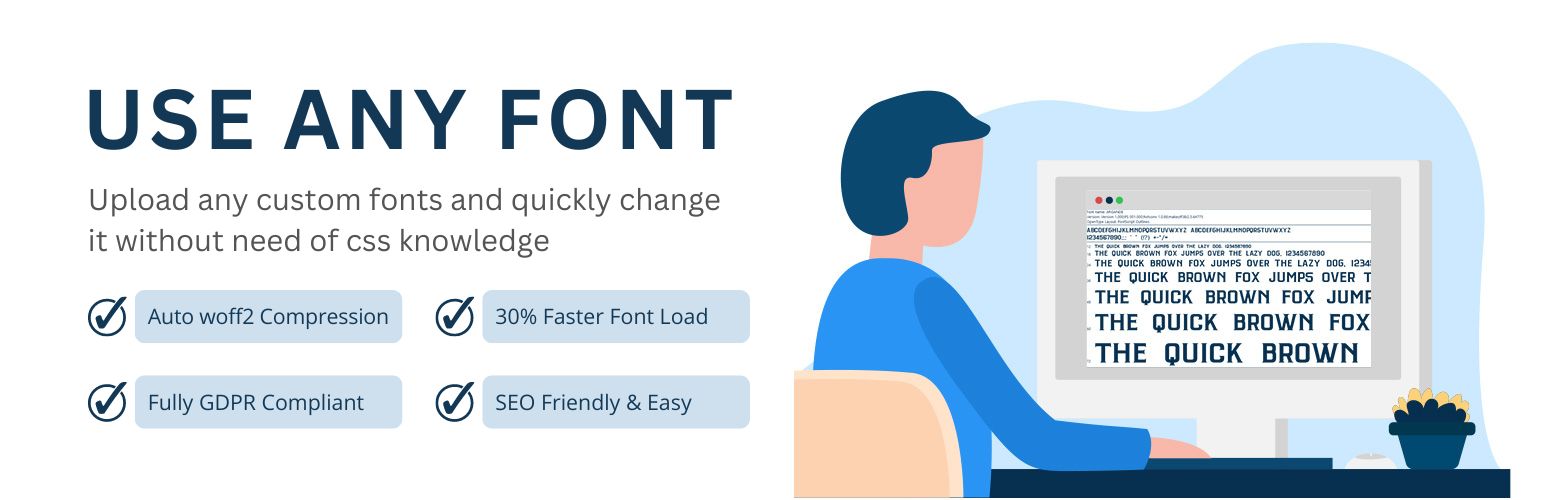
Upload custom fonts with custom font uploader. Auto converts to woff2 for better performance. Self-hosted, GDP...