
Autoptimize
92Autoptimize speeds up your website by optimizing JS, CSS, images (incl. lazy-load), HTML and Google Fonts, asy...
Free
800k+ installs 4.7★ (1,428)
Styleguide allows you to customize fonts and colors in WordPress themes through the Customizer - no need to touch any code!

Styleguide – Custom Fonts and Colors is a WordPress plugin that allows you to edit fonts and colours in your themes using the WordPress Customizer. You can see live previews of changes before saving, making it easier to personalise your site without needing design skills or coding knowledge.
The plugin supports all default WordPress themes and offers editing capabilities for additional themes as well. It features a selection of 45 Google Fonts and supports various character sets, including Cyrillic and Greek, which is beneficial for users with non-Latin languages.
Best for: This plugin is suitable for WordPress users looking to customise their site's typography and colour scheme easily.
What it does well
Where it falls short
Styleguide offers a straightforward solution for customising fonts and colours in WordPress themes, making it a practical choice for users without design experience.
binarymoon's own description of Styleguide, lightly tidied.
Quickly and easily edit fonts and colors in your WordPress themes using the WordPress Customizer so that you can get live previews before saving the new settings.
Perfect for giving your website a unique look without having to hire a designer or make code changes yourself.
All default WordPress themes are fully supported and support for more themes will be added in the future. All other themes can customize fonts.
Styleguide uses a carefully chosen selection of the top 45 Google Fonts to give you a lot of options for personalising your site.
Styleguide supports fonts that have a variety of different character sets. This makes selecting a font for your language super easy. The supported character sets are:
By default Styleguide uses Latin. To limit the font choice to those supporting your character set you should go to Settings → General → Character Set and select your set there.
Developers can add support for their themes quite easily – see the ‘Other Notes’ tab for more info.
If you’re in the market for a WordPress theme then you could check out my Premium GPL WordPress themes site here: https://prothemedesign.com/
After downloading and installing the plugin you can go to the Customizer (Appearance > Customizer) and edit fonts and colors in the ‘Colors & Fonts’ panel.
Other plugins for typography control.
Autoptimize speeds up your website by optimizing JS, CSS, images (incl. lazy-load), HTML and Google Fonts, asy...
The #1 fonts plugin for WordPress. 1,400+ Google Fonts, Adobe Fonts and your own font files. Live preview, no...

Redux is a simple, truly extensible, and fully responsive options framework for WordPress themes and plugins....

The original Google Fonts self-hosting plugin. Automagically caches your fonts locally — no configuration (or...

SpeedyCache is a WordPress cache plugin that helps you improve performance of your WordPress site by caching,...
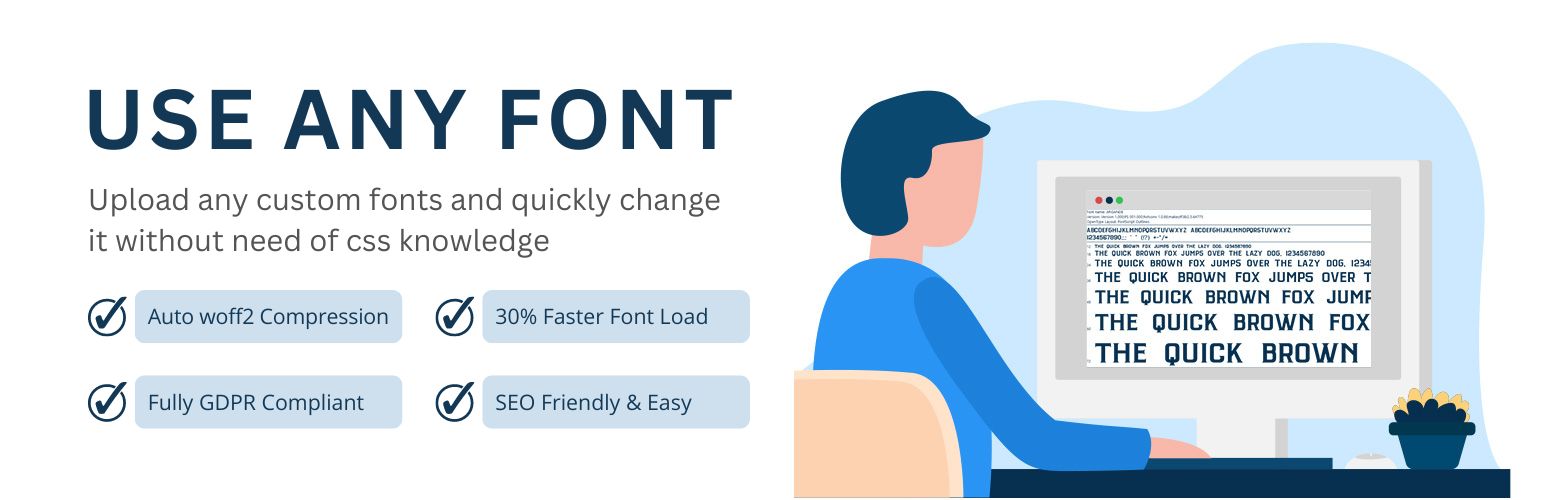
Upload custom fonts with custom font uploader. Auto converts to woff2 for better performance. Self-hosted, GDP...