
Yoast SEO
98Real-time SEO guidance, schema, and AI built in. Help search engines and AI systems understand your content. A...
Free
10M+ installs 4.8★ (27,819)
Responsive & SEO Optimized tables. Get your Google Featured Snippets. Different table designs, table shortcodes & lightweight code.

Superb Table is a WordPress plugin designed to create responsive and SEO-optimised tables. It allows you to generate tables with schema markup, which can improve your chances of obtaining Google Featured Snippets. You can create unlimited tables, rows, and columns, and customise their appearance using various colour schemes and designs.
The plugin is suitable for bloggers and content creators who need a straightforward way to display data in a clear format. With its user-friendly interface, you can easily add tables to your site using shortcodes, making it accessible for users of all skill levels.
Best for: This plugin suits bloggers and content creators looking to display data effectively on their WordPress sites.
What it does well
Where it falls short
Superb Table provides a practical solution for creating data tables with SEO benefits. It is a useful tool for those who want to enhance their content with structured data.
Suplugins's own description of Superb Table, lightly tidied.
Responsive & SEO Optimized tables. Get your Google Featured Snippets. Different table designs, table shortcodes & lightweight code.
Once you’ve installed the plugin, check the left sidebar, and you will notice the Superb Table section. Click on it, and you can now create your first table. Just click on the Add New Table button.
Feel free to add as many columns and rows as you want—inserting rows and columns is extremely easy.
You have a few options to make your table stand apart. First, choose one of the three color schemes: standard, purple, or black. Second, choose your table design: default or custom. Block, left, and inline-block are the floating modes for your table. Finally, enable or disable the full width of the table.
Once you finish your table, name it and save it. All you have to do now is to copy the shortcode and paste wherever you want, you can for example embed it in the Gutenberg Shortcode Block! (It works in the classic WordPress editor too)
Consider purchasing our premium version for $11 to unlock more features!
Displaying data within a comparison table is beneficial for not only readers but also content creators. A table does a better job than long paragraphs of text, underlined phrases, and bulleted lists. It shows a lot of information side by side in a concise format. Bloggers and content creators should create tables and insert the data. There’s no need to search for breathtaking expressions, cool descriptions, or digestible lists of items. It’s just pure data, and everyone is happy with this situation. You can read our full guide on How to Add a Table to Your WordPress Website with Superb Tables.
We developed Superb Tables mobile friendly by taking responsiveness into account, and as a result, you can make a WordPress table responsive by using our plugin. The tables are fully responsive regardless of the number of rows and columns. The plugin works on all mobile devices and tablets (iPhone, Android etc.). The plugin works with AMP.
“Schema markup“ and “featured snippets“ are two interconnected terms that are being used by more and more bloggers, SEO practitioners, and developers. Have you noticed that Google now provides complex answers in the form of lists, tables, paragraphs, or videos directly on the results page? Those are featured snippets.
Moz claims that 23% of all search results include a featured snippet—a descriptive box displayed on the search results page providing information for your query. It may include paragraphs, lists, videos, or tables. You have to consider featured snippets when choosing a table plugin—can it help Google generate a featured snippet from the data within your table?
Other plugins for structured data.
Real-time SEO guidance, schema, and AI built in. Help search engines and AI systems understand your content. A...

Grow your organic traffic and AI visibility with powerful SEO tools, XML sitemaps, Schema automation, and buil...

AIOSEO is the WordPress SEO plugin. Boost SEO rankings with AI SEO tools, schema, meta descriptions, XML sitem...

WordPress SEO plugin with AI SEO metadata, schema, XML sitemap, redirections & Search Console. Privacy-fir...

Lightweight SEO assistant for meta tags, schema and structured data, XML sitemaps, Open Graph previews, robots...
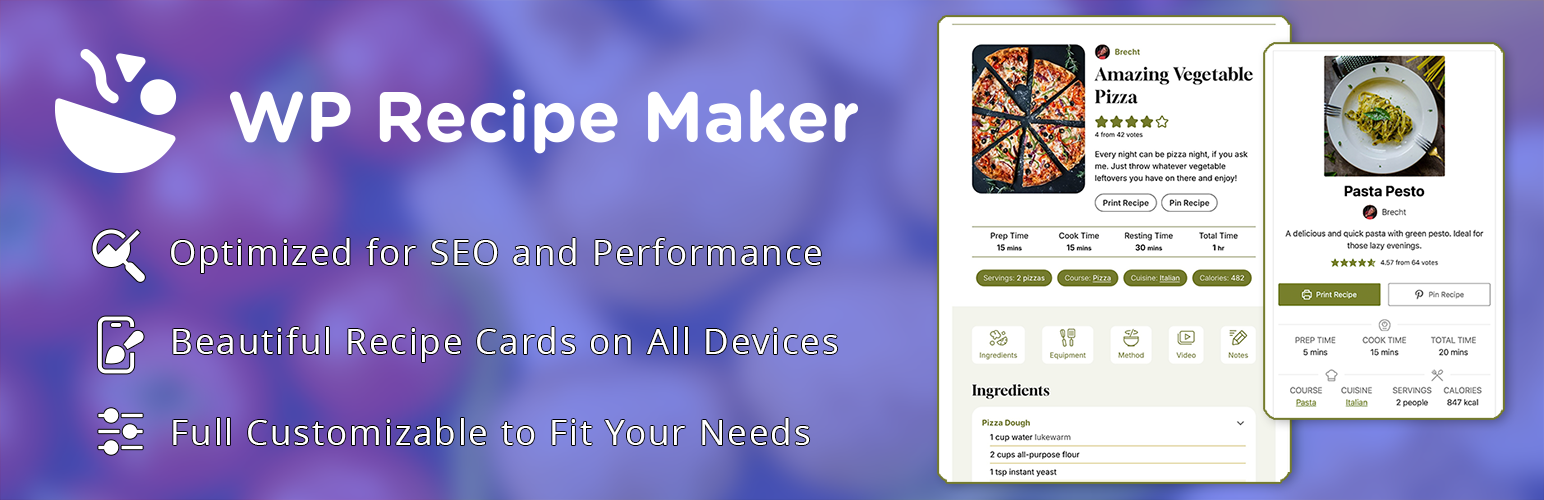
The easy and user-friendly recipe plugin for everyone. Automatic JSON-LD metadata for food AND how-to recipes...