
Build photo galleries, image galleries, and portfolio grids with gallery blocks. Masonry, lightbox, sliders, a...
Free
60k+ installs 4.8★ (336)
Build a beautiful Team Builder Member Showcase with simple shortcodes, responsive grids, and clean bios.
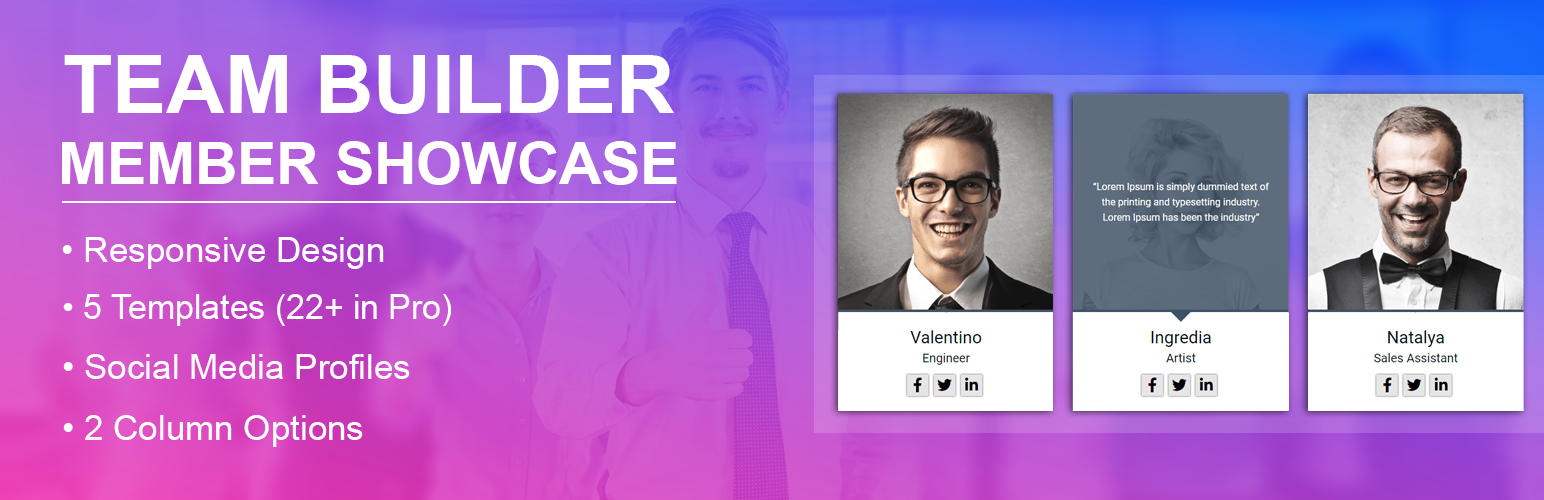
Team Builder Member Showcase is a WordPress plugin designed to help you create a professional page to showcase your team members. It allows you to display staff details, including names, photos, job titles, short bios, and social links in a clean and responsive grid layout. This plugin is suitable for various types of websites, such as clinics, law firms, real estate agencies, and more.
You can easily add team members through the admin panel, choose from multiple templates, and use simple shortcodes to embed the showcase on any page. The plugin is fully responsive, ensuring that your team display looks good on mobile devices, tablets, and computers.
Best for: This plugin suits businesses and organisations looking to showcase their team members on their website.
What it does well
Where it falls short
Team Builder Member Showcase provides a straightforward solution for displaying team members, though its free version has some limitations in design options.
A WP Life's own description of Team Builder Member Showcase, lightly tidied.
Build a beautiful Team Builder Member Showcase with simple shortcodes, responsive grids, and clean bios.
Want to show your staff on your website?
The Team Builder Member Showcase helps you create a professional page.
You can share team details in just a few minutes.
This team member showcase is fully responsive.
It works perfectly on mobile phones, tablets, and computers.
Sharing the faces of your team builds trust with clients.
With this builder, you can add names and photos.
You can also add jobs, short bios, and social links.
Everything displays in a clean and organized grid layout.
Free Version Demo: Team Builder Member Showcase Free
Premium Version Demo: Team Builder Member Showcase Premium
Where To Buy: Premium Version Detail Page
Why use a builder showcase?
* It introduces your staff to website visitors.
* It helps build credibility and trust.
* It gives your business a human touch.
* It keeps visitors engaged on your site.
How to create your showcase:
* Add staff members inside the admin panel.
* Pick one of the beautiful templates.
* Paste the shortcode on any page.
Free Features:
* Clean responsive layout for all modern screens.
* 5 ready-to-use template designs.
* Simple shortcode builder to display your team.
* Grid system with 1 to 4 columns.
* Unlimited team member entries.
* Fields for photos, names, titles, and bios.
* Social media links for each staff member.
* Works with all popular web browsers.
* Simple bootstrap administrative panel.
Premium Features:
* 22 professionally designed templates.
* Owl Carousel slider for your team showcase.
* Autoplay settings with custom speed controls.
* Pause carousel on mouse hover.
* Navigation dots and next/prev buttons.
* Custom background colors for member cards.
* Custom text and description color choices.
* Advanced column options for responsiveness.
* Customizable social media icons.
* Link targets like new tabs or self.
* Priority customer support desk.
Go to TBMS > Add Team in your dashboard.
Create a new staff list and add details.
Copy the shortcode and paste it on any page.
Other plugins for showcasing work.
Build photo galleries, image galleries, and portfolio grids with gallery blocks. Masonry, lightbox, sliders, a...

Logo Slider: The best responsive plugin for Logo Showcase, Logo Carousel, and displaying clients' logos....
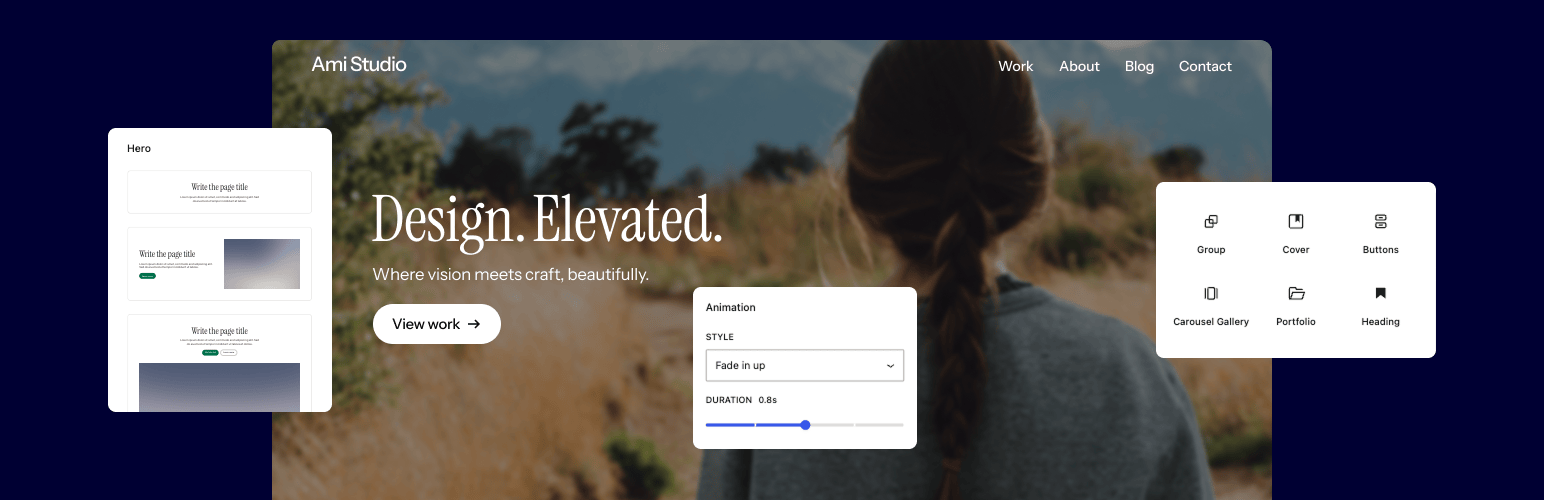
Supercharge the WordPress block editor with enhanced core blocks, hundreds of block patterns, professional sta...

Showcase your story or company history, events, and roadmap in an interactive timeline using the powerful Cool...

Create filterable portfolio galleries with photos, videos, category filters in masonry layouts. Supports Guten...
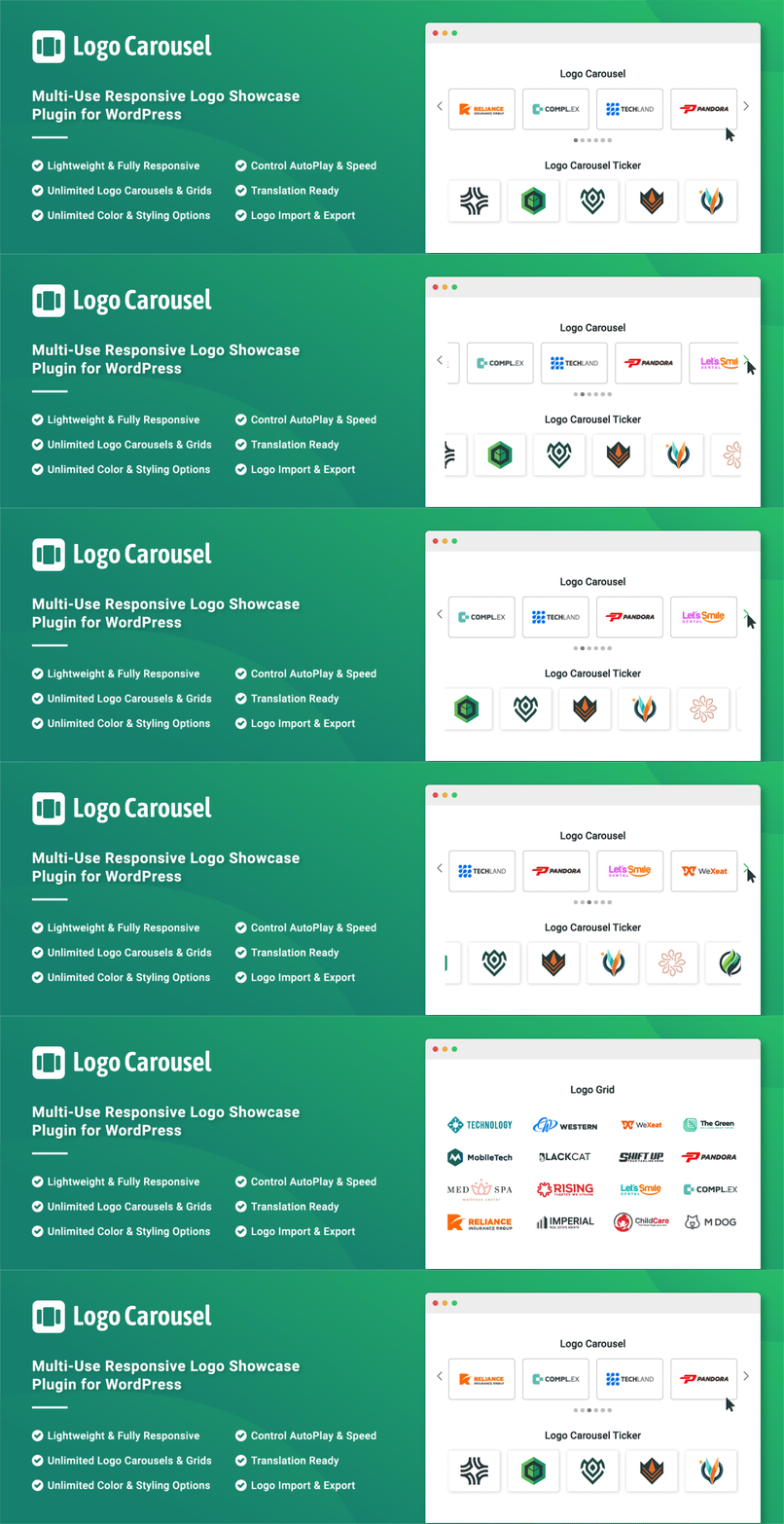
Add, display, and manage clients, partners, sponsors, and brand logos with multiple slideshows on your site. C...