
Elementor addon offering 120+ widgets and templates — Elementor Gallery, Slider, Form, Post Grid, Menu, Accord...
Free
1M+ installs 4.9★ (4,111)
Track post views and page views, and display popular posts and trending content on your WordPress site.

WebberZone Top 10 — Popular Posts is a WordPress plugin that tracks post views across your site, including pages and custom post types. It allows you to showcase your most popular content using blocks, widgets, shortcodes, and template functions. All tracking data is stored locally, with no reliance on external services.
This plugin is suitable for users who want to enhance their site's engagement by displaying popular posts and view counts. It includes features like thumbnail support, flexible display options, and a built-in caching layer to optimise performance.
Best for: This plugin is best for WordPress site owners looking to highlight popular content and improve user engagement.
What it does well
Where it falls short
WebberZone Top 10 — Popular Posts provides a straightforward solution for tracking and displaying popular posts. It is a practical tool for enhancing site visibility and engagement.
Ajay's own description of WebberZone Top 10, lightly tidied.
WordPress lacks built-in page view tracking or a popular posts feature. Top 10 solves this by counting views across posts, pages, and custom post types, then letting you showcase your most popular content.
Top 10 provides blocks, widgets, shortcodes, and template functions for displaying popular posts and view counts across your site. All tracking data is stored locally in your WordPress database, with no external services involved.
Top 10 includes comprehensive features such as thumbnail support, flexible display options, custom post type support, and developer-friendly extensibility. A built-in caching layer reduces server load, while AJAX-based tracking avoids page cache interference and works with most popular caching plugins.
Top 10 also exposes a powerful API with WordPress actions and filters, allowing developers to customise queries, tracking behaviour, and output rendering without modifying core plugin files.
[tptn_list] to display popular post lists and [tptn_views] to show view countstptn_thumbnail image sizeEnhanced Tracking and Performance
MAX_EXECUTION_TIME directive to prevent long-running queries, configurable via settings and the top_ten_query_max_execution_time filterTOP_TEN_STORE_DATA)lazy_load shortcode/block attributeAdvanced Blocks and Widgets
Enhanced Admin Tools
Custom Display Options
display_only_on_tax_ids parameter to restrict popular post displays to specific taxonomy termsWP-CLI Integration
wp top10 counts: View, get, set, reset, export, and import post view counts from the command linewp top10 db: Manage database tables — check status, create, update, recreate, prune old rows, force aggregation, truncate, and clean up orphaned countswp top10 cache: Flush, enable, disable, and check the status of the output cachewp top10 settings: Get, set, export, and import plugin settings as JSONwp top10 cron: View, enable, disable, and manually trigger the maintenance and aggregation cron jobswp top10 popular: List popular posts with counts using the same query as the front endwp top10 status: Print a full plugin status overview--dry-run and --force; multisite commands support --network and --blog-idOther plugins for content discovery.
Elementor addon offering 120+ widgets and templates — Elementor Gallery, Slider, Form, Post Grid, Menu, Accord...

Elementor templates, Header footer builder, Elementor Post Grid, Woocommerce Grid builder, Slider, Forms, Gall...

Gutenberg block editor with AI. 70+ Gutenberg blocks, patterns, WooCommerce blocks, post grid, gallery, menu w...

Easy to show posts, pages, custom posts in customizable grid, list, slider, accordion... Available as Widgets...
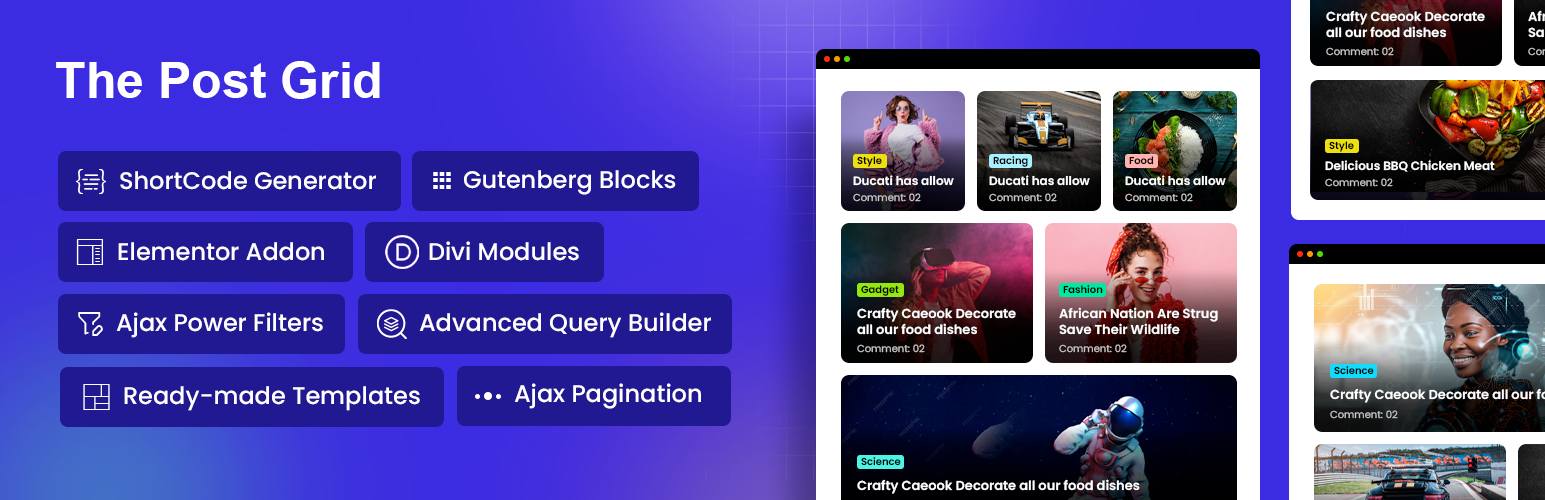
Display WordPress posts in beautiful grid, list, slider, and filter layouts. Works with Gutenberg, Elementor,...

Best Addons for Elementor with 120+ Elementor FREE & Pro Widgets & 1000+ Elementor Templates with Mega...