
Members
94The best WordPress membership and user role editor plugin. User Roles & Capabilities editor helps you rest...
Free
300k+ installs 4.9★ (1,274)
Import and export WordPress users and WooCommerce customers using CSV. Migrate to your new site without any data loss.
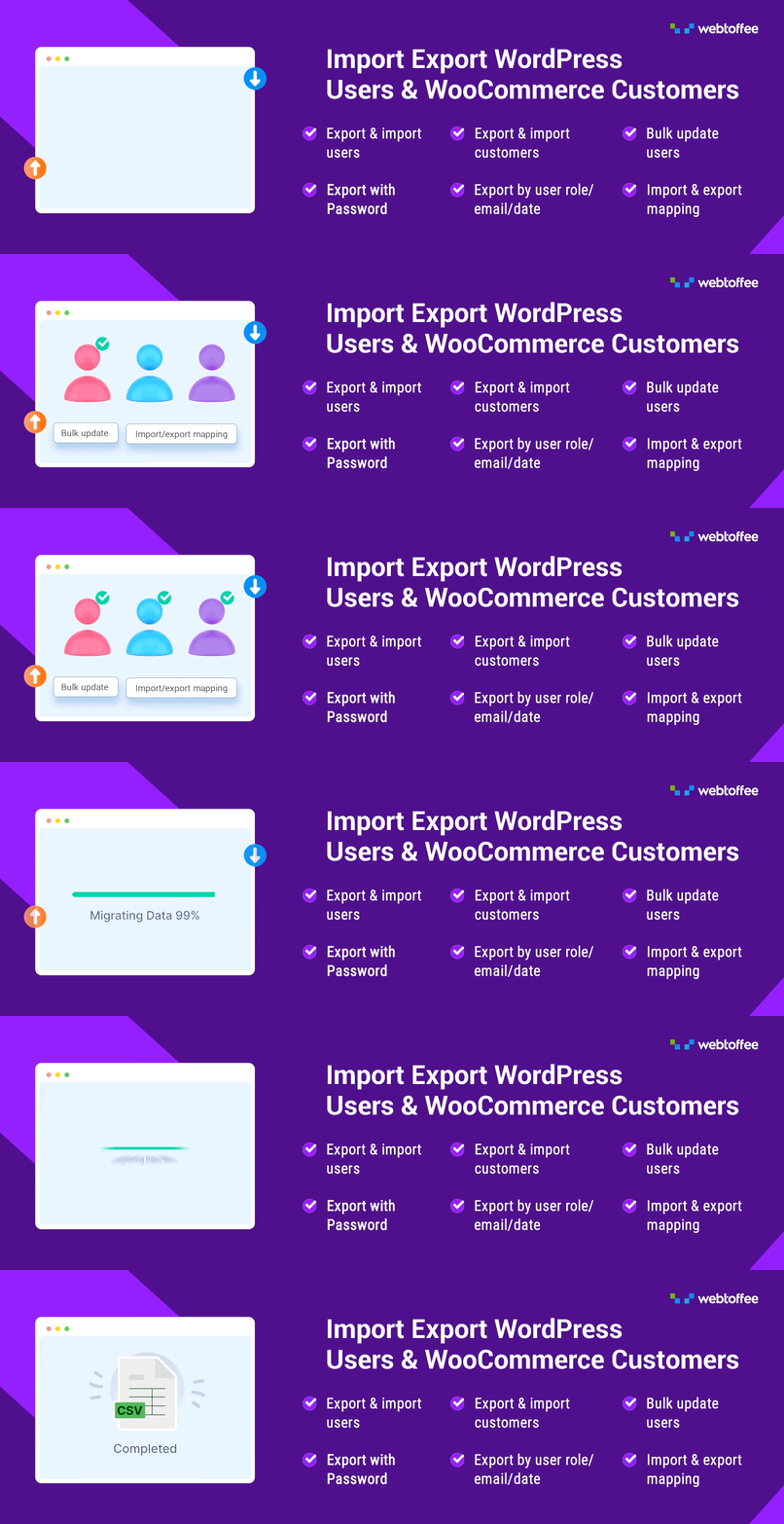
Export and Import Users and Customers is a WordPress plugin designed for importing and exporting users and WooCommerce customers using CSV files. It facilitates the migration of user data between websites or for backup purposes, ensuring that no data is lost during the process.
The plugin allows you to filter user data by roles, email, and date range, and supports batch operations for efficiency. It also retains user passwords during migration and offers field mapping and transformation features, making it suitable for users who need to manage large amounts of data effectively.
Best for: This plugin is suitable for website administrators looking to manage user data efficiently, especially during migrations or backups.
What it does well
Where it falls short
Export and Import Users and Customers provides a practical solution for handling user data in WordPress, particularly for those needing to transfer or back up large datasets.
WebToffee's own description of Export and Import Users and Customers, lightly tidied.
Import and export WordPress users and WooCommerce customers using CSV. Migrate to your new site without any data loss.
The most-rated WordPress User Import Export plugin ever! Easily import and export WordPress users and WooCommerce customers with this powerful plugin. Whether you’re moving users between websites or backing up customer data, it ensures a smooth, hassle-free migration without any data loss. Ideal for quick and reliable site transfers.
You can import or export user/customer data using CSV files. This helps effortlessly migrate or update user data on your website. No more manually adding each user or customer one by one. Just migrate or update everything in one go!
🔸 Filter by User Roles, Email, and Date Range – Import or export user/customer data based on user roles, user email, and date range of when the users were added to the system.
🔸 Batch Export/Import – Process large amounts of user data efficiently in batches.
🔸 Retain User Passwords – Preserve existing user passwords when migrating to a new website.
🔸 Field Mapping & Transformation – Map and transform fields while you import WooCommerce customers or user data.
🔸 Bulk Data Modification – Modify user data in bulk using Evaluation Fields during user import.
🔸 Export Guest Users – Include data of WooCommerce guest customers (users who bought products from the site without creating an account)
🔸 Export Specific Users – Search by username or email while exporting with auto-suggestions of email addresses and names in user export data fields for quick filtering.
✅ Tested OK with WordPress 7.1
✅ Tested OK with WooCommerce 11.0.1
✅ Tested OK with PHP 8.3
This WordPress user import export plugin uses CSV (Comma-Separated Values) files as input. You must create a import user CSV file and enter the user details in a structured format. (refer to this sample CSV) This is to match each field of the user CSV import file to the appropriate user fields in WordPress.
For example, the user_email field gets mapped to the User Email. Otherwise, the admin needs to manually map the user CSV import fields.
📌 Note – For the WordPress user import and export plugin to work correctly, you must map the headers of all the columns correctly and ensure that all of the fields you enter are in the correct format.
You can create the import user CSV from scratch or export the user CSV using the same plugin. Use any spreadsheet program, such as Microsoft Excel, OpenOffice, LibreOffice, or Google Spreadsheets, to create and edit your CSV file. Save this file in UTF-8 encoding with extension .csv.
After entering all details about users in a spreadsheet, you can bulk import users to WordPress. With this user export plugin, you can also export and download user details as a CSV file.
Need Help?
🟢 Check out our WordPress Users & WooCommerce Customers Import Export Plugin – User Guide.
Watch the video to get started with the WordPress user export and import plugin.
Other plugins for moving data.
The best WordPress membership and user role editor plugin. User Roles & Capabilities editor helps you rest...

Manage all your WordPress updates, including individual updates, automatic updates, logs, and loads more. This...

Redux is a simple, truly extensible, and fully responsive options framework for WordPress themes and plugins....

🌠 Shorten, brand, and track any URL on your own domain. Keep your links — and your data — where they belong....

Export WooCommerce orders to Excel, CSV, XML, JSON, PDF and HTML. Best free order export plugin for WooCommerc...

Easily export or import your WordPress customizer settings!