
Yoast SEO
98Real-time SEO guidance, schema, and AI built in. Help search engines and AI systems understand your content. A...
Free
10M+ installs 4.8★ (27,819)
Secure WordPress MCP server. Connect Claude, ChatGPT, Cursor & any AI agent via MCP to manage content, edit themes & automate your site.
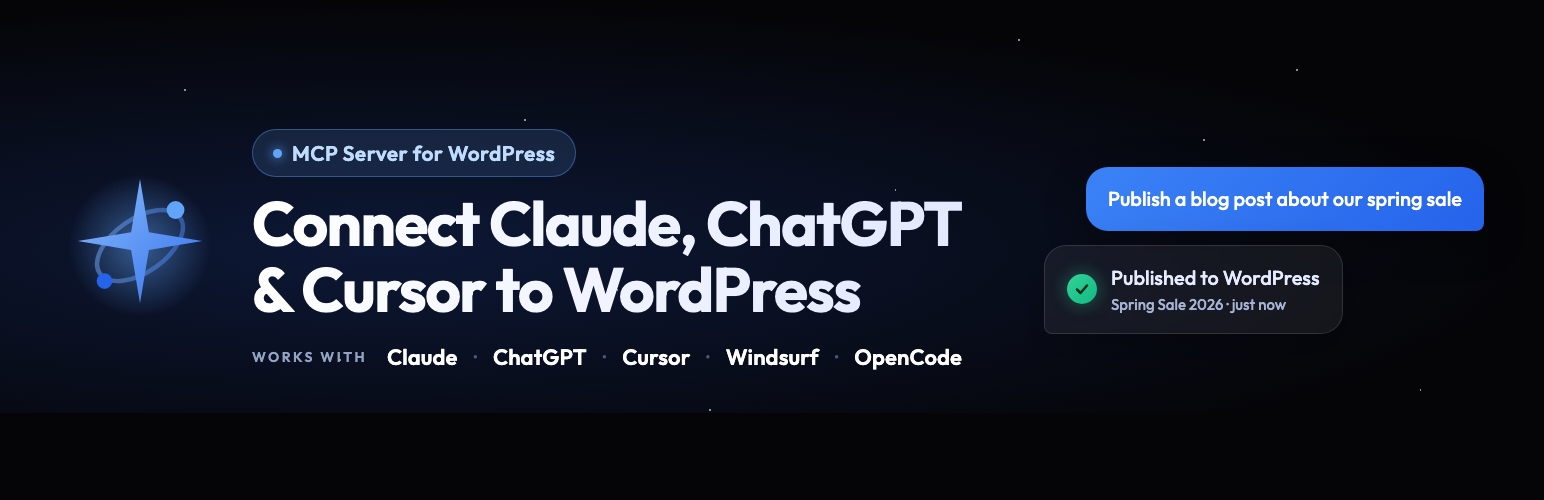
WPVibe is a WordPress plugin that enables your site to connect with various AI assistants using the Model Context Protocol (MCP). It allows you to manage WordPress operations such as content creation, media uploads, and site settings through conversation with AI agents like Claude and ChatGPT.
Once installed, you can link your site to any MCP-compatible AI by simply adding the server URL. This integration facilitates seamless interaction, allowing the AI to perform tasks directly on your WordPress site without the need for manual input or switching between tabs.
Best for: This plugin suits WordPress users looking to integrate AI capabilities into their site management.
What it does well
Where it falls short
WPVibe provides a straightforward solution for connecting AI assistants to WordPress, making it easier to manage content and site settings through conversational commands.
SeedProd's own description of WPVibe, lightly tidied.
Your WordPress site just became MCP-ready. WPVibe is the Model Context Protocol server for WordPress, connecting your self-hosted site to any AI assistant or AI agent that speaks MCP: Claude, ChatGPT, Cursor, Windsurf, OpenCode, and more. No copy-pasting between tabs. No switching between your AI chat and wp-admin. Tell your AI what you want, and it happens on your live WordPress site.
WPVibe is a complete MCP server implementation for WordPress. The Model Context Protocol, introduced by Anthropic and now adopted across the AI industry, lets AI assistants discover and call tools on connected services through a standard interface. WPVibe packages every meaningful WordPress operation (content management, media uploads, theme file browsing, REST API access, and plugin abilities) as MCP tools your AI can call.
You install this free WordPress plugin, connect your site once, and every MCP-compatible AI client becomes a WordPress co-pilot. The WPVibe WordPress MCP server handles authentication, encrypts credentials with AES-256-GCM, and relays your AI’s tool calls to the WordPress REST API. Your WordPress site, your data, your choice of AI.
WPVibe is the easiest way to connect Claude to WordPress. Use it with Claude Desktop, Claude on the web, or Claude Code in your terminal. Once connected, ask Claude to draft a blog post, schedule an article, reorganize categories, update site settings, or run any WordPress task through conversation. Claude sees your WordPress site through the MCP bridge and responds with direct action, not just suggestions.
Connecting Claude to WordPress takes about 30 seconds. Install WPVibe, open the plugin admin, click to authorize, then add the MCP server URL to Claude’s connectors. From that moment, Claude can manage WordPress content, search WordPress files, upload images, and interact with any WordPress plugin that exposes the Abilities API.
WPVibe is the ChatGPT WordPress plugin that actually connects the two systems instead of wrapping an API key. ChatGPT supports MCP servers directly in the web app and the desktop app, so once you add your WPVibe MCP server URL, ChatGPT can read and write to your WordPress site through ordinary conversation.
Ask ChatGPT to turn a Google Doc into a WordPress blog post, find and tag every customer who downloaded a specific resource, update your About page in your own writing voice, or bulk-publish a content calendar. ChatGPT handles the language and strategy, WPVibe handles the WordPress REST API calls behind the scenes. There is also an official WPVibe connector in the ChatGPT Apps directory, so you can add it to ChatGPT in a couple of clicks.
WPVibe is not locked to a single AI vendor. Cursor, Windsurf, OpenCode, Claude Code, ChatGPT, Claude, and any other AI agent that supports the Model Context Protocol can connect through the same MCP server URL. One WordPress MCP server, every AI assistant, no integration rewrite when you switch tools.
For developers, this means Cursor can edit your WordPress theme files with context-aware suggestions, Claude Code can run WordPress tasks as part of an agentic workflow, and Windsurf can scaffold new WordPress templates. For content creators and agencies, this means whichever AI writes best for your brand can publish directly to your WordPress site through the WPVibe MCP bridge.
Other plugins for AI features.
Real-time SEO guidance, schema, and AI built in. Help search engines and AI systems understand your content. A...

The best WordPress contact form plugin. Drag & Drop form builder to create beautiful contact forms, paymen...

Grow your organic traffic and AI visibility with powerful SEO tools, XML sitemaps, Schema automation, and buil...

Translate WordPress with Google Translate multilanguage plugin using AI translation. Complete multilingual SEO...

AIOSEO is the WordPress SEO plugin. Boost SEO rankings with AI SEO tools, schema, meta descriptions, XML sitem...

Elementor Carousel, Mega Menu, Posts List/Slider, WooCommerce Widgets, Display Conditions, AI Abilities, Prema...