
A modern video and audio player for courses, landing pages, marketing, and testimonials — with captions, brand...
Free
100k+ installs 4.8★ (339)
Customizable HTML5 Audio controller with waveform preview (mixed or split channels), using WordPress native audio and playlist shortcode.

WaveSurfer-WP is a WordPress plugin that replaces the default audio player with one that displays audio waveforms. It supports various audio formats and allows users to showcase multiple audio channels simultaneously, making it suitable for podcasts, music, and e-learning content.
The plugin works with existing posts and integrates with the default audio/playlist shortcode. It offers customization options for colours and styles, as well as advanced features for developers to enhance functionality through filters and JavaScript events.
Best for: This plugin is best for sites that feature audio content, such as podcasts, music, or e-learning platforms.
What it does well
Where it falls short
WaveSurfer-WP provides a unique audio playback experience with waveform visualisation, making it a useful tool for audio-centric WordPress sites.
X-Raym's own description of WaveSurfer-WP, lightly tidied.
This plugin replaces the default WordPress audio player with a player capable of displaying audio waveforms. It can display a mix of the different audio channels (for podcast, radio replays, e-learning, music), or all channels simultaneously (for sound tutorial, sounds-packs showcases, audio products demo etc…), which is its main purpose.
By working with the default audio/playlist shortcode, you have great advantages:
Global colors and style settings can be overridden locally by dedicated shortcode attributes.
progress_color="purple"wave_color="#FF0000"cursor_color="#FF0000"height="128"bar_width="0"Also, there is some attributes accessible at shortcode level:
mute_button="true"loop_button="true"download_button="true"split_channels="true"player="default"For more advanced customization, with a custom site-plugin, you can:
wavesurfer_wp_shortcode_attributes.wavesurfer_wp_shortcode_data filter if you want to add custom waveform data attributes.wavesurfer-wp-init JavaScript event handler to render the player on custom events, like after click on a button. See examples on the WaveSurfer-WP-Init GitHub repository.Check this Gist for demos of how to use the filters.
Extra features :
The default style requires some icons of Font-Awesome 1.0. These are included in the plugin as a small custom font. Because this icon-font is already used in a lot of themes and plugins, you can deactivate this custom font if needed.
You can deactivate the default WaveSurder-WP theme, and use your own theme style. I strongly encourage you to do that as custom CSS is the only way to make it fit your theme perfectly. There is a lot of dedicated CSS selectors for that. You can take one of the included theme as reference.
This will allow you to have more control on icons, responsivity, mouse hover behavior etc…
You can contribute by to WaveSurfer-WP development on GitHub
Other plugins for audio and podcasts.
A modern video and audio player for courses, landing pages, marketing, and testimonials — with captions, brand...
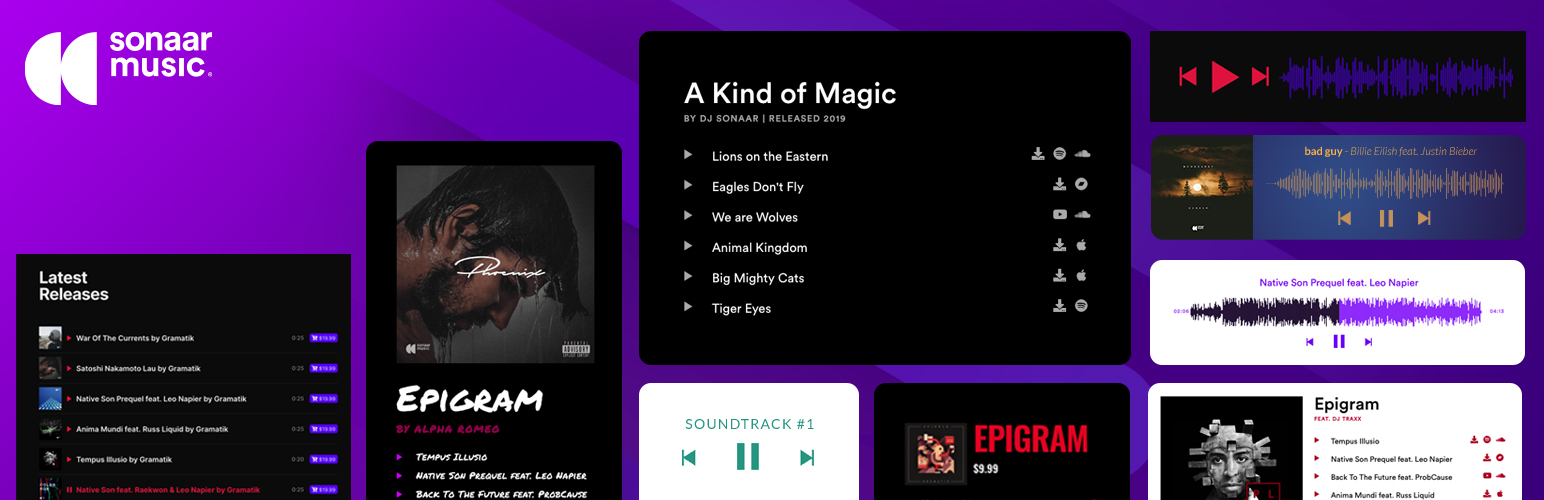
The most advanced Audio Player for Music & Podcast. For Elementor, Gutenberg, WooCommerce and more. Add un...
No. 1 Podcasting plugin for WordPress.

Audio Player for Elementor – the go-to plugin for adding MP3s, podcasts & playlists. Fully customizable, W...
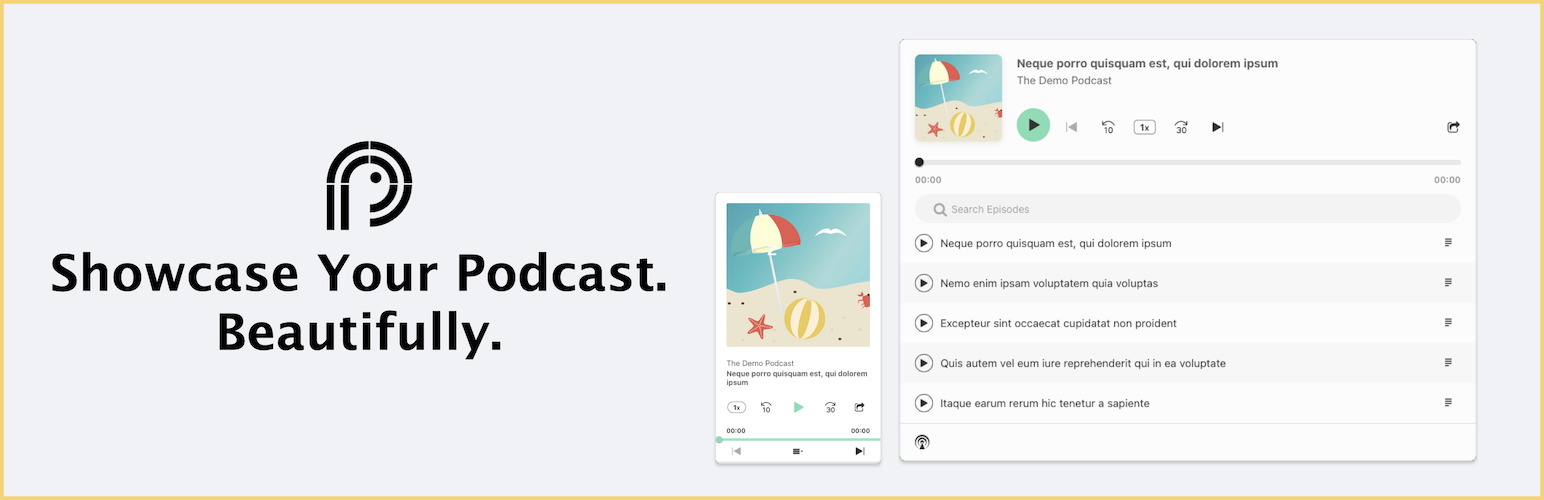
Showcase your podcast only using podcasting feed url. Use widget, shortcode or editor block to display podcast...

Maximize your WordPress site's potential with our versatile HTML5 Audio Player plugin. Seamlessly play .m...