
Join millions who empower their websites with ElementsKit Elementor Addons. Get templates, & 100+ widgets...
Free
1M+ installs 4.9★ (2,036)
Dragging and dropping widgets into sidebars can be tricky. This plugin lets you click a widget, and then choose where it should be placed. Simple.

Widgets Area Chooser is a WordPress plugin designed to simplify the process of placing widgets in sidebars. Instead of dragging and dropping, you can click on a widget and select its desired location. This aims to make widget management easier for users.
The plugin is suitable for those who find the traditional method of managing widgets cumbersome, particularly if they are using the MP6 interface, as the plugin relies on it for proper functionality.
Best for: This plugin is best for WordPress users looking for an easier way to manage sidebar widgets.
What it does well
Where it falls short
Widgets Area Chooser offers a straightforward approach to widget management but may not be suitable for users without MP6 or those concerned about its outdated status.
shaunandrews's own description of Widgets Area Chooser, lightly tidied.
Dragging and dropping widgets into sidebars can be tricky. This plugin lets you click a widget, and then choose where it should be placed. Simple. Easy.
Note: This plugin assumes you have MP6 installed and activated. Without MP6, things may look wonky.
Other plugins for widgets and sidebars.
Join millions who empower their websites with ElementsKit Elementor Addons. Get templates, & 100+ widgets...

Elementor templates, Header footer builder, Elementor Post Grid, Woocommerce Grid builder, Slider, Forms, Gall...

Flexible sidebars for custom classic widget configurations on any page or post. Create custom sidebars with ea...
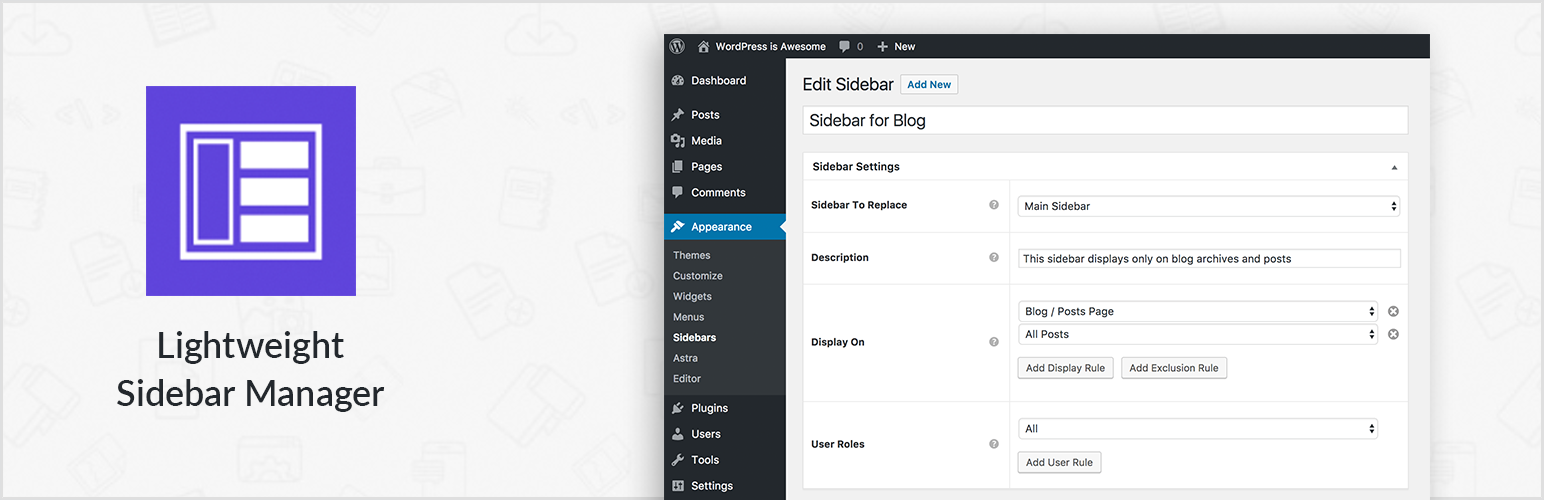
Create new sidebar areas and display them conditionally on certain pages. Works with all themes.

3000+ Elementor & Gutenberg Templates, AI Widget Builder, AI Code Snippets, MCP Workflow, Cloud Workspace...
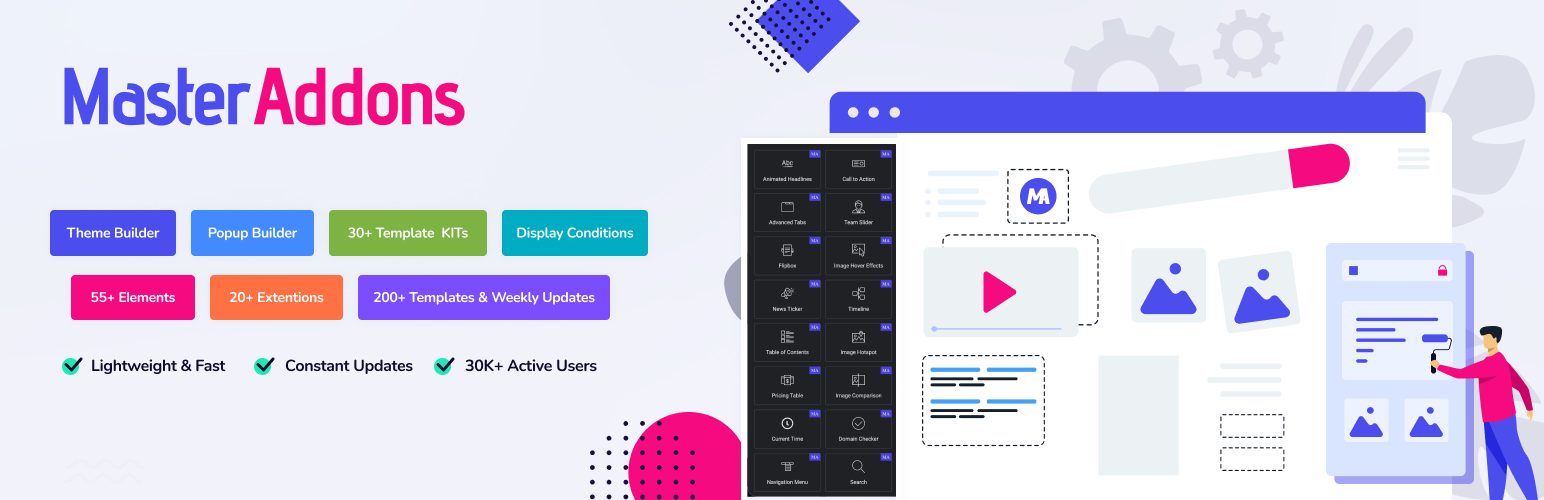
The complete Elementor addons plugin: 55+ widgets for Elementor, Mega Menu Builder, Popup Builder, Widget Buil...