
Join millions who empower their websites with ElementsKit Elementor Addons. Get templates, & 100+ widgets...
Free
1M+ installs 4.9★ (2,036)
Unlock the full potential of the WordPress menu system to create mega menus and more by adding sidebar regions and widgets to your menus.

Widget Menuizer is a WordPress plugin that enhances the menu system by allowing you to incorporate widgets directly into your menus. It enables the creation of custom 'mega menus' and sidebar regions without needing extensive modifications to the menu management interface.
Once activated, you can easily add sidebar regions to your menus through the Appearance > Menus screen. The plugin also allows for the definition of new sidebar regions directly from the Appearance > Widgets admin screen, making it user-friendly for those who want to customise their menus without coding.
Best for: This plugin suits WordPress users looking to enhance their menu capabilities with widgets.
What it does well
Where it falls short
Widget Menuizer offers a straightforward way to extend WordPress menus with widget functionality, though it requires caution to avoid configuration issues.
cornershop's own description of Widget Menuizer, lightly tidied.
Anything you can do with a widget can now be done inside your menus!
Widget Menuizer makes WordPress menus even more powerful, allowing for easy creation of custom “mega menus” and other fanciness without completely overhauling the menu management system into something unrecognizable.
Upon activation, navigate to the menu management screen under Appearance > Menus, and you’ll find a new option for Sidebars under the familiar Pages, Posts, Links, Categories and Tags list. Here, you can view all the sidebar regions that exist in your currently-active theme. Simply check a box to add a sidebar into your menu the same way you would for any other menu item.
Once in your menu, you’ll see a new option for “Container Element,” which specifies which HTML tag is wrapped around the sidebars that are output into the menu.
While running Widget Menuizer you also get the ability to define new sidebar regions right from the Appearance > Widgets admin screen (when using WordPress prior to 5.8, or 5.8 in conjection with the Classic Widgets plugin), so you can easily create new regions just for including in your menus without having to write any custom code for your theme.
Note for users of WordPress 5.8 and above: This plugin still works for injecting regions into menus, but you need to run the “Classic Widgets” plugin in order to create new Widget Areas via the admin.
Important: Because it’s possible to put menu widgets inside sidebars, you may see a warning notice if the sidebar region you’ve put in your menu contains a menu widget. This is because you may have inadvertently created a recursion: if the menu contained in your sidebar is the same menu your sidebar is placed in, you’ll have an infinite loop that will do bad, bad things. So be careful.
New in 1.0 Widget Menuizer now gives site administrators the ability to control the direction widgets flow within the menu, either horizontally or vertically.
New in 0.6: Widget Menuizer now provides a way for site administrators to create new Sidebars on the fly from the Widget admin! Now you can create new sidebars for use in your menus without having to edit your theme files or use some other plugin to let you register new sidebars.
Other plugins for widgets and sidebars.
Join millions who empower their websites with ElementsKit Elementor Addons. Get templates, & 100+ widgets...

Elementor templates, Header footer builder, Elementor Post Grid, Woocommerce Grid builder, Slider, Forms, Gall...

Flexible sidebars for custom classic widget configurations on any page or post. Create custom sidebars with ea...
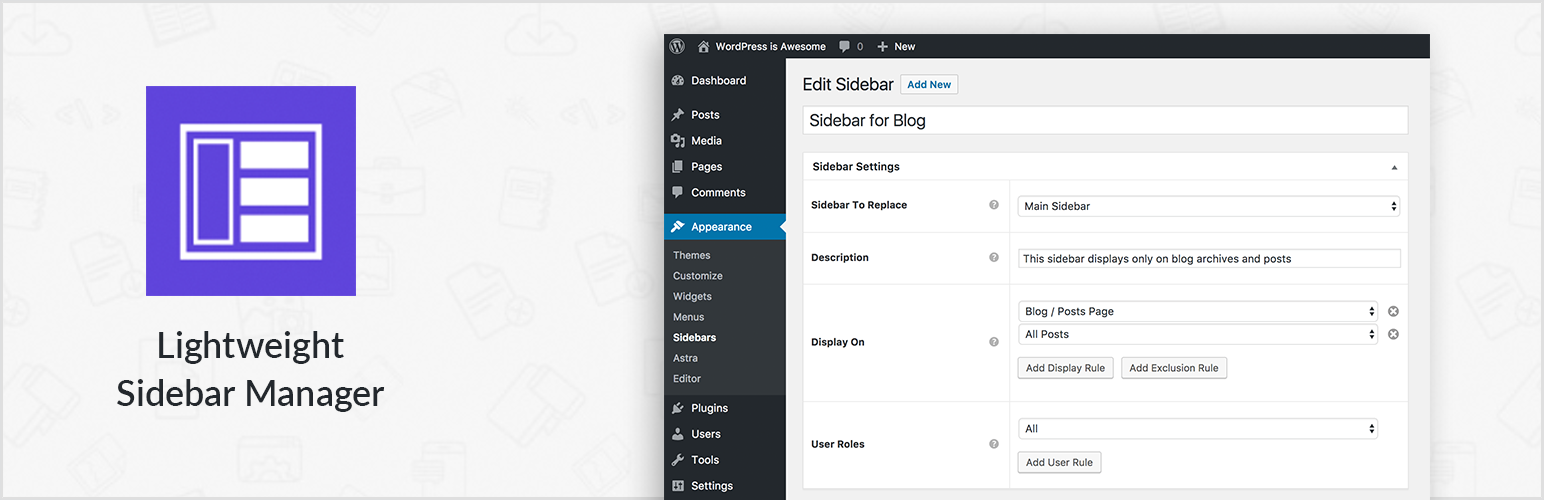
Create new sidebar areas and display them conditionally on certain pages. Works with all themes.

3000+ Elementor & Gutenberg Templates, AI Widget Builder, AI Code Snippets, MCP Workflow, Cloud Workspace...
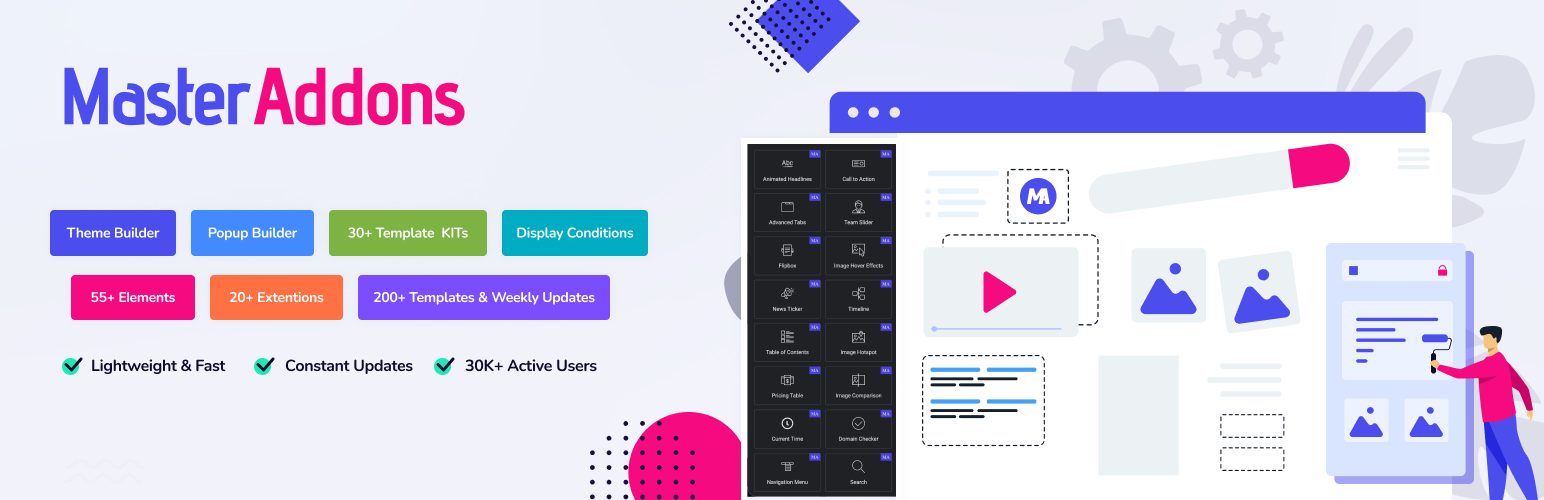
The complete Elementor addons plugin: 55+ widgets for Elementor, Mega Menu Builder, Popup Builder, Widget Buil...