
Join millions who empower their websites with ElementsKit Elementor Addons. Get templates, & 100+ widgets...
Free
1M+ installs 4.9★ (2,036)
A Widget toolbox that adds visibility management and helps to control where widgets, sidebars and content are shown efficiently.

Widgets Control is a WordPress plugin that enables visibility management for widgets, sidebars, and content blocks. You can control where and when these elements appear on your site by setting conditions based on page IDs, titles, slugs, and tokens for various content types.
The plugin also supports responsive design, allowing you to tailor the display for different screen sizes. It is suitable for users who need precise control over their site's layout and visibility, particularly those running multilingual sites with WPML.
Best for: This plugin is best for WordPress site owners who want detailed control over widget visibility and layout.
What it does well
Where it falls short
Widgets Control offers useful functionality for managing widget visibility, making it a practical choice for users looking to customise their site layout.
itthinx's own description of Widgets Control, lightly tidied.
Widgets Control is a toolbox that features visibility management for all widgets, sidebars, sections of content and content blocks.
It allows to show widgets and sidebars based on conditions – you can choose to show them only on certain pages or exclude them from being displayed.
Sections of content can also be restricted by using this plugin’s [widgets_control] shortcode.
You can also define new WYSIWYG Content Blocks that can be used in widgets, sidebars and with shortcodes.
For each widget and sidebar, you can decide where it should be displayed:
… you can target small, medium or large screens for mobile, tablet and desktop users.
To include or exclude pages, the plugin allows you to indicate page ids, titles or slugs and tokens that identify the front page, categories, tags, etc.
In addition to page ids, titles and slugs, these tokens can be used to determine where a widget should or should not be displayed:
[home] [front] [single] [page] [category] ...
On sites using WPML, widgets can be shown conditionally based on the language viewed.
The [widgets_control] shortcode is used to embed content and show it conditionally similar to the visibility options used for widgets and sidebars.
For example, [widgets_control conditions="{archive}"]This text is shown only when the content is displayed on an archive page.[/widgets_control].
Widgets Control also provides flexible WYSIWYG Content Blocks and a proper widget that can be used to place them in sidebars,
the [widgets_control_content] shortcode to embed freely created blocks anywhere on your pages and
API functions that allow to include these blocks in PHP templates of your theme.
For even more flexible control, use Widgets Control Pro which provides freely definable additional sidebars.
Use display conditions to show or hide content on devices with small, medium or large displays, useful to adapt the display to mobile, tablet and desktop viewers.
See the documentation for more details.
Widgets Control works with virtually any widget. It is compatible with lots of plugins, among these it has been tested with:
Other plugins for widgets and sidebars.
Join millions who empower their websites with ElementsKit Elementor Addons. Get templates, & 100+ widgets...

Elementor templates, Header footer builder, Elementor Post Grid, Woocommerce Grid builder, Slider, Forms, Gall...

Flexible sidebars for custom classic widget configurations on any page or post. Create custom sidebars with ea...
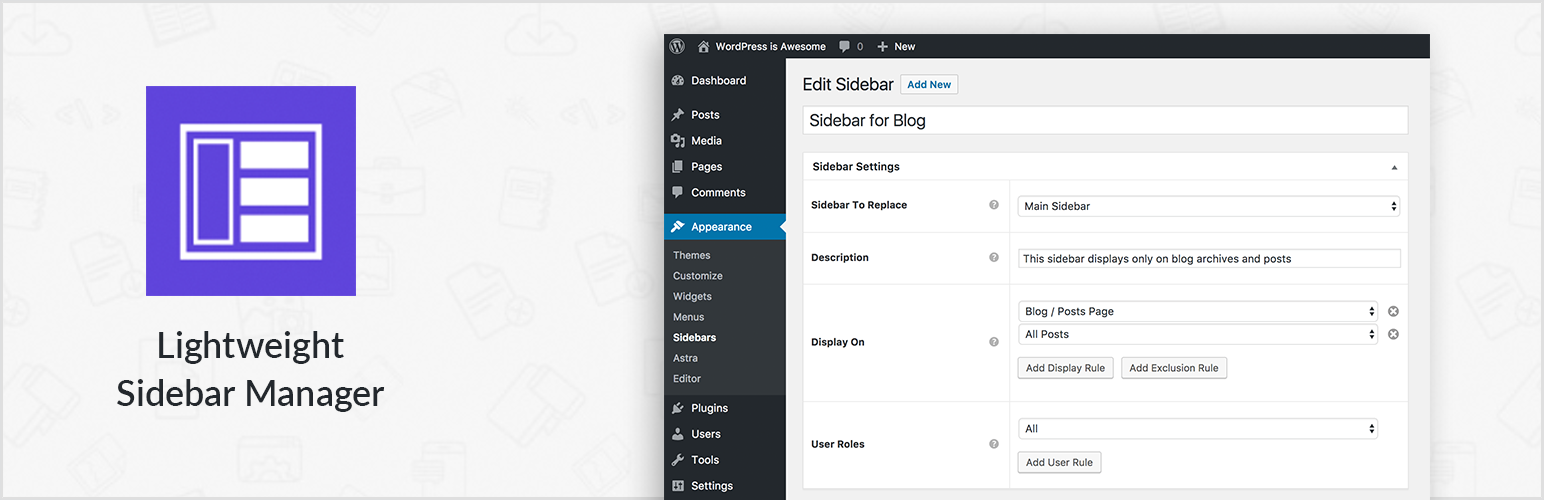
Create new sidebar areas and display them conditionally on certain pages. Works with all themes.
3000+ Elementor & Gutenberg Templates, AI Widget Builder, AI Code Snippets, MCP Workflow, Cloud Workspace...
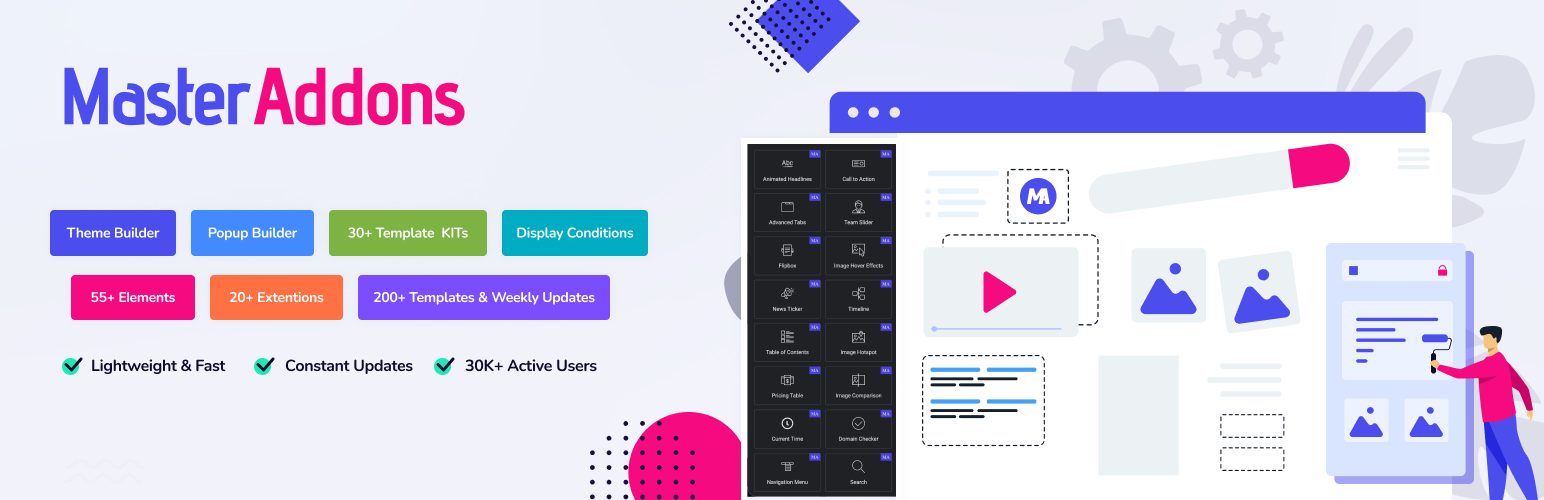
The complete Elementor addons plugin: 55+ widgets for Elementor, Mega Menu Builder, Popup Builder, Widget Buil...