
Join millions who empower their websites with ElementsKit Elementor Addons. Get templates, & 100+ widgets...
Free
1M+ installs 4.9★ (2,036)
The easiest and highest rated way to Add Widgets or Sidebars to Posts and Pages using Visual editor, shortcodes or template tags.

Widgets on Pages is a WordPress plugin that allows you to add widgets to posts and pages easily. You can create unlimited dynamic sidebars, known as Turbo Sidebars, and insert them using shortcodes. This plugin is suitable for users who want to enhance their content with additional widget areas without needing to write code.
The plugin supports the addition of multiple sidebars per post or page, and these sidebars can be incorporated into any theme. It is designed for those looking to improve their site's layout and functionality with custom widgets.
Best for: This plugin suits WordPress users who want to add custom widgets to their posts and pages easily.
What it does well
Where it falls short
Widgets on Pages provides a straightforward solution for adding widgets to your content. While the free version is functional, users may find additional benefits in the Pro version.
toddhalfpenny's own description of Widgets on Pages, lightly tidied.
The easiest, and highest rated way to Add Widgets to Posts and/or Pages. Create unlimited dynamic sidebars (widget areas) and insert these into a WordPress post or page.
Create as many widget areas (Turbo Sidebars) from the settings menu, and these can be used multiple times.
Each sidebar can be called independently by a shortcode, and you can call more than one per post/page.
Sidebars can be included in the post/page by using a shortcode like the following, where x is the name of the sidebar.
[widgets_on_pages id=x]
With the PRO version the widgets can be inserted simply with clicks-not-code using a wizard in the visual editor. This version also includes layout options to easily set the widgets in columns/grid presentation.
Pro version also supports the configurable option to automatically add widgets to all your posts and/or pages. Choose the layout options and whether to add the sidebar and widgets before or after the content. Ideal for adding lists of related posts to the end of every post. Each post and page can also be individually excluded from the auto-inclsion of the widgets.
Pro version key features
* Responsive Horizontal/Column/Grid layout
* Auto insert in Header, Content, or Footer
* Priority Support
Basic In-Content Instructions
The sidebars can also be added to any theme, using template tags. This is an ace way to add widgets/sidebars to a theme’s header and footer (or any other part of a theme).
Demo Video
Current Features Include
Recent Reviews
∗ ∗ ∗ ∗ ∗ Just purchased PRO version and well worth the money. – @artmuns
∗ ∗ ∗ ∗ ∗ Works as advertised + timely response to support request – @3cstudio
∗ ∗ ∗ ∗ ∗ Saving me HOURS of work – @andynick
Other plugins for widgets and sidebars.
Join millions who empower their websites with ElementsKit Elementor Addons. Get templates, & 100+ widgets...

Elementor templates, Header footer builder, Elementor Post Grid, Woocommerce Grid builder, Slider, Forms, Gall...

Flexible sidebars for custom classic widget configurations on any page or post. Create custom sidebars with ea...
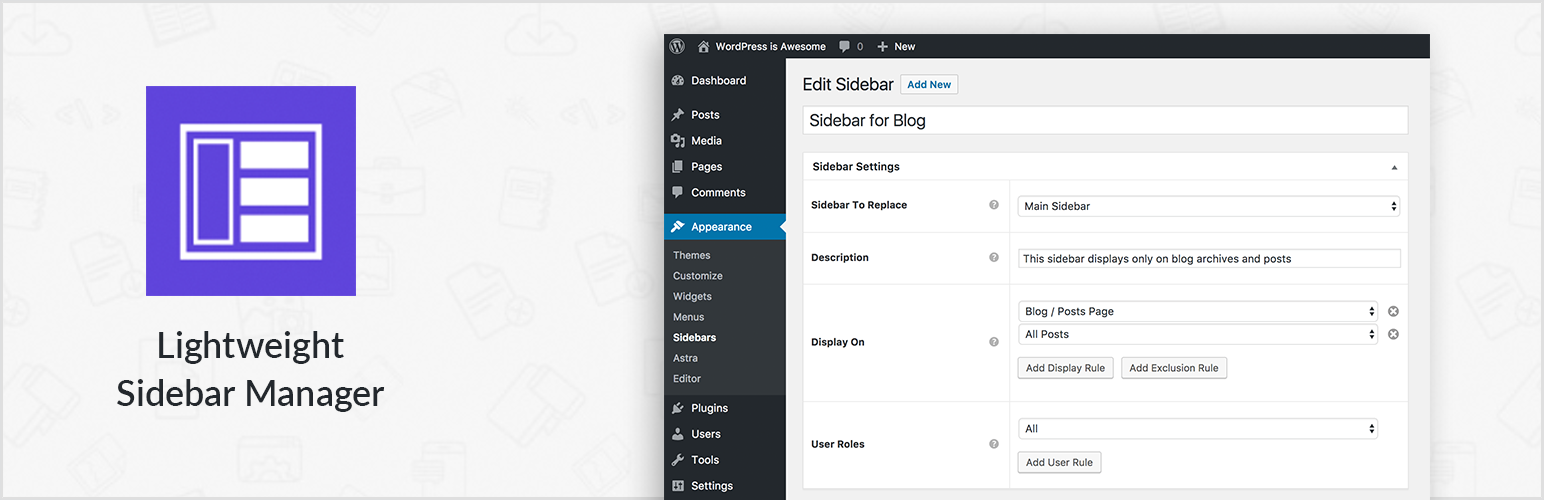
Create new sidebar areas and display them conditionally on certain pages. Works with all themes.
3000+ Elementor & Gutenberg Templates, AI Widget Builder, AI Code Snippets, MCP Workflow, Cloud Workspace...
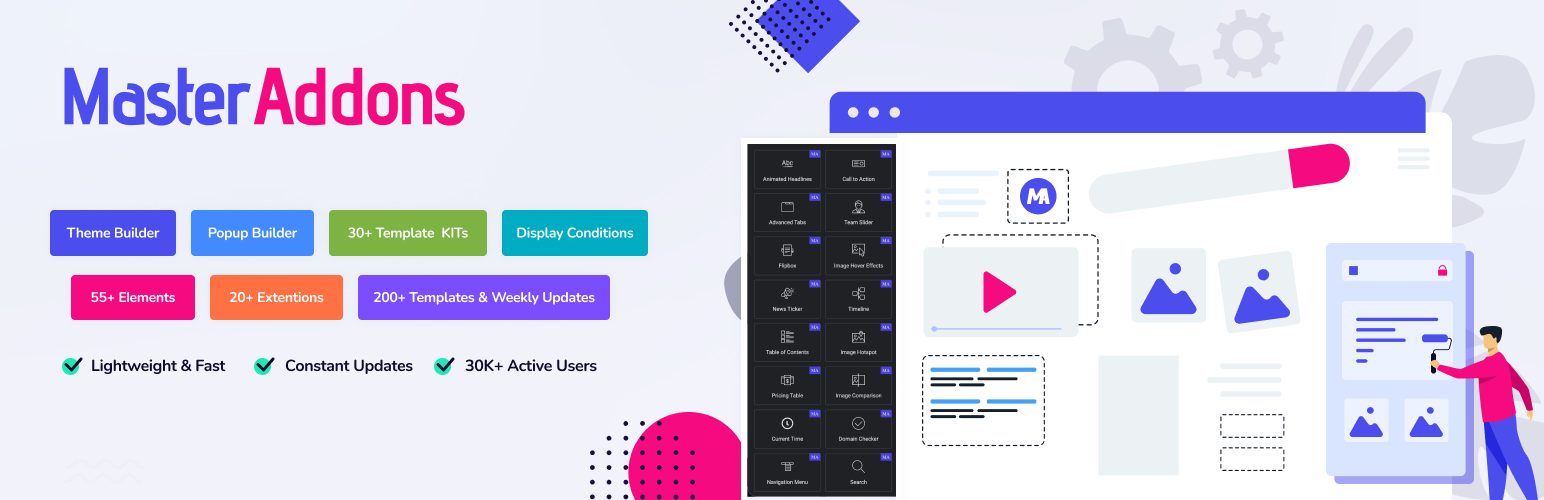
The complete Elementor addons plugin: 55+ widgets for Elementor, Mega Menu Builder, Popup Builder, Widget Buil...