
Popup Maker
94Want to boost sales & marketing efforts? Use your favorite forms & builder. Unlimited popups & imp...
Free
700k+ installs 4.9★ (4,504)
Wikipedia Preview lets you show a popup card with a short summary from Wikipedia when a reader clicks or hovers over a link.
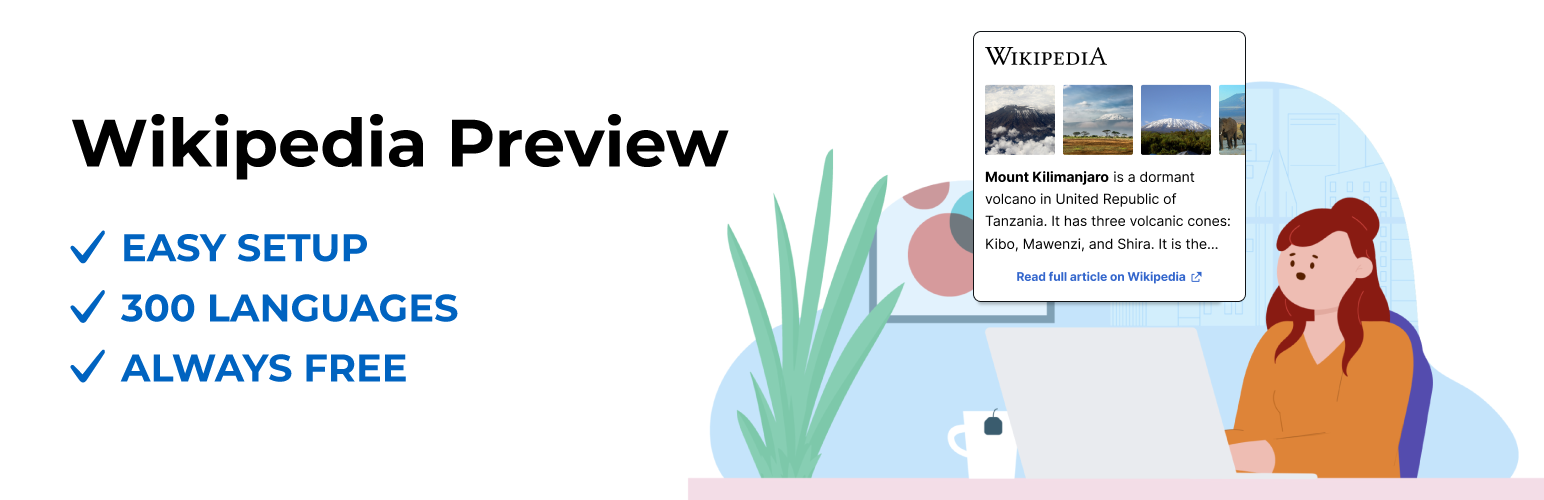
Wikipedia Preview is a WordPress plugin that allows you to enhance your website with content directly from Wikipedia. When visitors click or hover over links, they see a pop-up box with relevant information and images, providing context without leaving your site.
This plugin is developed by the Wikimedia Foundation and is designed for site owners who want to engage their visitors with rich-media content. It is easy to set up and supports multiple languages, making it suitable for a wide range of websites.
Best for: This plugin suits website owners looking to enrich their content with additional information from Wikipedia.
What it does well
Where it falls short
Wikipedia Preview is a straightforward tool for enhancing user engagement by providing easy access to Wikipedia content. It is particularly useful for educational or informational websites.
Wikimedia Foundation's own description of Wikipedia Preview, lightly tidied.
Enhance your website with free knowledge straight from Wikipedia!
Install Wikipedia Preview, the free add-on designed to better engage your visitors and improve the user experience on your website.
The Wikipedia Preview plugin provides context to your site’s visitors with content directly from Wikipedia. It allows you to add links to your content so that when your visitors click or hover on them, they see a pop-up box with information and images straight from Wikipedia. With Wikipedia Preview your visitors gain context on a topic, without ever leaving your website.
Wikipedia Preview is an official plug-in designed and developed by the Wikimedia Foundation, the non-profit behind Wikipedia and other free knowledge projects.
The plug-in is entirely free to download and use, in line with the Wikimedia Foundation’s mission to provide free knowledge for everyone.
Benefits
Features
How to add preview links to your site
Option 1 – How to add Wikipedia Preview links using the Classic Editor:
Option 2 – How to add Wikipedia Preview links using the Gutenberg/ Block Editor:
Other plugins for popups and optins.
Want to boost sales & marketing efforts? Use your favorite forms & builder. Unlimited popups & imp...

Formerly Easy Fancybox. The most popular WordPress lightbox plugin. Simple, fast, and responsive. Opens images...

Create a welcome notification bar for your website. Also, My Sticky Bar plugin can make your menu or header st...

Build Stunning Slider and Popup. Exit intent Popup, Image slider carousel, video slider carousel, post slider...

Free email automation, email campaigns, exit intent popup builder, gamified popups with spin the wheel, contac...

🤩 Make popups & optin forms to get more email newsletter subscribers, leads, and sales - #1 most popular...