
Popup Maker
94Want to boost sales & marketing efforts? Use your favorite forms & builder. Unlimited popups & imp...
Free
700k+ installs 4.9★ (4,504)
Display recent orders as popup notifications, boosting conversion rates by showing real-time purchase, creating urgency, and showcasing new products.
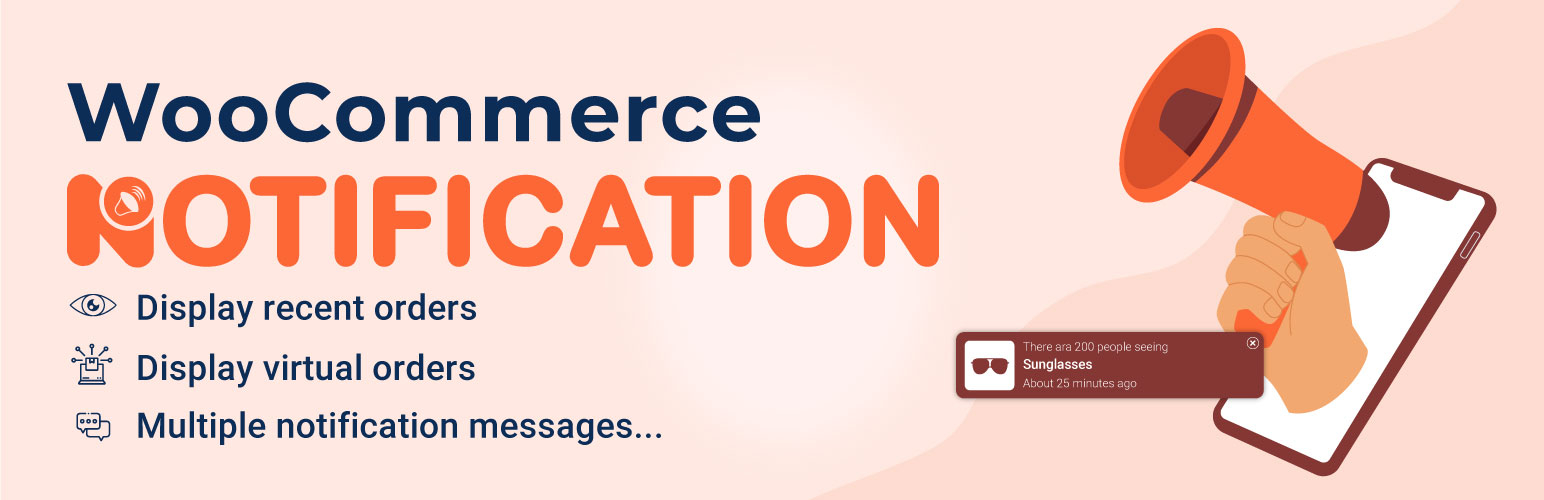
Notivo Notification for WooCommerce is a plugin designed to enhance the shopping experience on WooCommerce stores by displaying recent orders. This feature aims to create social proof, indicating to potential customers that other people are purchasing products from the store.
The plugin allows you to show real-time notifications of recent orders, as well as create virtual orders to promote specific products. It is suitable for WooCommerce store owners looking to increase their conversion rates and create a sense of urgency among visitors.
Best for: WooCommerce store owners seeking to boost sales through social proof.
What it does well
Where it falls short
Notivo Notification for WooCommerce provides useful features for enhancing customer engagement and promoting products. It is a practical tool for those looking to leverage social proof in their online stores.
VillaTheme's own description of Notivo Notification for WooCommerce, lightly tidied.
Notivo Notification for WooCommerce is a WooCommerce extension that helps you create social proof about a busy store. WooCommerce Notification displays recent orders on your storefront. It’s the online equivalent of a busy store and shows prospective customers that other people are buying your products.
Increase conversion rate by highlighting other customers that have bought products.
Display orders in real time for buyer validation and social proof!
Create a sense of urgency for visitors, and expose new products!
Plugin works based on WooCommerce plugin.
It is released on WordPress.org and you can use plugin as free to build themes for sale.
Display recent WooCommerce orders: the plugin will take the information about WooCommerce orders to display. This is the “real order” options. You can select a time to pick up orders. In the last 30 days for example.
Display virtual orders: Do you want to increase the sale of some specific products? Do you want to introduce some new product to customers? WooCommerce Notification may help you with the fake orders feature.
Create orders for selected products: Select some products and put in the needed information. The plugin will
create fake orders for the selected products.
Create orders for selected categories: If your store has too many products to select manually. This function will
help you to select products to create fake orders of the product.
Create orders with the latest products: Create fake orders for the newest products. Help you to introduce new
products to customers.
Desktop: display order notification pop-ups on desktop.
Mobile: display order notification pop-upson mobile.
Multiple WooCommerce Notification messages: You can add and configure as many WooCommerce Notification messages as you want. Each message will be displayed on a different single pop-up.
Shortcode: Use the shortcodes to configure your messages. The system will get this information from your orders or create it automatically on WooCommerce Notification
-{first_name}: customer’s first name.
-{city}: billing country.
-{state}: billing state.
Other plugins for popups and optins.
Want to boost sales & marketing efforts? Use your favorite forms & builder. Unlimited popups & imp...

Formerly Easy Fancybox. The most popular WordPress lightbox plugin. Simple, fast, and responsive. Opens images...

Create a welcome notification bar for your website. Also, My Sticky Bar plugin can make your menu or header st...

Build Stunning Slider and Popup. Exit intent Popup, Image slider carousel, video slider carousel, post slider...

Free email automation, email campaigns, exit intent popup builder, gamified popups with spin the wheel, contac...

🤩 Make popups & optin forms to get more email newsletter subscribers, leads, and sales - #1 most popular...