
Members
94The best WordPress membership and user role editor plugin. User Roles & Capabilities editor helps you rest...
Free
300k+ installs 4.9★ (1,274)
WooCommerce stock management plugin to manage and edit product stock and their variables from a single dashboard. Stock log, import/export, filters!
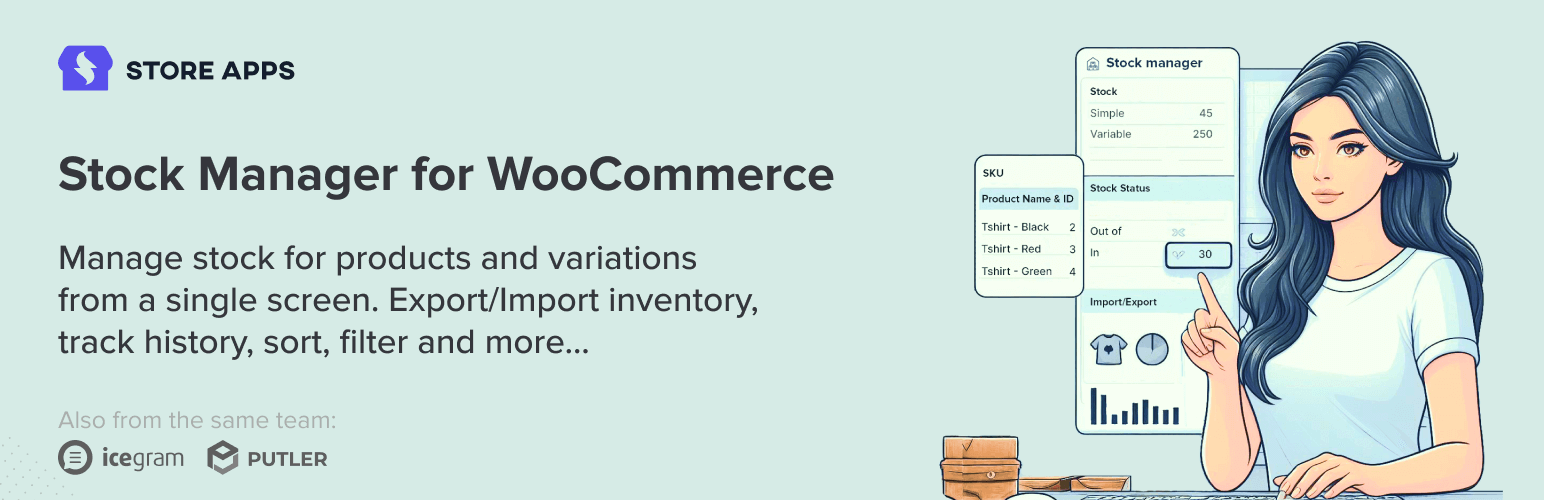
Stock Manager for WooCommerce is a plugin designed to help you manage product stock and variations from a single dashboard. It allows you to edit stock status, quantity, prices, and other product details without needing to visit individual product pages. The plugin also supports importing and exporting stock data via CSV files, enabling bulk updates.
This plugin is suitable for WooCommerce store owners who need a streamlined way to manage their inventory. It offers features like inline editing, predefined search filters, and a stock log to track product movements, making it easier to maintain accurate stock levels.
Best for: WooCommerce store owners looking for efficient stock management solutions.
What it does well
Where it falls short
Stock Manager for WooCommerce offers essential tools for managing product inventory effectively. It is a practical choice for those needing straightforward stock management features.
storeapps's own description of Stock Manager for WooCommerce, lightly tidied.
Stock Manager is a powerful WooCommerce stock management plugin that allows you to manage product stock and their variations from one screen.
Edit and manage product stock status, quantity, prices, SKU, taxes. etc., apply quick filters and view stock history, import and export stock data to CSV.
Get more for free! Our Smart Manager Lite includes all the features of Stock Manager and goes beyond with spreadsheet-style management for products, orders, coupons, and blog posts from a single screen. Trusted by 15,000+ stores, rated 5 stars by 230+ users, and backed by 15 years of WooCommerce expertise.
See why users choose Smart Manager Lite
You don’t need to visit each product page to view and edit stock fields. Stock Manager plugin provides a dashboard to view all product stock and inventory information details at one place…and some cool features:
Stock Manager for WooCommerce plugin provides a Stock log page, wherein you can see each product’s stock history. This helps you track the stock movement for each product.
Export all stock data of your shop, edit them and import back with a CSV file.
(This feature needs refactoring, so use this only on your own risk).
GDPR ready – plugin doesn’t collect personal data.
To bulk edit and manage custom field(s) for any post type like WooCommerce products, orders, coupons, posts, users, subscriptions, bookings, memberships, etc., use our Smart Manager for WooCommerce plugin.
You can also sync stock log data from Stock Manager plugin into Smart Manager and bulk edit stock data.
Spread The Love
If you like Stock Manager for WooCommerce plugin, please consider leaving five stars for the plugin. That helps fellow website owners assess plugin easily and benefit from it!
Other plugins for moving data.
The best WordPress membership and user role editor plugin. User Roles & Capabilities editor helps you rest...

Manage all your WordPress updates, including individual updates, automatic updates, logs, and loads more. This...

Redux is a simple, truly extensible, and fully responsive options framework for WordPress themes and plugins....

🌠 Shorten, brand, and track any URL on your own domain. Keep your links — and your data — where they belong....

Export WooCommerce orders to Excel, CSV, XML, JSON, PDF and HTML. Best free order export plugin for WooCommerc...

Easily export or import your WordPress customizer settings!