
OneTap is a multilingual WordPress plugin designed for seamless website accessibility.
Free
50k+ installs 4.9★ (79)
WP Accessibility fixes common accessibility issues in your WordPress site.
WP Accessibility is a WordPress plugin designed to address common accessibility issues in WordPress themes. It adds features that can help improve accessibility with minimal setup, although it is not intended to make your site compliant with any specific accessibility guidelines. Users can disable features based on their theme's needs and advanced users can customize stylesheets.
The plugin offers tools to identify and fix accessibility problems, such as adding skip links, enforcing alt attributes for images, and providing diagnostic tools for colour contrast and CSS issues. It is suitable for website owners who want to enhance accessibility without extensive technical knowledge.
Best for: Website owners looking to improve accessibility on their WordPress sites.
What it does well
Where it falls short
WP Accessibility provides useful tools for enhancing the accessibility of WordPress sites, though it may not resolve every issue. It is a practical option for those wanting to make their site more accessible.
Joe Dolson's own description of WP Accessibility, lightly tidied.
This plug-in helps with a variety of common accessibility problems in WordPress themes. While most accessibility issues can’t be addressed without directly changing your theme, WP Accessibility adds a number of helpful accessibility features with a minimum amount of setup or expert knowledge.
WP Accessibility is not intended to make your site compatible with any accessibility guidelines.
All features can be disabled according to your theme’s needs. For advanced users, all of the functions based on modifying stylesheets can be customized using your own custom styles by placing the appropriate stylesheet in your theme directory.
These are features that address issues caused by inaccessible themes.
These are features that address issues caused by current or past WordPress core accessibility issues. (Issues added in content, such as target or title attributes, are persistent even when WordPress is updated.)
Content specific fixes:
These are tools provided to help you identify issues you may need to fix.
Learn more! Read about the accessibility issues corrected by WP Accessibility!
The plug-in is intended to help with deficiencies commonly found in themes and to solve some issues in WordPress core. It can’t correct every problem (by a long shot), but provides tools to fix some issues, supplement the accessibility of your site, or identify problems.
Other plugins for accessible sites.
OneTap is a multilingual WordPress plugin designed for seamless website accessibility.

Free WordPress accessibility widget to improve accessibility for your website visitors. Supports efforts towar...
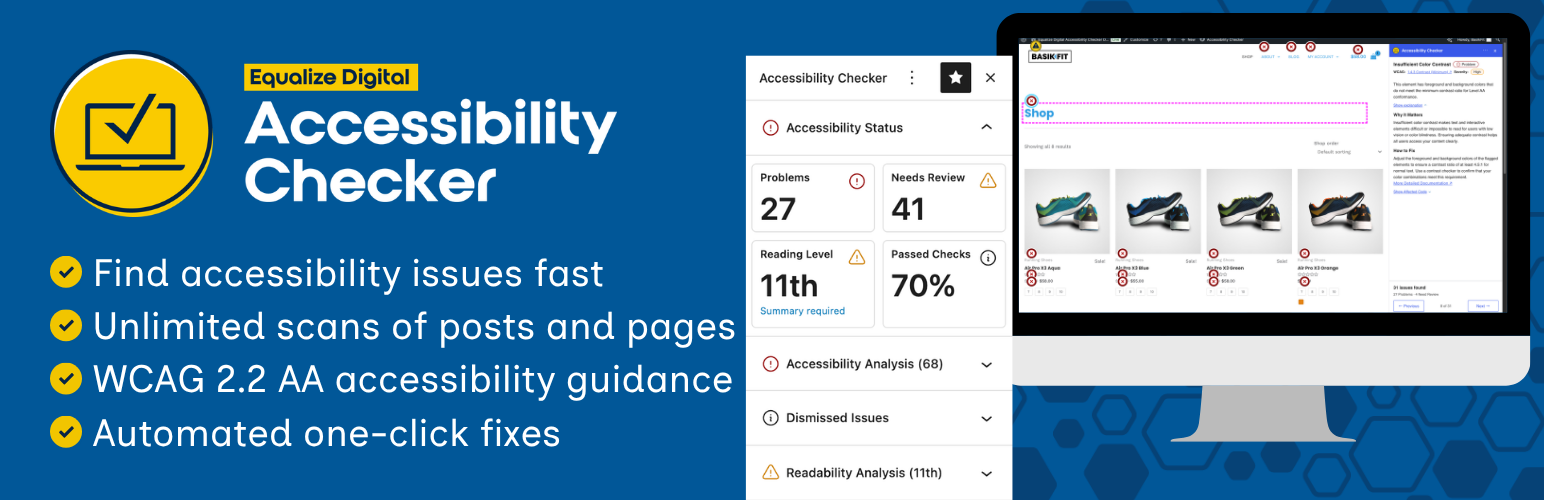
Find and fix accessibility issues with confidence. Real-time reports, automated fixes, and guidance. Reduce co...
Add, edit, and bulk-generate alt text for every WordPress image, manually or automatically using AI. Fix image...
Free text to speech with browser voices + premium AI voices from Google, OpenAI & ElevenLabs. Add an audio...

Serious Slider is a free highly efficient SEO friendly fully translatable accessibility ready image slider for...