
Join millions who empower their websites with ElementsKit Elementor Addons. Get templates, & 100+ widgets...
Free
1M+ installs 4.9★ (2,036)
Take complete control over the WordPress content editor.
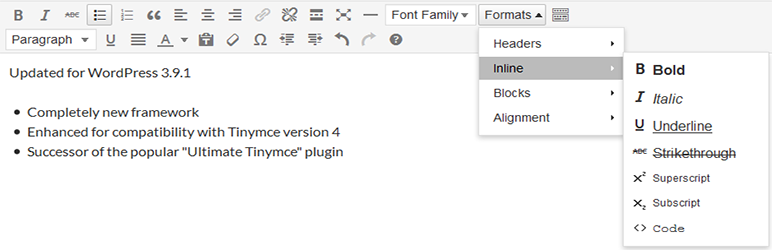
WP Edit is a WordPress plugin that enhances the default content editor by adding additional buttons and options for formatting. It allows you to arrange buttons into toolbars to streamline your workflow and supports inserting various types of media, including images and videos, without needing to know HTML or CSS.
The plugin includes features such as a graphical interface for creating tables, access to all available shortcodes, and the ability to highlight posts based on their status. It is suitable for users looking to improve their content creation process with more advanced editing tools.
Best for: This plugin is best for WordPress users who want to enhance their content editing capabilities without coding knowledge.
What it does well
Where it falls short
WP Edit provides a range of tools to improve the WordPress editing experience, but its age may raise concerns about ongoing support and updates.
Josh's own description of WP Edit, lightly tidied.
Welcome to WP Edit. Finally, take control of the default WordPress editor and unlock the power of additional editor tools. Arrange buttons into toolbars the way you want; to ease your workflow. WP Edit adds dozens of additional custom options to the WordPress editor.
WP Edit now uses a custom buttons API which allows other plugin/theme developers to add their editor buttons into the WP Edit button configuration; allowing a WP Edit user to place the plugin/theme buttons into any desired location.
Refer your favorite plugin/theme developers to the WP Edit Custom Buttons API documentation to get your favorite buttons added to WP Edit.
WP Edit is built around three years of custom WordPress development. WP Edit adds extensive, additional editing functionality to the default WordPress editor. Begin creating content like the pros; without knowing a single bit of HTML or CSS.
Subscribe to our Feedblitz List, and receive news, update notices and more.
WP Edit will provide new buttons, additional options, and extended formatting abilities to the exisiting content editor.
Because WP Edit is the culmination of three years development in the WordPress content editor. You can begin creating content (with advanced layouts); easily insert all types of external media (YouTube, Vimeo, etc.); adjust fonts, styles, colors, and sizes; and much more!
Other plugins for widgets and sidebars.
Join millions who empower their websites with ElementsKit Elementor Addons. Get templates, & 100+ widgets...

Elementor templates, Header footer builder, Elementor Post Grid, Woocommerce Grid builder, Slider, Forms, Gall...

Flexible sidebars for custom classic widget configurations on any page or post. Create custom sidebars with ea...
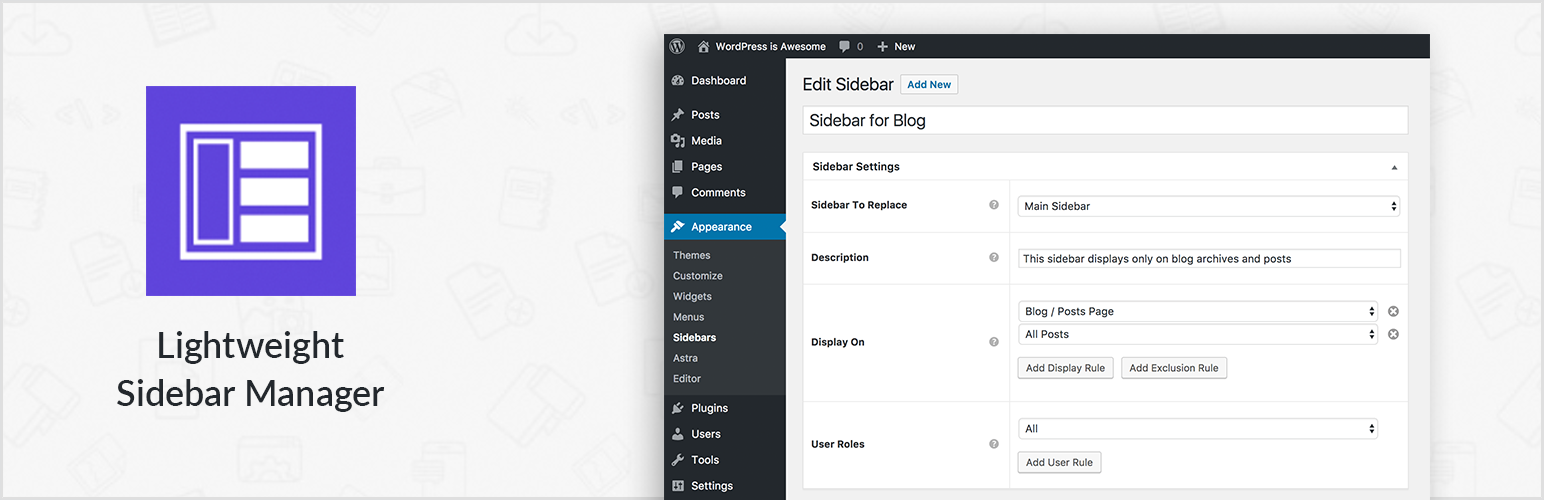
Create new sidebar areas and display them conditionally on certain pages. Works with all themes.
3000+ Elementor & Gutenberg Templates, AI Widget Builder, AI Code Snippets, MCP Workflow, Cloud Workspace...
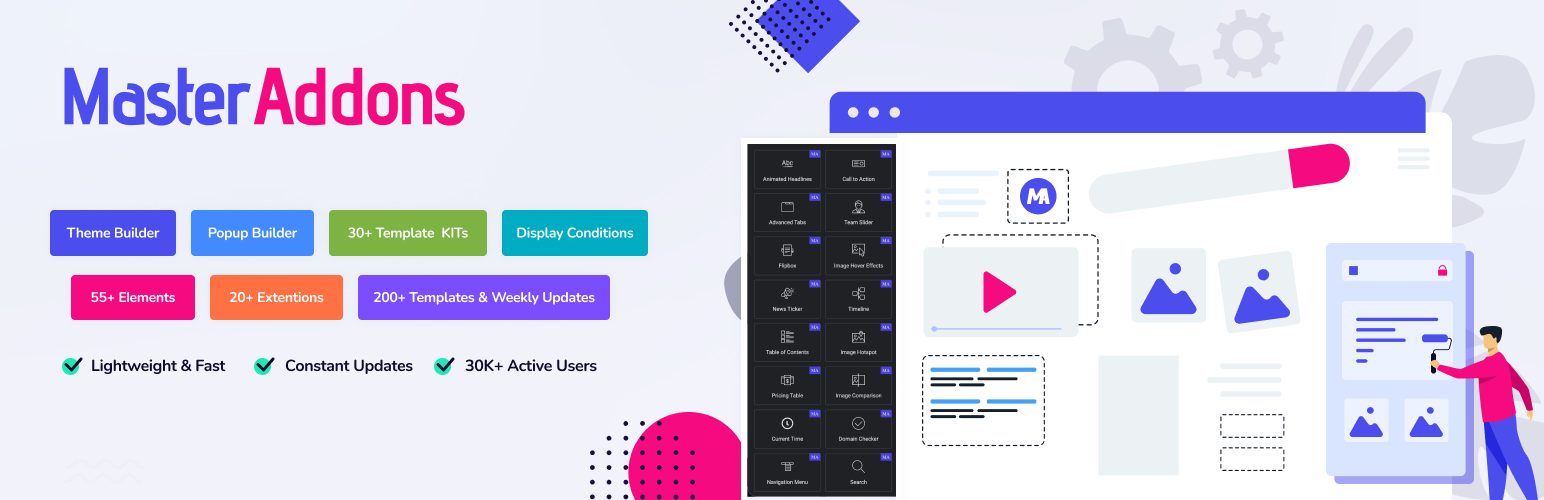
The complete Elementor addons plugin: 55+ widgets for Elementor, Mega Menu Builder, Popup Builder, Widget Buil...