WPThumbs
Themes Plugins By purpose By industry Best-of lists Fix it guides
Free Plugin by Adam Pery v0.8.5

WP Foundation Shortcodes

WP Foundation Shortcodes Plugin makes your ZURB Foundation website to the most powerful framework by styling your content with shortcodes

WP Foundation Shortcodes

The facts

Rating
4.3★ from 6
Active installs
100+
Price
Free
Last updated
3 Jul 2016
Added
Sep 2015
Requires WP
4.0
Tested up to
WP 4.5.33
Downloads
6,833

Our analysis

AI-assisted

WP Foundation Shortcodes is a WordPress plugin designed to enhance ZURB Foundation websites by providing a variety of shortcodes for styling content. It enables you to easily insert shortcodes into your posts and pages without needing to manually paste them into the editor, making it user-friendly for those familiar with the Visual editing mode.

The plugin includes a wide range of shortcodes grouped into categories such as posts, buttons, elements, callouts, content, grid, widgets, media, and forms. It requires a theme built with Foundation 5 to function properly, making it suitable for users who are already using this framework.

Best for: This plugin suits users of ZURB Foundation who want to easily add styled content to their WordPress sites.

What it does well

  • Easy to use with Visual editing mode
  • No need to manually paste shortcodes
  • Includes a variety of shortcodes for different content types
  • Compatible with ZURB Foundation 5 themes
  • Provides a popup with parameter choices for shortcode insertion

Where it falls short

  • Requires a theme built with Foundation 5
  • Limited information on support and updates

Verdict

WP Foundation Shortcodes offers a straightforward solution for enhancing content on Foundation-based websites, though it may not be useful for those using other themes.

From the developer

Adam Pery's own description of WP Foundation Shortcodes, lightly tidied.

WP Foundation Shortcodes Plugin makes your ZURB Foundation website to the most powerful framework by styling your content with shortcodes.

WP Foundation Shortcodes Demo

For best results use with Zurb Foundation 5 responsive theme

You can use ‘{}’ in every shortcode item, e.g. ‘[row {data-equalizer}]’, to get ‘’.

Features:

  • Shortcodes are easy to use (first of all, make sure that the editing mode is set to Visual)
  • No need to paste shortcode in editor
  • Add button control to TinyMCE editor
  • Select the shortcode you want to insert
  • Popup with choices of parameters
  • No additional JS or CSS files

All available shortcodes are conditionally divided into these groups:

  1. Posts: posts grid, posts list, posts lightbox, posts cycle
  2. Buttons: button, button groups, radio button group, split buttons, dropdown, button option group
  3. Elements: label, blockquotes, icon, address, inline list, keystroke, horisontal rule, clear
  4. Callouts & Prompts: alert box, panel, tooltip, banner, comments, service box, categories, tags
  5. Content: pricing table, progressbar, table, accordion, tabs, equalizer
  6. Grid: grid, block grid
  7. Widgets: google map, product card, product card with hover effects, social login buttons, pricing table recommended, pricing table animated
  8. Media: orbit slider, silck slider, thumbnail, cliaring lightbox, video
  9. Forms: switchers, range slider

The plugin contains a lot of shortcodes and widgets, we worked hard to make it easy for you.

Arbitrary section

Requires a theme built with Foundation 5.

A brief Markdown Example

  1. [label color=”secondary” corners=”round”]Round Secondary Label[/label]
  2. [button color=”alert” size=”large” icon=”fa fa-exclamation-triangle”]Large Alert Button[/button]
  3. [blockquote author=”Cicero” class=”my_custom_class”]At vero eos et accusamus et iusto odio dignissimos ducimus qui blanditiis praesentium voluptatum deleniti atque corrupti quos dolores et quas molestias excepturi sint occaecati cupiditate non provident, similique sunt in culpa qui officia deserunt mollitia animi, id est laborum et dolorum fuga. Et harum quidem rerum facilis est et expedita distinctio[/blockquote]
  4. [icon icon=”fa-warning” size=”40px” color=”red” class=”my_custom_class”]Alert[/icon]
  5. [range_slider direction=”horizontal” corners=”radius” class=”my_custom_class” initial_value=”10″ start_value=”0″ end_value=”100″ step=”0″]
  6. [address title=”Gaius Baltar” class=”my_custom_class”]123 Colonial Ave.
    Caprica City
    Caprica, 12345
    g.baltar@example.com[/address]
  7. [alert_box color=”alert” corners=”radius” class=”my_custom_class” icon=”fa-exclamation-triangle” close=”yes”]This is an alert with radius corners[/alert_box]
  8. [dropdown button_text=”Down” button_size=”small” button_color=”alert” dropdown_autoclose=”yes” dropdown_open_on_hover=”no”]This is a link
    This is another
    Yet another[/dropdown]
  9. [pricing_table title=”Standard” price=”$99.99″ description=”An awesome description” item_name_1=”1 Database” item_name_2=”5GB Storage” item_name_3=”20 Users” button_text=”Buy Now” link=”#” target=”_blank” class=”my_custom_class”]
  10. [progressbar value=”60″ color=”success” corners=”round” class=”my_custom_class”]
  11. [table caption=”Foundation table” colwidth=”20|100|50″ colalign=”left|left|center|left|right”]
    num|head1|head2|head3|head4
    1|row1col1|row1col2|row1col3|100
    2|row2col1|row2col2|row2col3|200
    3|row3col1|row3col2|row3col3|300
    4|row4col1|row4col2|row4col3|400
    [/table]
  12. [accordions] [accordion title=”title1″ active=”yes”] tab content [/accordion] [accordion title=”title2″] another content tab
    [/accordion] [/accordions]
  13. [tabs direction=”horizontal” class=”my_custom_class”][tab title=’Title #1′] Tab 1 content… [/tab] [tab title=’Title #2′] Tab 2 content… [/tab] [tab title=’Title #3′] Tab 3 content… [/tab][/tabs]
  14. [equalizers] [equalizer title=”Panel 1″] Panel 1 text … [/equalizer] [equalizer title=”Panel 2″] Panel 2 text … [/equalizer] [equalizer title=”Panel 3″] Panel 3 a lot of text text text text… [/equalizer] [/equalizers]

To full documentation.

Read the full description on the official page →

Tagged as

Alternatives

Other plugins for pricing tables.

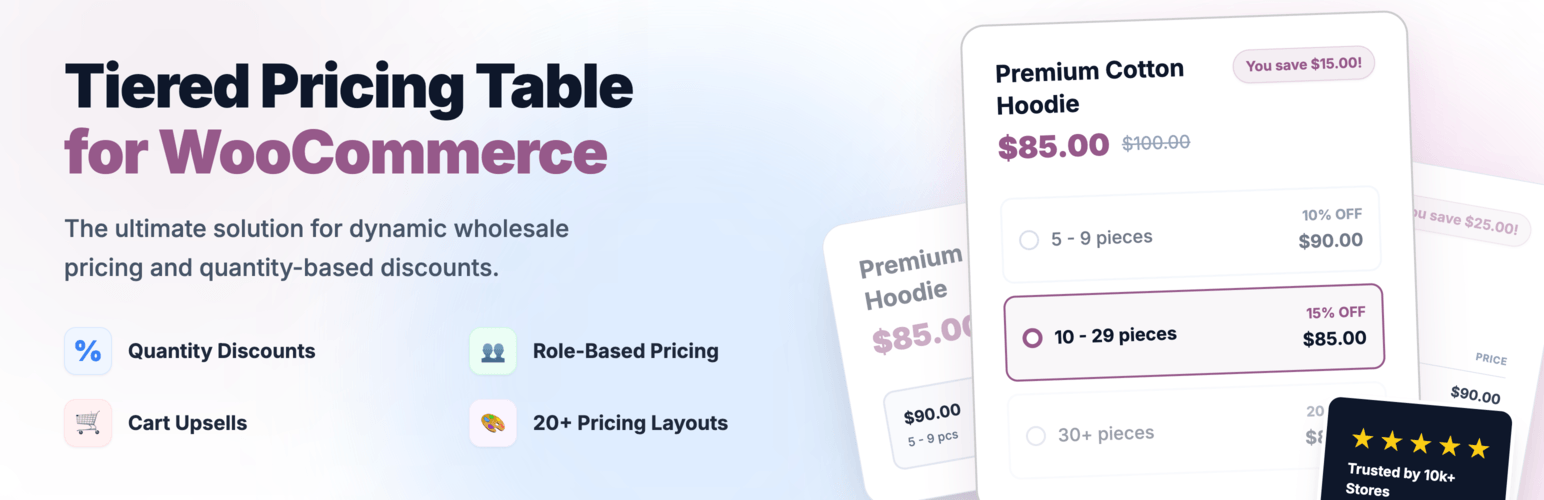
Tiered Pricing Table for WooCommerce

Create bulk, wholesale, and quantity-based pricing in WooCommerce with flexible tables, role-based pricing, an...
Free 10k+ installs 4.7★ (103)
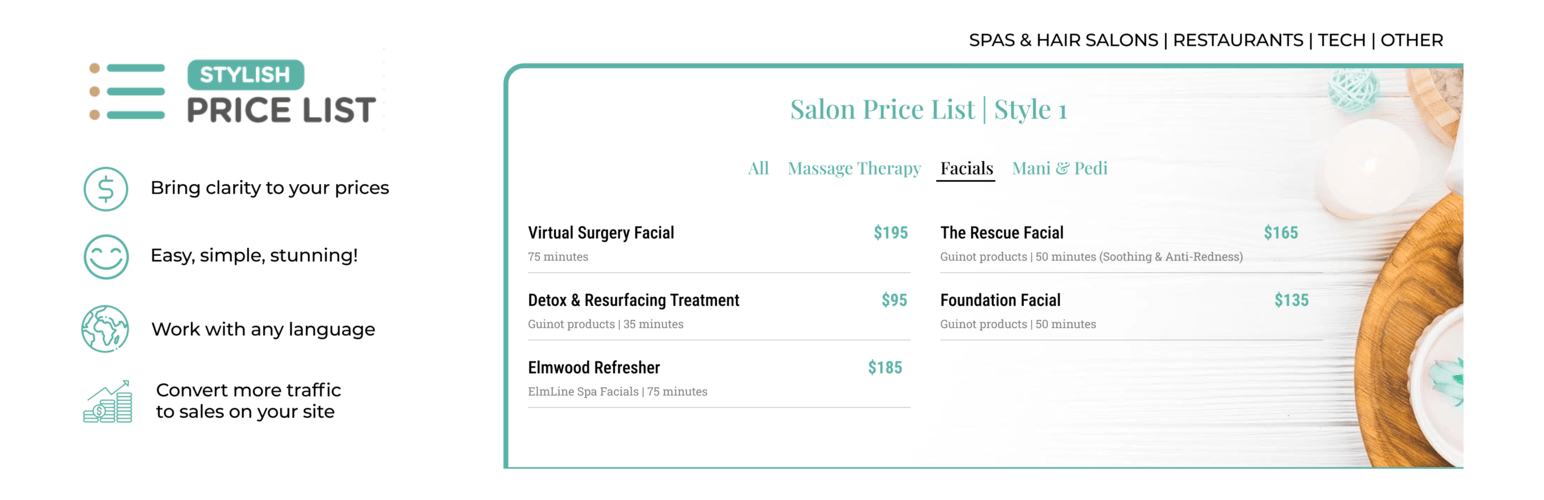
Stylish Price List

Stop Losing Customers Due to Confusing Pricing - Transform confused visitors into paying customers with crysta...

Free 3k+ installs 4.7★ (116)
Pricing Table WordPress Plugin

Pricing Table Plugin - Easy Pricing Tables Lets You Create A Beautiful, Responsive Pricing Table In 2 Minutes....

Free 10k+ installs 4.3★ (133)
aThemes Addons for Elementor

Elementor addons with 34 free widgets: galleries, sliders, form styler, carousels, pricing tables, countdowns,...
Free 7k+ installs 5★ (5)
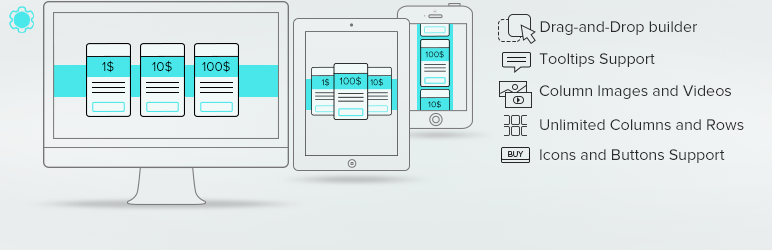
Pricing Table by Supsystic

Pricing Table generator by Supsystic allows you to create responsive pricing tables or comparison table withou...

Free 10k+ installs 4.1★ (288)
JetWidgets For Elementor

Addon for Elementor Page builder. It provides the set of widgets to create different kinds of content like pri...

Free 10k+ installs 5★ (7)