
Join millions who empower their websites with ElementsKit Elementor Addons. Get templates, & 100+ widgets...
Free
1M+ installs 4.9★ (2,036)
Awesome image zoom plugin for images in posts/pages and for WooCommerce products.

WP Image Zoom is a WordPress plugin that enables a zooming effect on images within posts, pages, and WooCommerce products. It offers four types of zoom, including inner and outer zoom, and features such as animation easing and fade effects for a smoother user experience.
The plugin is highly configurable, allowing you to adjust the zoom lens size, border colour, and other settings. It is suitable for users looking to enhance the visual appeal of their images, particularly on e-commerce sites where product detail is important.
Best for: This plugin is best for e-commerce sites and users who want to enhance image detail in their posts and pages.
What it does well
Where it falls short
WP Image Zoom provides a useful way to improve image engagement on your site, particularly for product images. However, users may need to consider the limitations regarding galleries and the benefits of the Pro version.
SilkyPress's own description of WP Image Zoom, lightly tidied.
WP Image Zoom is a robust, modern and very configurable image zoom plugin. It allows you to easily create a magnifying glass on your images, all from a very intuitive WP admin interface.
Your visitors will be able to see the beautiful details of your images. This will improve your users’ experience and hopefully also your revenue.
For applying the zoom on an image on a page/post from within a page builder, you need to add the “zoooom” CSS class to the image. Here are screenshots on how to do this with the most popular page builders:
* Gutenberg – screenshot
* WPBakery – depending on the page builder’s version: 1) screenshot with the “large” or “full” for the Image Size setting. Or 2) screenshot.
* Page Builder by SiteOrigin – screenshot
* Elementor Page Builder – screenshot. It works with all the Image Size options, except Custom.
* Beaver Builder – screenshot
* Divi Builder – screenshot (used by the Divi theme)
* Avia Layout Builder – screenshot (used by the Enfold theme)
* Fusion Page Builder – screenshot
* Brizy Page Builder – screenshot
* Tatsu Page Builder – screencast
The zoom works alright only with Image elements. Unfortunately, trying to apply the zoom on an image gallery will make the zoom work only on the first image of the gallery. With the WP Image Zoom Pro the zoom can also be applied on image galleries.
Other plugins for building pages visually.
Join millions who empower their websites with ElementsKit Elementor Addons. Get templates, & 100+ widgets...
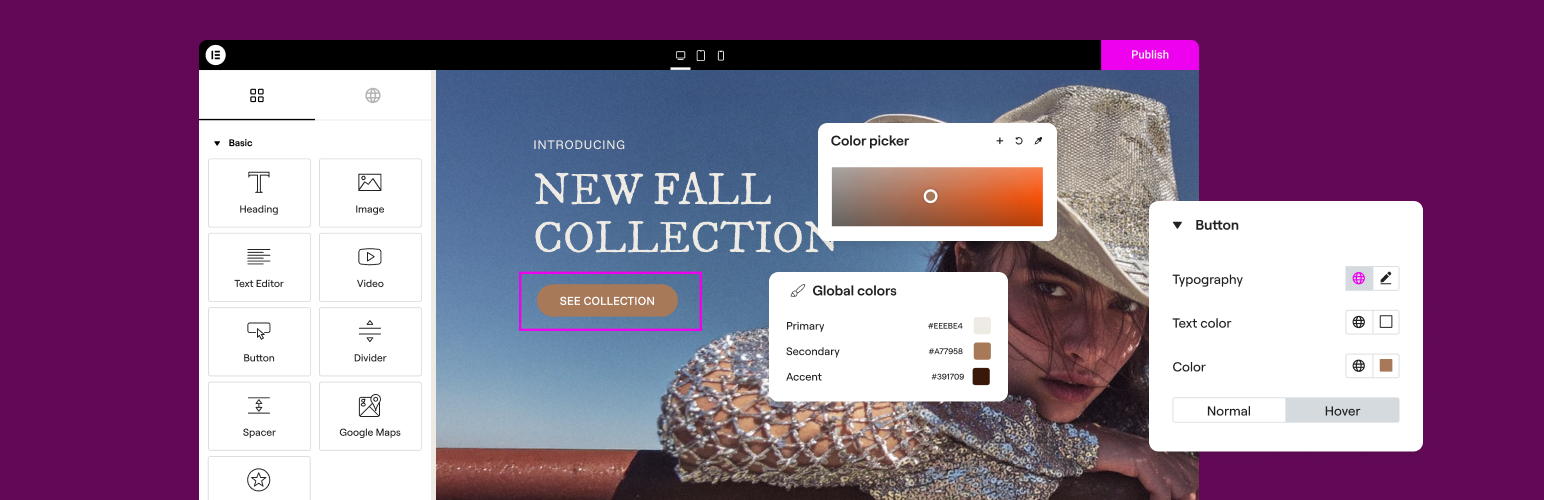
The Elementor Website Builder has it all: drag and drop page builder, Atomic Editor, pixel perfect design, glo...

The growing library of 300+ ready-to-use templates that work with all WordPress themes including Astra, Hello,...

Easy Drag & Drop Page Builder. A complete solution to create a WordPress Website, Custom Themes, Landing P...

Build responsive page layouts using the widgets you know and love using this simple drag and drop page builder...
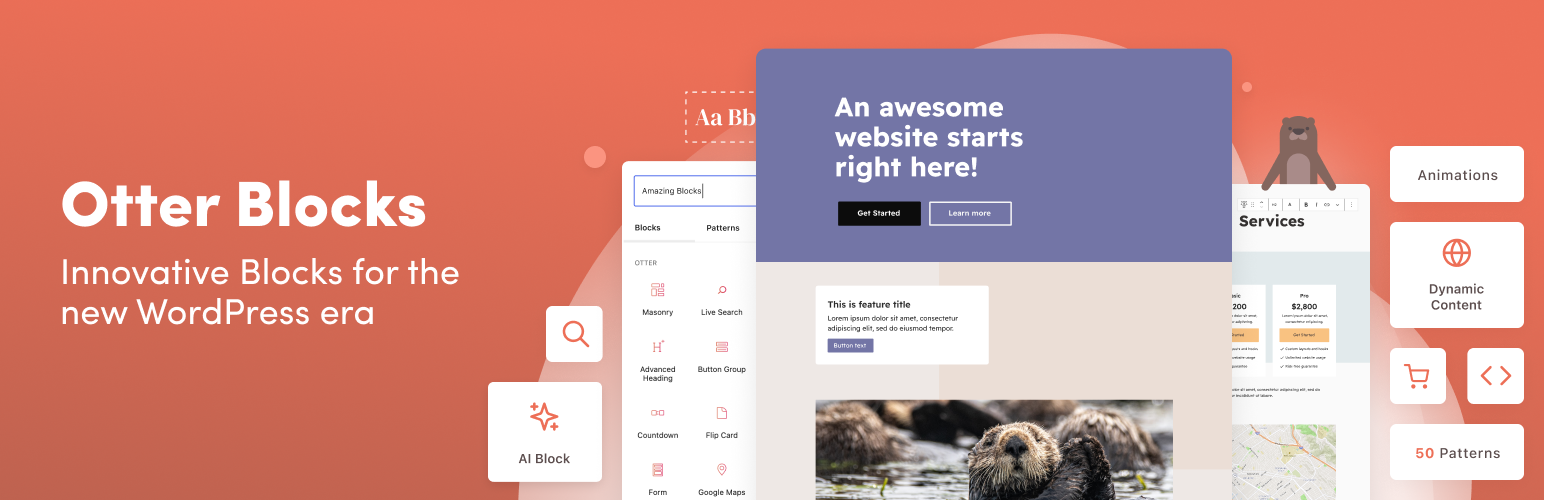
Quickly create WordPress pages with 20+ blocks, 100+ ready-to-import designs, and advanced editor extensions....