
Make email delivery easy for WordPress. Connect with SMTP, Gmail, Outlook, SendGrid, Mailgun, SES, Zoho, + mor...
Free
4M+ installs 4.8★ (5,185)
WP Mail plugin is simply a wp network mail or message system. User can send mail or messages to other users over one wp network.

WP Mail is a WordPress plugin that facilitates a mail system within a WordPress network. It allows users to send and receive emails to other registered users or to manually entered email addresses. Administrators and users can manage their correspondence through a simple interface.
The plugin supports sending messages to multiple users at once by entering comma-separated email addresses. Users can also save their messages as drafts for later editing. It is suitable for WordPress sites that require internal communication among users.
Best for: WordPress sites needing a basic internal messaging system.
What it does well
Where it falls short
WP Mail provides a straightforward solution for internal messaging, but its outdated status may limit compatibility with newer WordPress versions.
mndpsingh287's own description of WP Mail, lightly tidied.
* WordPress 3.3+
* PHP 5.x
* MySQL 5.x
If any problem occurs, please contact us at http://www.webdesi9.com/support/.
Other plugins for email deliverability.
Make email delivery easy for WordPress. Connect with SMTP, Gmail, Outlook, SendGrid, Mailgun, SES, Zoho, + mor...

Free WP Mail SMTP plugin - fix WordPress email deliverability with Gmail, Amazon SES, SendGrid, Mailgun, Cloud...

Make SMTP email sending and delivery easy. Configure Gmail SMTP, Outlook, Brevo, SendGrid, Mailgun, SendLayer...

Send emails from your WordPress site using your preferred SMTP provider like Gmail, Outlook, AWS, Zoho, SMTP.c...
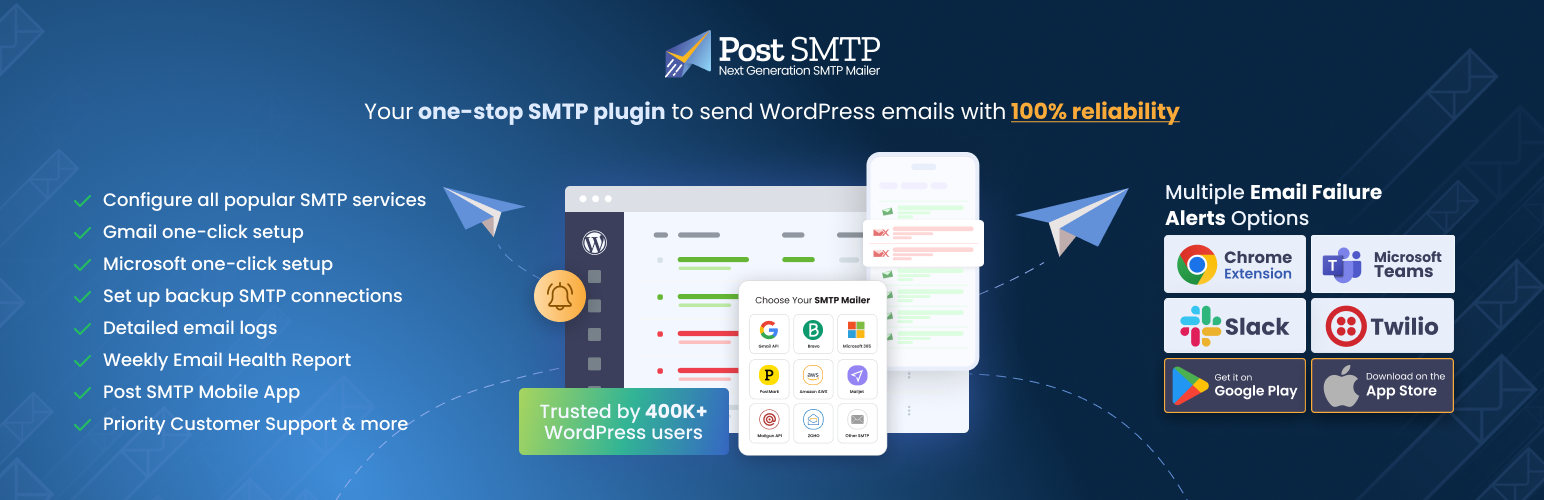
Improve WordPress email deliverability. Connect Gmail SMTP, Microsoft 365, Brevo, SendGrid, Mailgun, Zoho, Ama...

Check & Log email allows you to test if your website is correctly sending emails . Overriding of email hea...