
A modern video and audio player for courses, landing pages, marketing, and testimonials — with captions, brand...
Free
100k+ installs 4.8★ (339)
Transform your mp3 audio files into a nice, small light HTML5 player.

mb.miniAudioPlayer is a WordPress plugin that allows you to embed a small HTML5 audio player for MP3 files within your posts. Once activated, you can upload an MP3 file and place it in your content, replacing the standard file link with an audio player. The player includes features such as volume control, seeking control, and customizable appearance options through an online Skin Editor.
This plugin is suitable for users who want to enhance their posts with audio content, particularly those who require a straightforward audio player without complex configurations. It may be useful for bloggers, podcasters, or anyone sharing audio files on their WordPress site.
Best for: This plugin suits bloggers and content creators looking to integrate audio files into their WordPress posts.
What it does well
Where it falls short
mb.miniAudioPlayer provides a simple solution for adding audio playback functionality to posts, though potential conflicts with other plugins should be considered.
pupunzi's own description of mb.miniAudioPlayer, lightly tidied.
This plug-in let you transform any mp3 file uploaded inside a post into an essential small HTML5 audio player with:
Watch this video to learn how to customize your player using the on line Skin Maker too:
Important!
From version 1.5.8 the CSS has been changed; for all the one how have customized the skin they need to recreate their skin from here.
Links:
From version 1.4.x you can customize your player appearance by using the on-line miniAudioPlayer Skin Editor.
If you are using others HTML5 audio plugins (like Haiku) there could be conflicts with mb.miniAudioPlayer. You should deactivete the others befor using it.
Other WP plugins:
to change the player default settings go to the mb.miniAudioPlayer settings panel (you can find it under the “settings” section of the WP backend).
Options:
Ubuntu Chromium issue
Other plugins for audio and podcasts.
A modern video and audio player for courses, landing pages, marketing, and testimonials — with captions, brand...
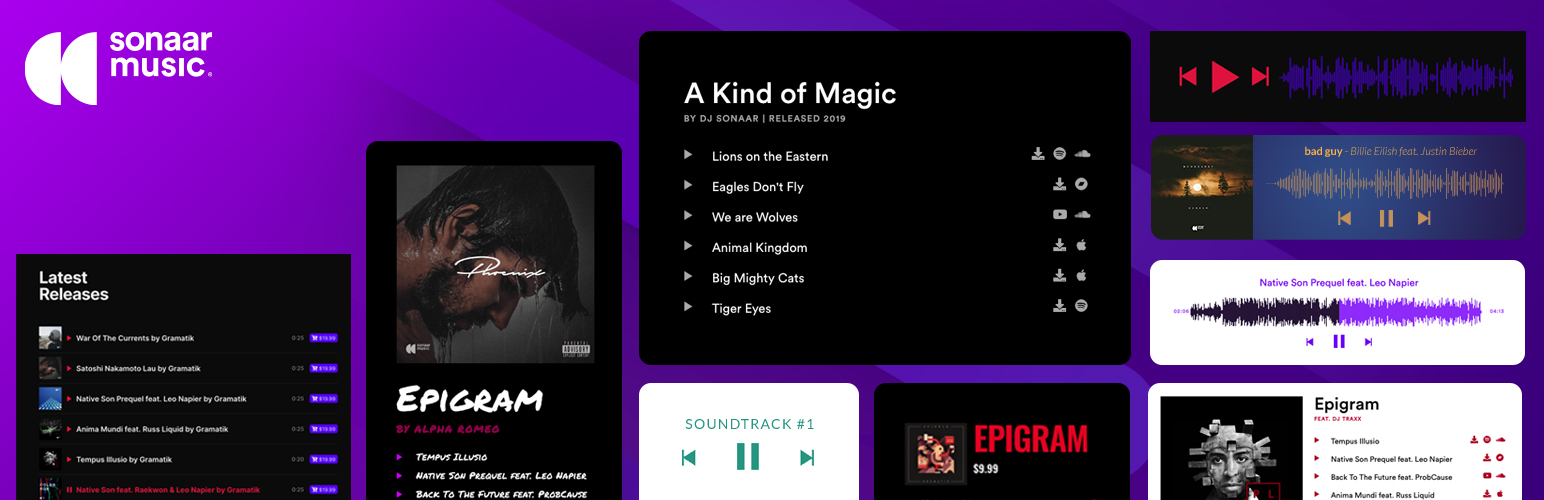
The most advanced Audio Player for Music & Podcast. For Elementor, Gutenberg, WooCommerce and more. Add un...

No. 1 Podcasting plugin for WordPress.

Audio Player for Elementor – the go-to plugin for adding MP3s, podcasts & playlists. Fully customizable, W...
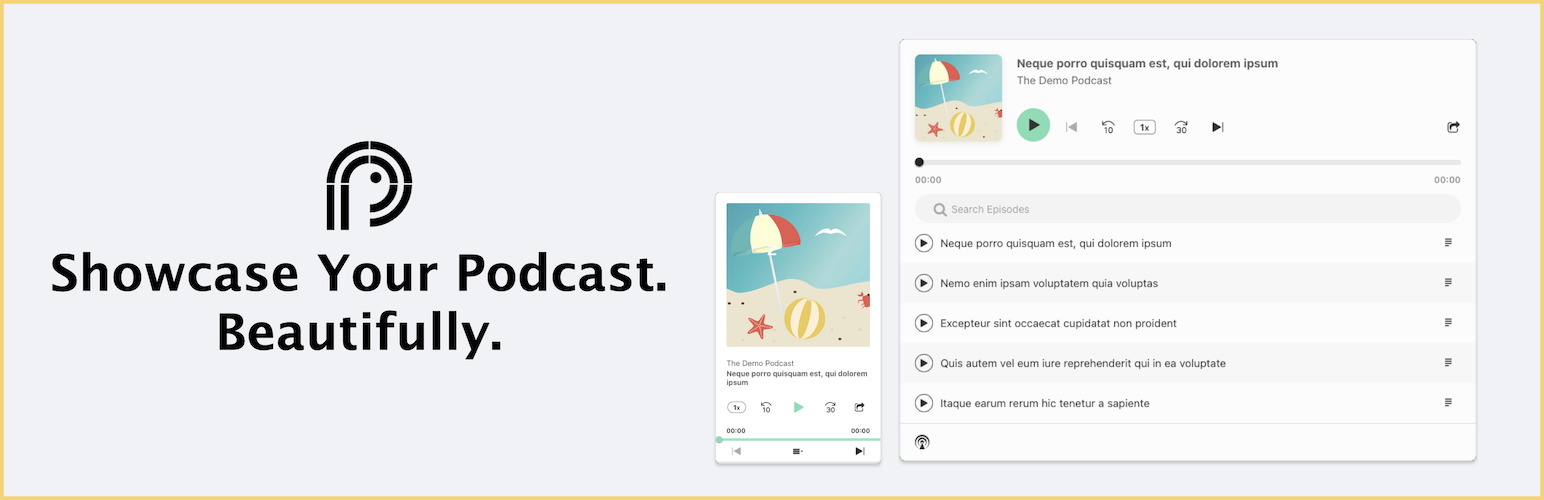
Showcase your podcast only using podcasting feed url. Use widget, shortcode or editor block to display podcast...

Maximize your WordPress site's potential with our versatile HTML5 Audio Player plugin. Seamlessly play .m...