
Create WordPress websites with free forms, Gutenberg blocks, popups, sliders, countdowns, animations, pre-buil...
Free
80k+ installs 4.9★ (22)
WPC Countdown Timer helps you display countdown timer in single product pages and shop page.
WPC Countdown Timer for WooCommerce is a WordPress plugin designed to add a countdown timer to products in your online store. It aims to enhance sales by creating a sense of urgency around time-limited offers. The plugin allows you to set specific start and end times for the countdown, display notifications, and customise the timer's appearance.
This plugin is suitable for WooCommerce store owners looking to increase customer engagement and conversions through time-based campaigns. It is compatible with various WordPress themes and supports multilingual sites, making it versatile for different users.
Best for: WooCommerce store owners who want to boost sales through urgency-driven marketing.
What it does well
Where it falls short
WPC Countdown Timer for WooCommerce provides a straightforward way to display countdowns for products, which can help increase sales. However, it does not offer backend functionalities for managing stock or pricing.
WPClever's own description of WPC Countdown Timer for WooCommerce, lightly tidied.
WPC Countdown Timer for WooCommerce is a super simple and useful plugin for expanding sales & boosting your income with time-based events/ campaigns. By adding a countdown timer to the simple/variable products in the shop archive and single product pages, you can convert more visitors into customers and get more engagement in your sales campaigns. WPC Countdown Timer provides a perfect front-end solution for emphasizing the scarcity and urgency of deals on your online store, thus getting more sales coming.
Wanna save your precious time working on variations? Try our brand-new free plugin WPC Variation Bulk Editor and WPC Variation Duplicator.
Countdown Timer for the Display
WPC Countdown Timer is a front-end solution for your online store, which means the tool is purely for the display purpose only. If you would like to create an event or take some proper sales-related actions such as “set out of stock”, “set sale price”, “set as unpurchasable”, etc., kindly refer to our other plugin WPC Product Timer for WooCommerce.
Unlike the WPC Product Timer, which works almost in the back-end for setting prices and sales events, WPC Countdown Timer only displays a timer to increase the urgency and has no actual influence on your products’ prices or stock status. When combining with WPC Product Timer, WPC Countdown Timer can bring about a wonderful yet simple method to effortlessly run sales events or campaigns. In future updates, we will bring even more beautiful adjustments in terms of appearance for you to put up on your site with WPC Countdown Timer.
Active Status
Users can choose to enable/ disable the active status for the timer separately on each product by choosing “Yes/No” in the Active option.
Setting up the Timer
When setting up the time, if you leave the starting time box empty, by default, the timer will start counting down from your current time (it starts right after you’re pressing the button to save the changes).
The ending time box must be filled with a specific date and time by choosing from the calendar popup, so that the timer will learn when the countdown ends and display the ending notification or hiding the timer accordingly based on your setting.
Other plugins for urgency and countdowns.
Create WordPress websites with free forms, Gutenberg blocks, popups, sliders, countdowns, animations, pre-buil...
ShopLentor – More than a WooCommerce builder. A complete growth plugin to boost conversions, UX, and sales for...
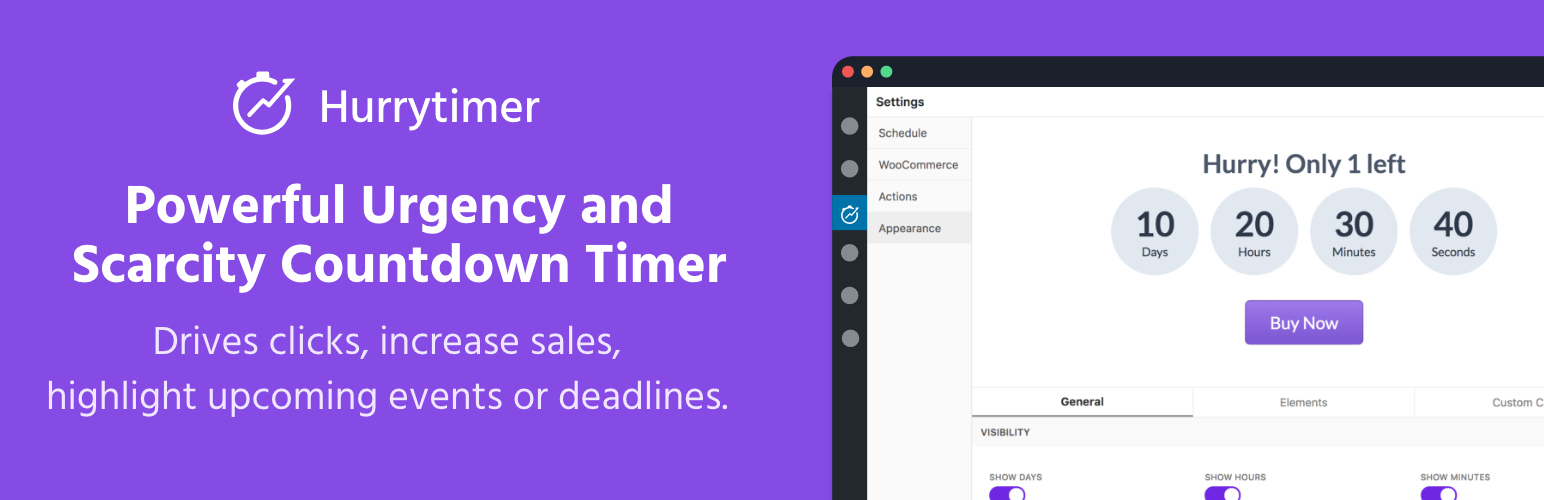
Create unlimited urgency and scarcity countdown timers for WordPress and WooCommerce to boost conversions and...

Free memory & server IP display, PHP EOL countdown, live CPU/RAM sparklines, server location, environment...
Automate SEO and content with dynamic shortcodes for dates, years, months, age calculations, seasons and count...
Create a coming soon page or maintenance mode screen with 15 responsive templates, countdown timer, MailChimp...