
Create WordPress websites with free forms, Gutenberg blocks, popups, sliders, countdowns, animations, pre-buil...
Free
80k+ installs 4.9★ (22)
WPC Variation Bulk Editor helps you save precious time working on variations.

WPC Variation Bulk Editor for WooCommerce is a WordPress plugin designed to assist users in editing multiple product variations simultaneously. It allows for bulk changes to various properties such as images, stock levels, prices, and shipping details, making it easier to manage large inventories without errors.
This plugin is suitable for WooCommerce store owners who need to streamline their product management processes. It is particularly useful for those dealing with variable products and looking to save time while ensuring accuracy in their online store's offerings.
Best for: WooCommerce store owners managing variable products who need efficient bulk editing tools.
What it does well
Where it falls short
WPC Variation Bulk Editor for WooCommerce offers a practical solution for managing product variations in bulk. It is a useful tool for those looking to enhance their WooCommerce store's efficiency.
WPClever's own description of WPC Variation Bulk Editor for WooCommerce, lightly tidied.
Variable products are always one of the most crucial parts in creating and managing an online store; so WPC Variation Bulk Editor for WooCommerce was developed to become your assistant in dealing with this. It facilitates users in editing every property of variations in bulk: image, stock, prices (regular and sale prices), backorders, weight, dimension, shipping, and tax classes.
Saving time means more than just working faster on variations, it brings more precision when dealing with heavy workloads and avoiding sales-affecting mistakes. That’s why people tend to prefer tools that help them create and manage multiple things at the same time nowadays – easy, fast, & precise.
Users can find the button on top of the variation list in the Variations tab of the variable product page. Click on that then the variation form will be opened for editing right away.
You can see all attributes listed on the top. It’s possible to specify terms that will be configured. By default, if leaving those boxes blank, it means you want to edit all variations at the same time. When you finish, click on the Update button to save the changes.
When combining with WPC Variation Duplicator for WooCommerce plugin, the manual work will be enormously reduced so users can effortlessly create new variations then edit them in groups. What’s more, the additional gallery for variations added by WPC Additional Variation Images can also be bulk edited for more efficient work.
Outstanding WPC plugins providing variation selector interfaces such as WPC Variations Table (custom name & image), WPC Variations Radio Buttons (custom name & image), WPC Show Single Variations (default/disable/enable/reverse)
For some Premium WPC plugins, users can configure settings at variation level such as WPC Product Quantity (min/max/step rules for variations) and WPC Countdown Timer (variation-based countdown timers).
Please try other plugins from us:
Other plugins for urgency and countdowns.
Create WordPress websites with free forms, Gutenberg blocks, popups, sliders, countdowns, animations, pre-buil...
ShopLentor – More than a WooCommerce builder. A complete growth plugin to boost conversions, UX, and sales for...
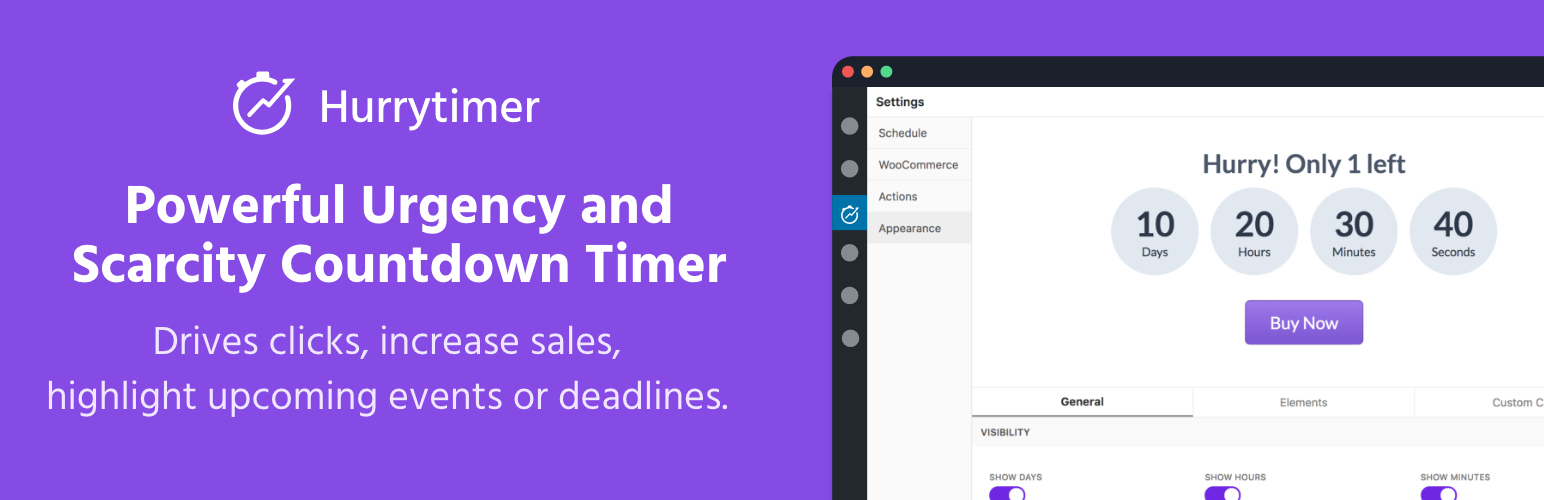
Create unlimited urgency and scarcity countdown timers for WordPress and WooCommerce to boost conversions and...

Free memory & server IP display, PHP EOL countdown, live CPU/RAM sparklines, server location, environment...
Automate SEO and content with dynamic shortcodes for dates, years, months, age calculations, seasons and count...
Create a coming soon page or maintenance mode screen with 15 responsive templates, countdown timer, MailChimp...