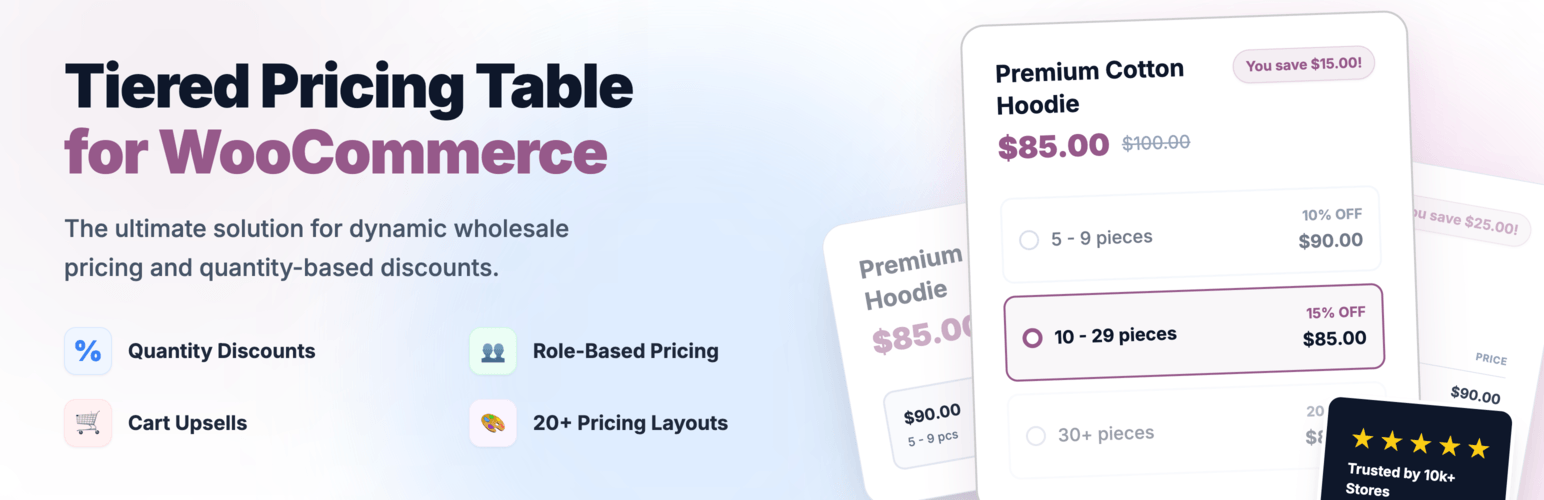
Create bulk, wholesale, and quantity-based pricing in WooCommerce with flexible tables, role-based pricing, an...
Free
10k+ installs 4.7★ (103)
WordPress Pricing Table is a great plugin for creating beautiful pricing tables for your website. Use our plugin themes and create beautiful spreadshe …

The Pricing Table builder – Price List is a WordPress plugin designed to help you create and manage price tables on your website. It offers a user-friendly interface and allows you to customise various aspects of the tables, such as colours, fonts, and layouts. This plugin is suitable for users who need to display pricing information clearly and attractively, such as service providers or e-commerce sites.
The plugin supports unlimited tables and columns, responsive design, and a variety of styling options. You can set individual themes for each column, adjust margins and paddings, and use Font Awesome icons. While the free version provides many features, there is a premium version available for additional functionality.
Best for: This plugin is best for service providers or e-commerce sites looking to display pricing information.
What it does well
Where it falls short
The Pricing Table builder – Price List offers a solid solution for creating price tables with various customisation options. However, users may find the free version somewhat limited without upgrading to the premium option.
wpdevart's own description of Pricing Table builder, lightly tidied.
WordPress Pricing Table plugin is a great tool for adding beautiful price tables to your website. This plugin has a lot of necessary features that you will like. You can check the demo page and see some live examples.
You can upgrade the free version to the WordPress Pricing Table Premium for adding more functionality.
If you have any question or suggestion(for example, about adding new features) about our plugin, contact us at SUPPORT FORUM.
You can use our plugin for different purposes, for example, you can create paid registration form or hosting plans. Let’s check how to use this plugin. First of all, you need to create and configure theme or use default themes. Also, you can duplicate themes and make changes to duplicated themes. It will save you time. You can duplicate themes, then make minimal changes and create several themes just in 5 minutes.
For creating themes go to the admin panel and open our plugin themes admin page(Column Themes). Click on the “Add new” button. Type the theme name and start changing options. Set the Column width and Column minimum width, the second option is an important option for responsive design.
Also, from the general settings tab, you can configure the column border options, such as border type, border width, border color and border radius. Don’t forget to set the text align as well.
Then open the content styling tab. From here you can set the title, price and features styles. You can change from this page background colors, text colors, fonts, font sizes. Also, you can set paddings for these fields(Top, Right, Bottom, Left). You can set margin options as well. Check the border options as well.
The next option is the additional text option. In the first field you can type the additional text and then configure other parameters. This field mostly will need for adding the Best Offer field. It will give an extra nice view to the current column. You can change the additional text positions and move it to Above the column, Above the title, Below the title, Above the price, Below the price. In this way, you can create unique and nice designs. Also, there are other necessary options for this field, such as background color, font family, font size, element position(left, center, right), element width and much more.
The next tab is the button styling tab. It is another important tab that will affect the column design. In the free version, you can use only the standard version of button. The other button designs available only in the premium version. The standard button has several parameters that you can use. You can configure the Button row padding from the top, right, bottom and left. You can set the margin parameters as well. Don’t forget to configure the border settings as well. The other important parameter for the button is the background color, also, you can set the background hover color as well. Set the other parameters such as button text colors, font family, border options and button paddings. The last tab is the Animation tab. This option is available only in the Premium version and it will give an extra nice look.
That’s all, just save the theme.
Then open the Pricing Tables page. You can add, remove and configure columns from this page. The first thing you need to do is filling the columns fields. Type the plan name, price, features(type the first feature, press enter and type the next one and so on), button URL(payment URL), button text and choose the theme you created. You can change the column fields positions from the right side using the drop-down option(we would mention, that it is a premium feature as well). After that set the column distance and table position. You can use 500+ font awesome icons for all fields of a column. Just find the icon you need(from the right bottom side) and click on it. Then you will see that the icon code appears in the field above icons. Copy this code and paste to any column field. Then save the spreadsheet.
Other plugins for pricing tables.
Create bulk, wholesale, and quantity-based pricing in WooCommerce with flexible tables, role-based pricing, an...
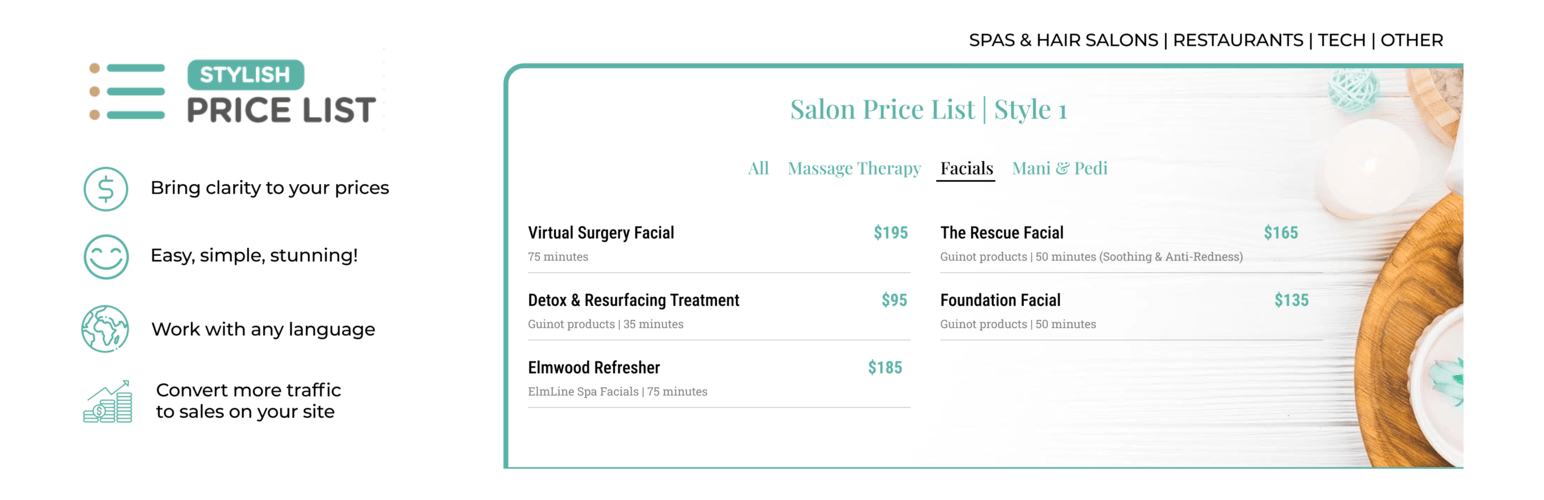
Stop Losing Customers Due to Confusing Pricing - Transform confused visitors into paying customers with crysta...

Pricing Table Plugin - Easy Pricing Tables Lets You Create A Beautiful, Responsive Pricing Table In 2 Minutes....

Elementor addons with 34 free widgets: galleries, sliders, form styler, carousels, pricing tables, countdowns,...
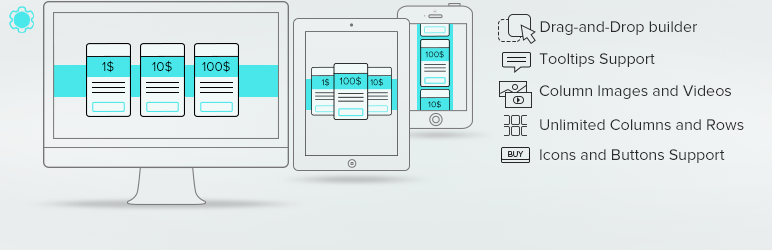
Pricing Table generator by Supsystic allows you to create responsive pricing tables or comparison table withou...

Addon for Elementor Page builder. It provides the set of widgets to create different kinds of content like pri...