
Join millions who empower their websites with ElementsKit Elementor Addons. Get templates, & 100+ widgets...
Free
1M+ installs 4.9★ (2,036)
Widgets + ShortCode responsive to embed youtube in your sidebar or in your content [youtube video=...] or in WPBakery Page Builder, with SEO http://sc …

Widget Responsive for Youtube is a WordPress plugin that allows you to embed YouTube videos in your sidebar or content using widgets and shortcodes. It offers various options for customising video playback, such as start and end times, autoplay settings, and control visibility.
This plugin is suitable for users who want to enhance their website with video content while maintaining control over how videos are displayed and interacted with. It includes support for multiple languages and integrates with WPBakery Page Builder.
Best for: This plugin suits website owners looking to incorporate YouTube videos with custom playback options.
What it does well
Where it falls short
Widget Responsive for Youtube provides a range of features for embedding videos, making it a useful tool for those focused on video content. However, more information on user support could enhance its appeal.
stefanoai's own description of Widget Responsive for Youtube, lightly tidied.
Widgets + ShortCode responsive to embed youtube in your sidebar or in your content <!--YouTube Error: bad URL entered--> or in WPBakery Page Builder, with all available options and http://schema.org/VideoObject fields.
Among the various options you can choose:
Languages: EN, IT, AR, DE, ES, FR, HE, HI, RU, ZH, PT, DA (thanks to Amlugil, quadbox, Ksenia, Dietz, Daniel Severo Estrázulas, Ole Lyager and google Translate)
Donate just 1 coffe here
The list value of link (you can put entire url on video without use this param)
Values: 2 (default), 1, and 0. This parameter indicates whether the video controls will automatically hide after a video begins playing. The default behavior (autohide=2) is for the video progress bar to fade out while the player controls (play button, volume control, etc.) remain visible.
If this parameter is set to 1, then the video progress bar and the player controls will slide out of view a couple of seconds after the video starts playing. They will only reappear if the user moves her mouse over the video player or presses a key on her keyboard.
If this parameter is set to 0, the video progress bar and the video player controls will be visible throughout the video and in fullscreen.
Values: 0 or 1. Default is 0. Sets whether or not the initial video will autoplay when the player loads.
Values: 0 or 1. Default is 0. Sets whether or not the video mute when the player loads.
Values: 1. Default is based on user preference. Setting to 1 will cause closed captions to be shown by default, even if the user has turned captions off.
ISO 639-1 two-letter language code [ex. en]
This parameter specifies the color that will be used in the player’s video progress bar to highlight the amount of the video that the viewer has already seen. Valid parameter values are red and white, and, by default, the player will use the color red in the video progress bar. See the YouTube API blog for more information about color options.
Values: 0, 1, or 2. Default is 1. This parameter indicates whether the video player controls will display. For IFrame embeds that load a Flash player, it also defines when the controls display in the player as well as when the player will load:
Values: 0 or 1. Default is 0. Setting to 1 will disable the player keyboard controls. Keyboard controls are as follows:
Other plugins for building pages visually.
Join millions who empower their websites with ElementsKit Elementor Addons. Get templates, & 100+ widgets...
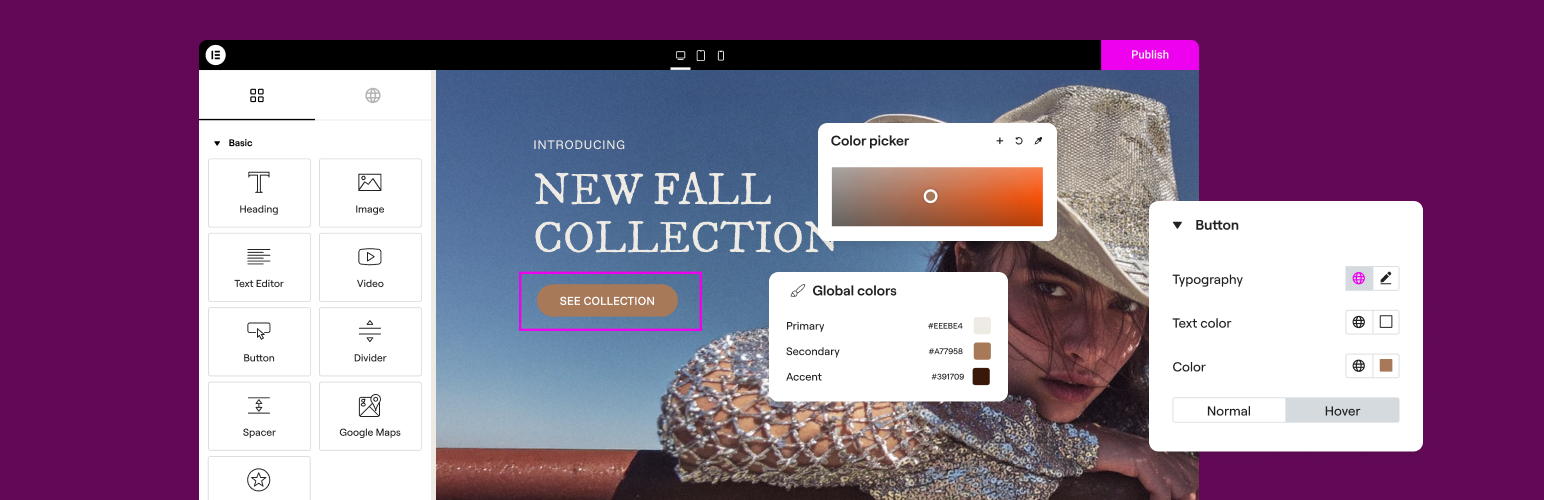
The Elementor Website Builder has it all: drag and drop page builder, Atomic Editor, pixel perfect design, glo...

The growing library of 300+ ready-to-use templates that work with all WordPress themes including Astra, Hello,...

Easy Drag & Drop Page Builder. A complete solution to create a WordPress Website, Custom Themes, Landing P...
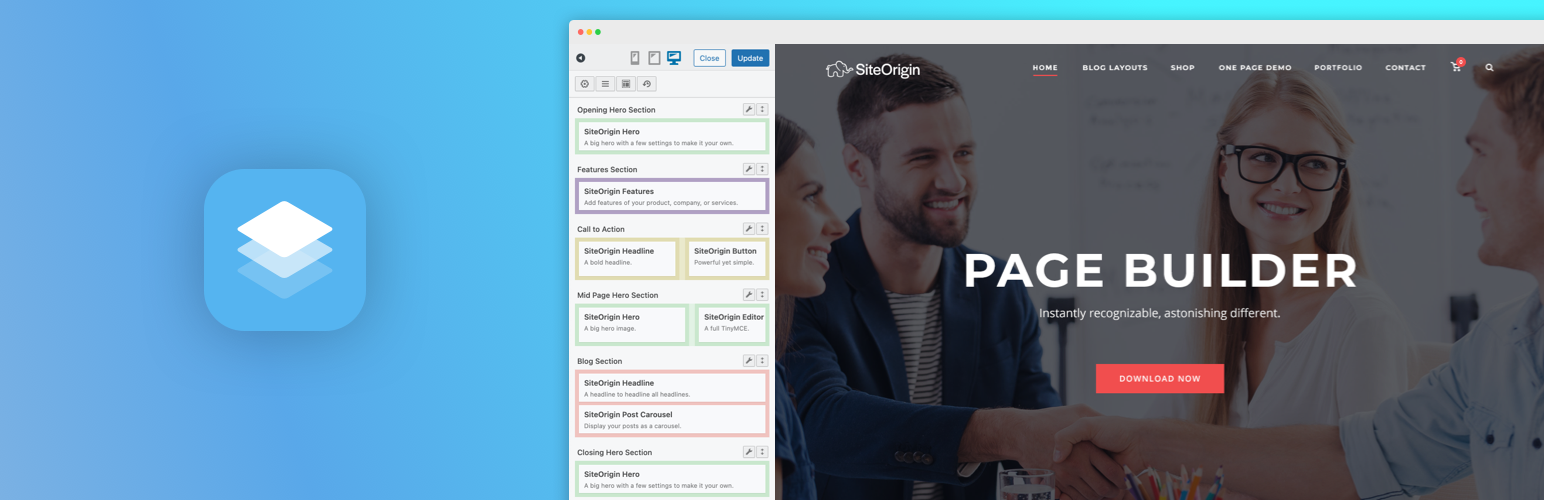
Build responsive page layouts using the widgets you know and love using this simple drag and drop page builder...
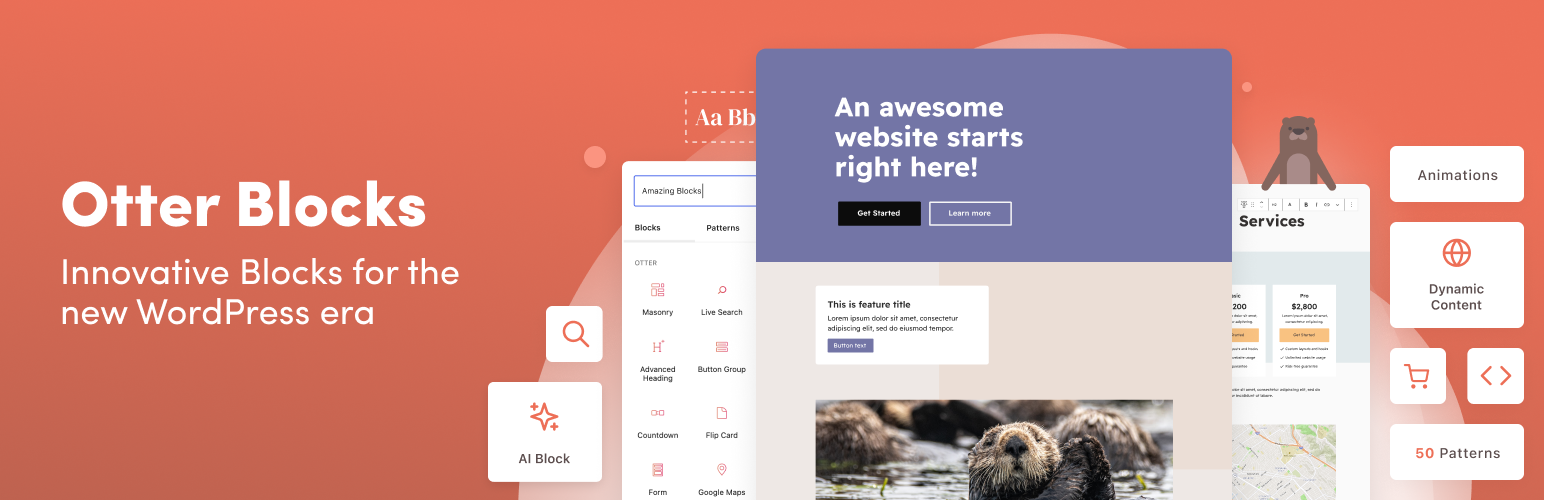
Quickly create WordPress pages with 20+ blocks, 100+ ready-to-import designs, and advanced editor extensions....